Embed forms on Notion
Paste the form's embed link into a Notion page, choose Create embed, and resize the frame to fit the column.
A Notion page can hold a form from Tinyform. Notion does not take a script, only an address, and the form's standard embed has one: copy it from the Share tab, paste it into the page, and Notion draws the frame around it.
That is the whole procedure. The rest of this page is the same steps with pictures, plus what to do about popups and about the background on a Notion-built website.
How it works
Embedding a form in Notion works the way embedding any other outside tool does: you paste a link and Notion turns it into an embed block. Build and publish the form first, add the link to the page, then drag the block's edges until the frame fits.
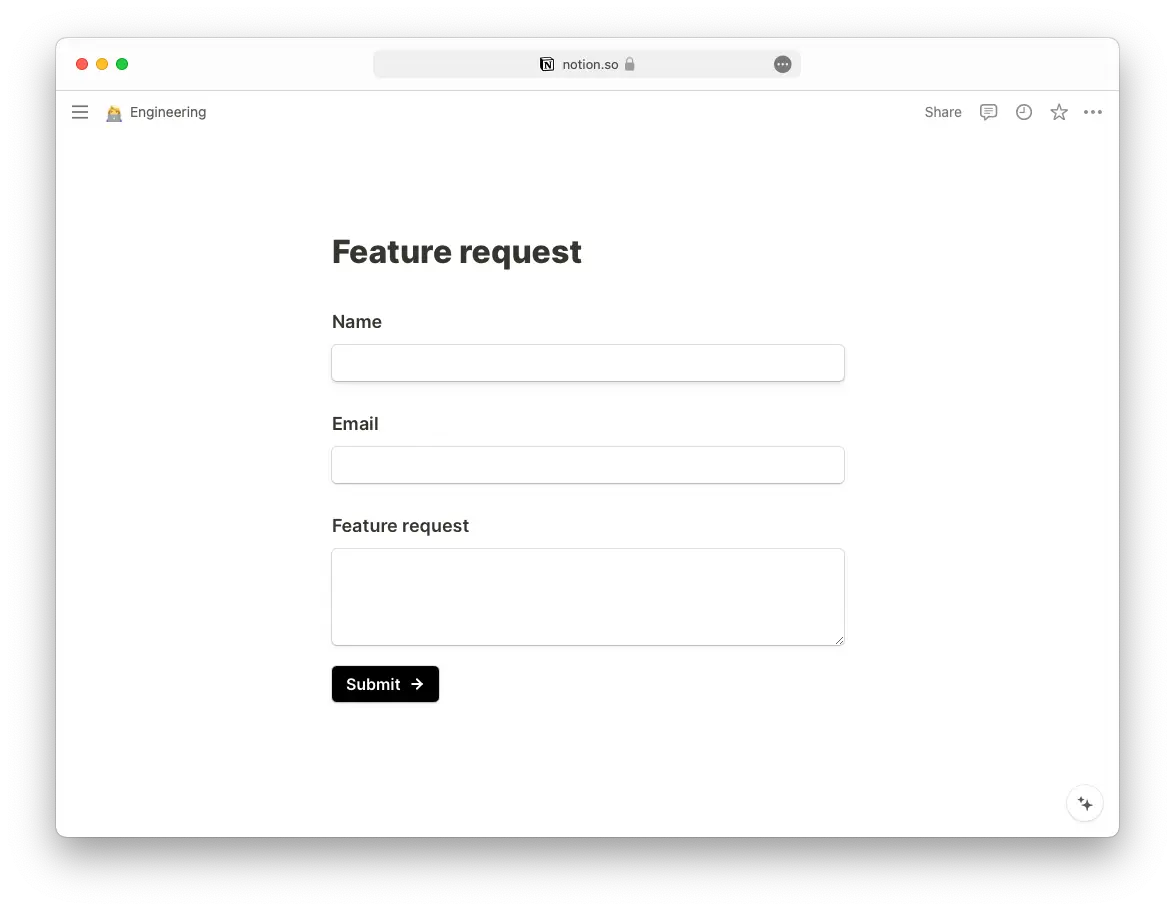
Embed a standard form in Notion
Publish the form
Build it at/forms/<id>/editand clickPublish.Open the Standard embed
Go to theSharetab and, underEmbed Form, chooseStandard.
Set the options
Adjust the switches to taste; Embed your form explains each one.Hide form titleis on by default, which suits a page where you write the heading yourself, or want none.Copy the link
PressCopy embed linkin the dialog (the same address sits underEmbed linkafterGet the code) and paste it into the Notion page. The address is the frame itself, of the shape/embed/<id>, with each switch you left on carried as a key in its query.
Create the embed
When Notion asks what to do with the pasted link, chooseCreate embed.
Resize it
Drag the edges of the embed block until the frame is the size you want.
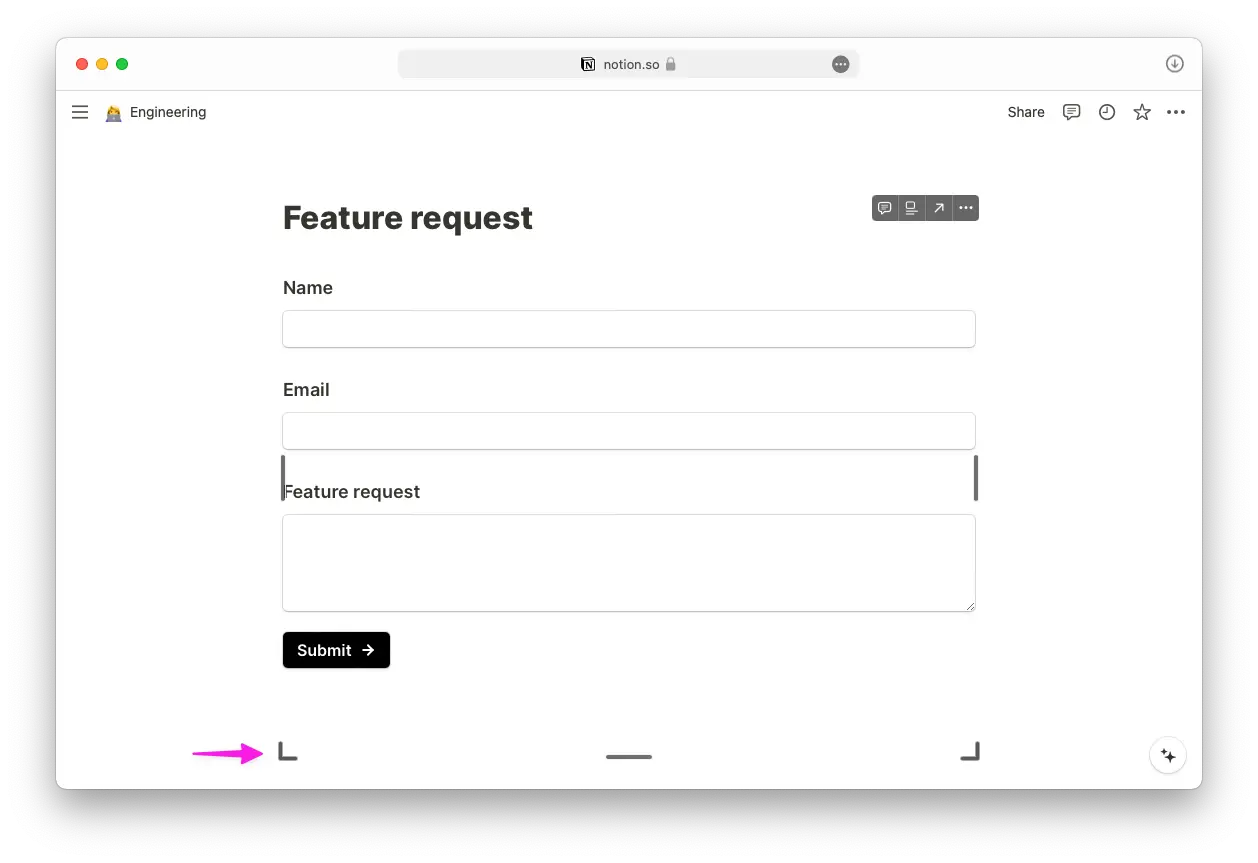
The form is now live inside the Notion page.
Embed a popup form in Notion
A popup needs the widget's script on the page, and Notion itself gives you no way to add one. It works on a Notion-built website through a tool that exposes the page's HTML; Add popup forms to Notion with Super walks through that.
Publishing the Notion page as a website?
Site builders that turn a Notion workspace into a website paint their own backdrop behind an embed, and a frame with Transparent background on shows that backdrop rather than the colour you expected. It does not show inside the Notion editor, only on the published site.
White background
If the site is white, turn Transparent background off in the embed options. The form then paints its own white surface and sits flush with the page.
Dark mode
There is no embed option that adapts the frame to the site's dark mode; the form draws the colours set in its own theme.
Back to Embed guides.