Control submissions data retention
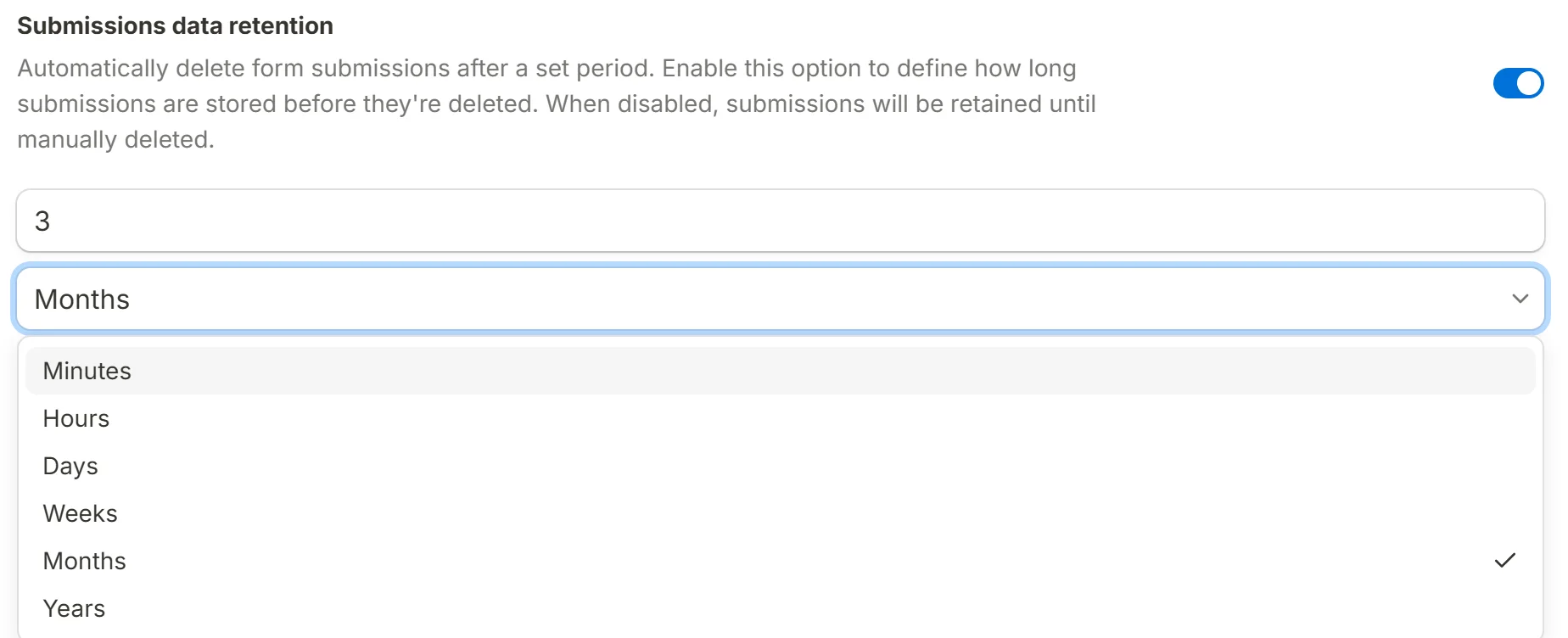
Delete a form's submissions automatically once they reach an age you choose, from minutes to years, to keep only the data you still need.
Submissions data retention deletes a form's submissions for you once they are older than a period you set. It is how a form that collects personal data keeps its promise about how long that data lives, without somebody having to remember to clear the table.
How it works
Every form has its own retention period, or none. The period is a number and a unit, from minutes to years, and a background sweep checks each form about once a minute and deletes the rows that have passed their age, a bounded batch at a time.
Partial submissions are included. A partial holds things a person typed and never chose to send, so it is the last row a retention promise should skip.
The form's response counter goes down by the completed rows removed, so the number on your dashboard keeps describing what is still stored.
Set up data retention
Open the General section
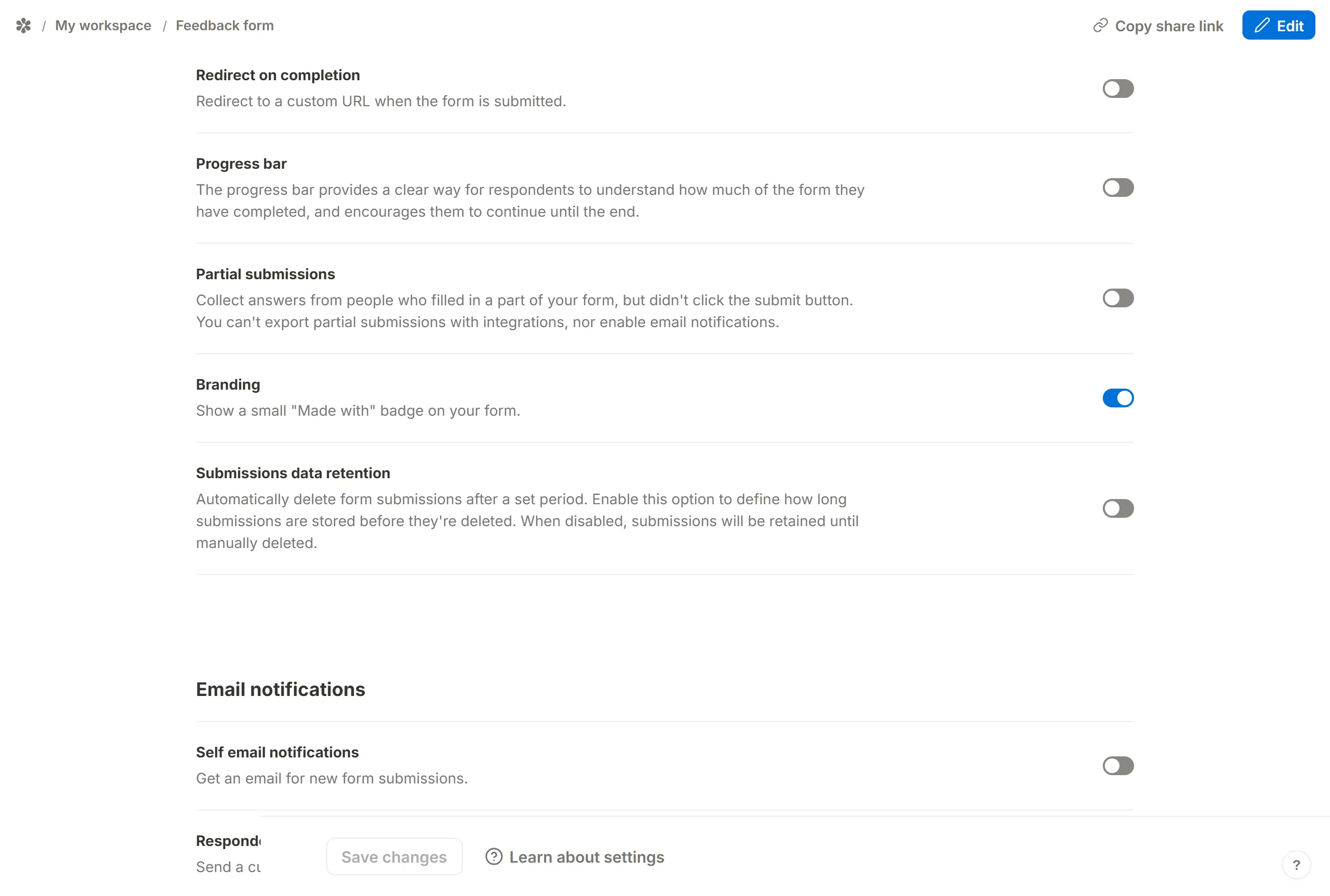
Go to the form'sSettingstab at/forms/<id>/settings.Submissions data retentionis underGeneral.Switch it on
The row reads "Automatically delete form submissions after a set period. Enable this option to define how long submissions are stored before they're deleted. When disabled, submissions will be retained until manually deleted."
Choose the period
Type the number in the first box (it starts at 90) and pick the unit underneath:
Minutes,Hours,Days,Weeks,MonthsorYears. A month or a year means the calendar's, not a fixed number of days.Save
Press
Save. The next sweep applies the period to every submission the form already holds, so a period shorter than the age of your oldest rows deletes those rows straight away.
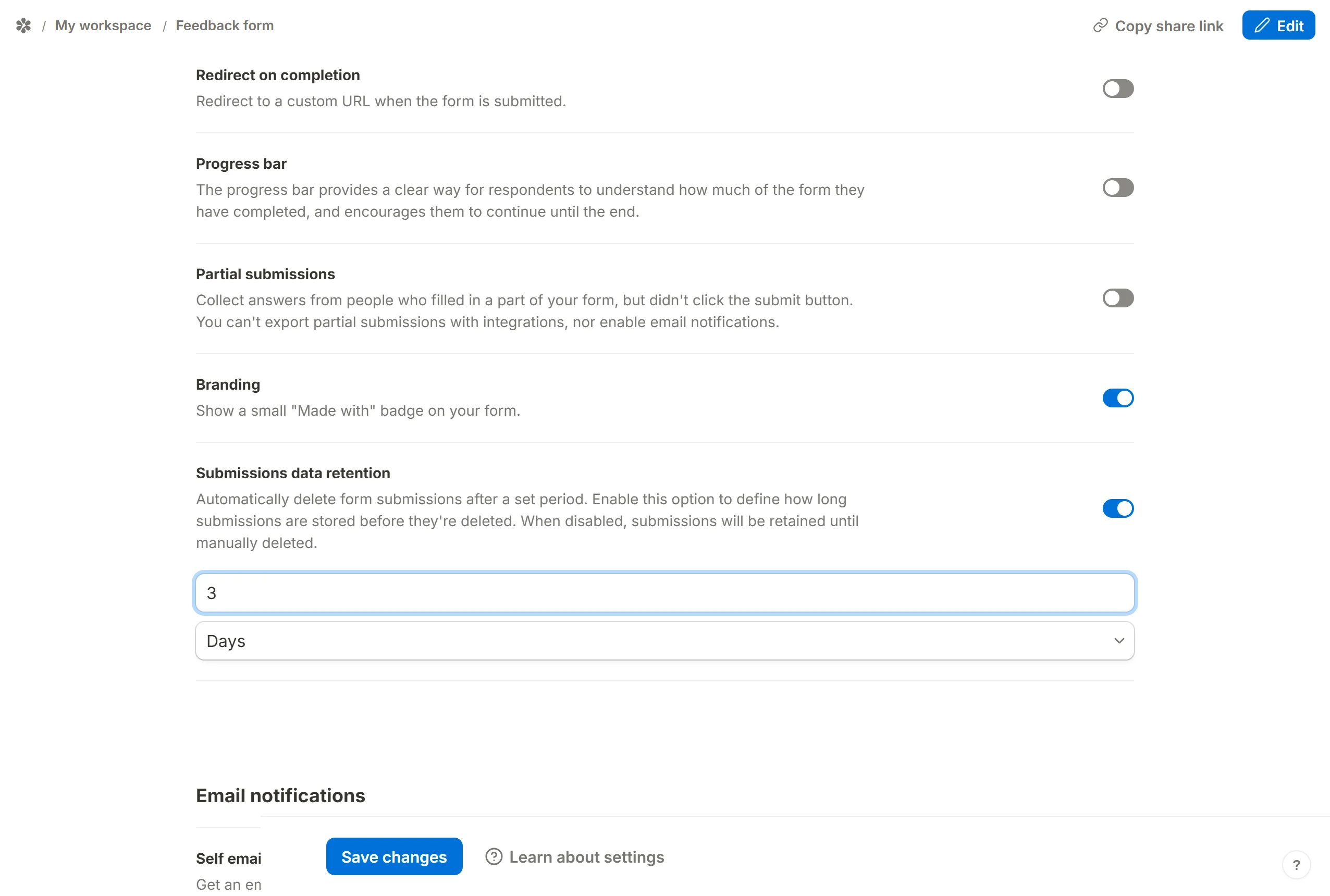
You can change the period at any time, form by form.
Disable data retention
Switch the row off and press Save. Submissions already deleted stay deleted; everything still stored, and every submission from then on, is kept until you delete it yourself from the Submissions tab or turn the setting back on.