Embed forms on Typedream
Add a form to a Typedream site with its /embed block: paste either the Standard snippet or the embed link from the Share tab.
Typedream takes an embed as either a link or a block of code, and the Share tab of a form built in Tinyform gives you both. No plugin is involved.
Publish the form
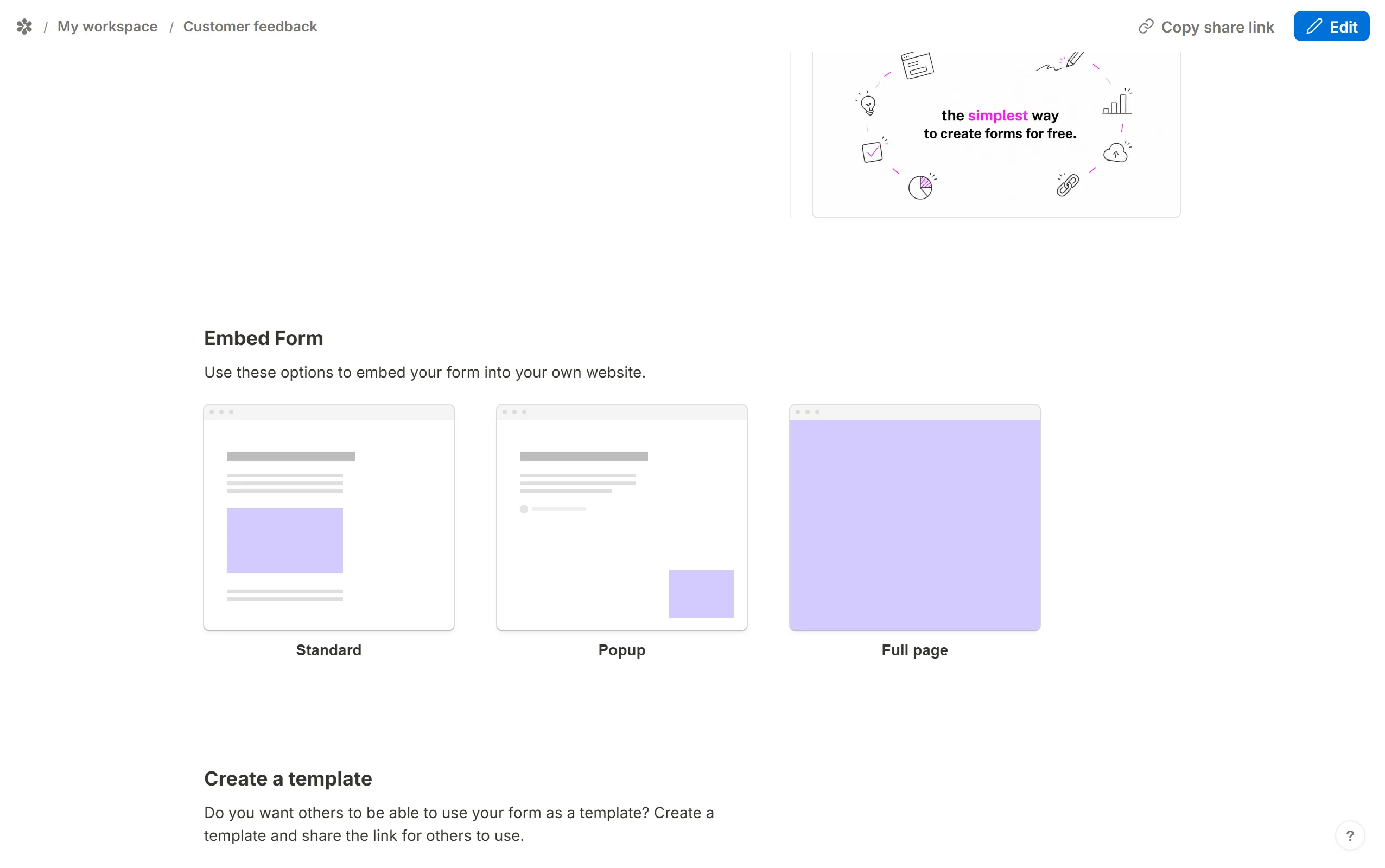
Build it at/forms/<id>/editand clickPublish.Open the Standard embed
Go to theSharetab and, underEmbed Form, chooseStandard.
Set the options
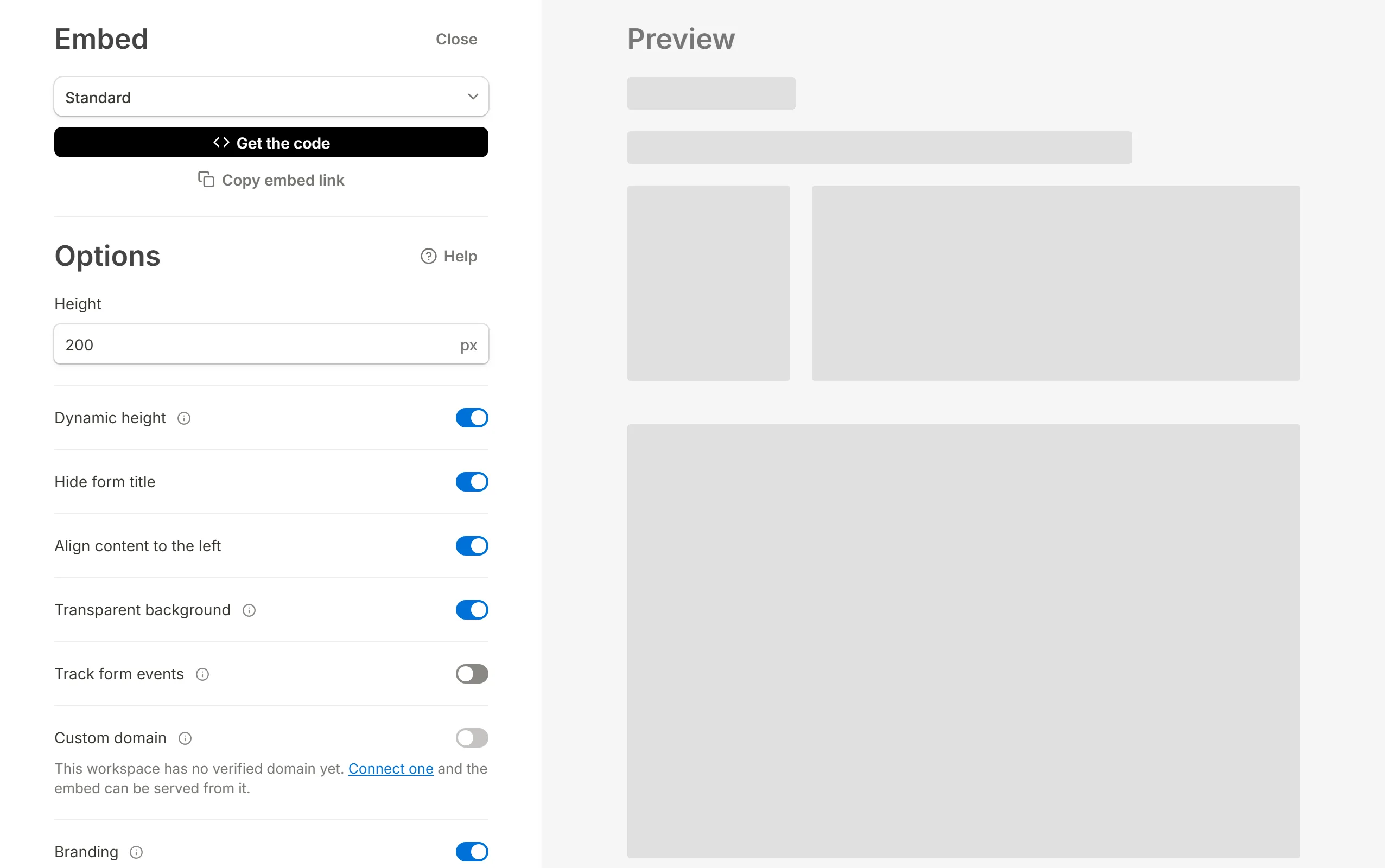
Adjust the switches.Dynamic height,Hide form title,Align content to the leftandTransparent backgroundare all on to begin with; Embed your form explains each one.
Copy the code or the link
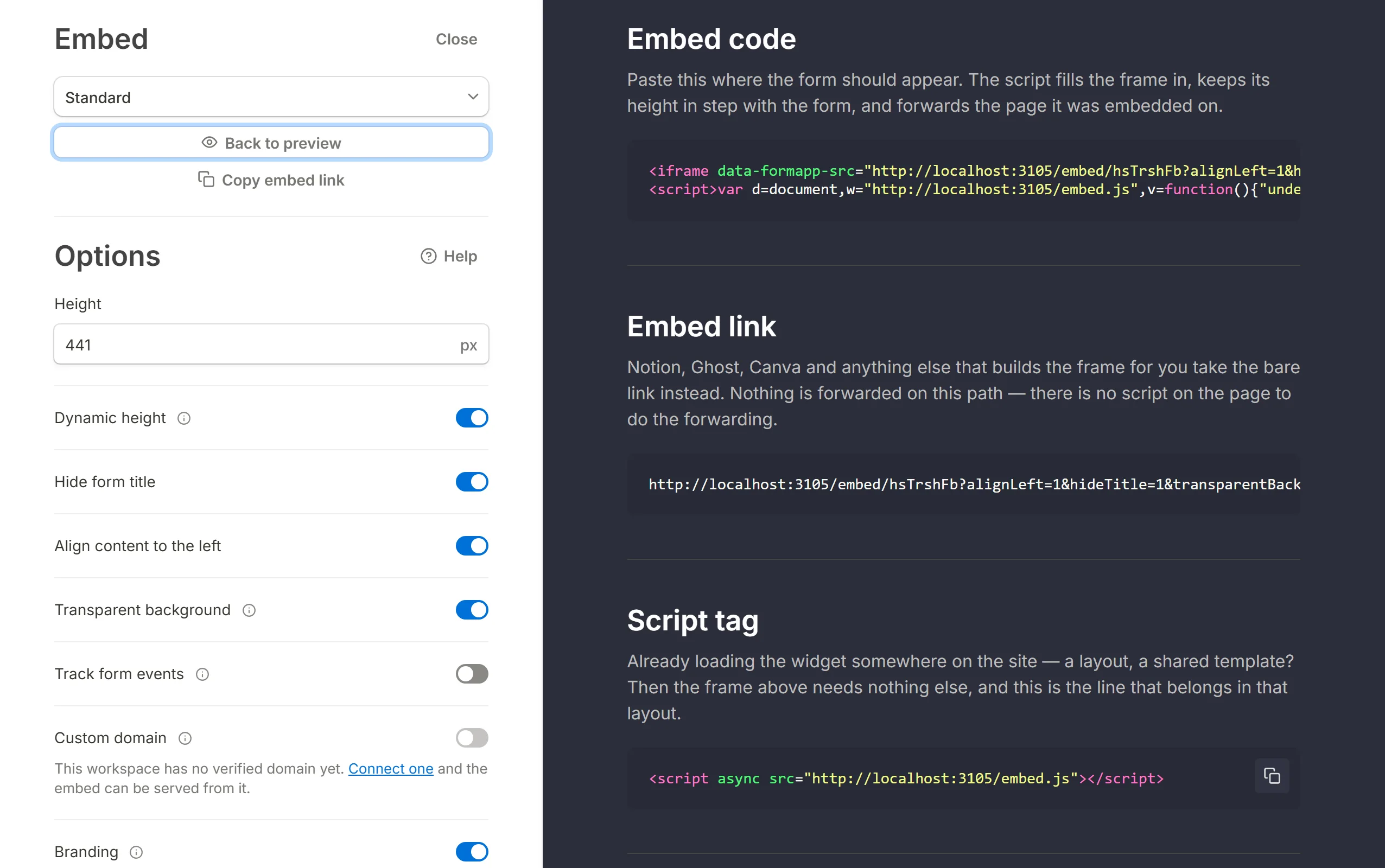
ClickGet the codeand copy the snippet from theEmbed codesection, or copy the address fromEmbed linkif you would rather paste a URL. The link is the frame itself,/embed/<id>, with the switches you left on carried in its query.
Add the embed in Typedream
Type/embedin the Typedream editor and picklinkorcode, whichever matches what you copied.Paste
Paste it in. The form is now on the page.
Back to Embed guides.