Date
Collect a date from a calendar, choose how it is written, disable past days or weekdays, and bound it to a range or a set of allowed dates.
The Date block asks for one date and hands the respondent a calendar to pick it from. It stores the answer in a single shape whatever the respondent's keyboard or locale, and its settings let you say which days may be chosen at all: nothing in the past, no weekends, only the next two weeks, only the dates you list. A booking form, an availability question or a deadline field is built on it.
Insert a Date block
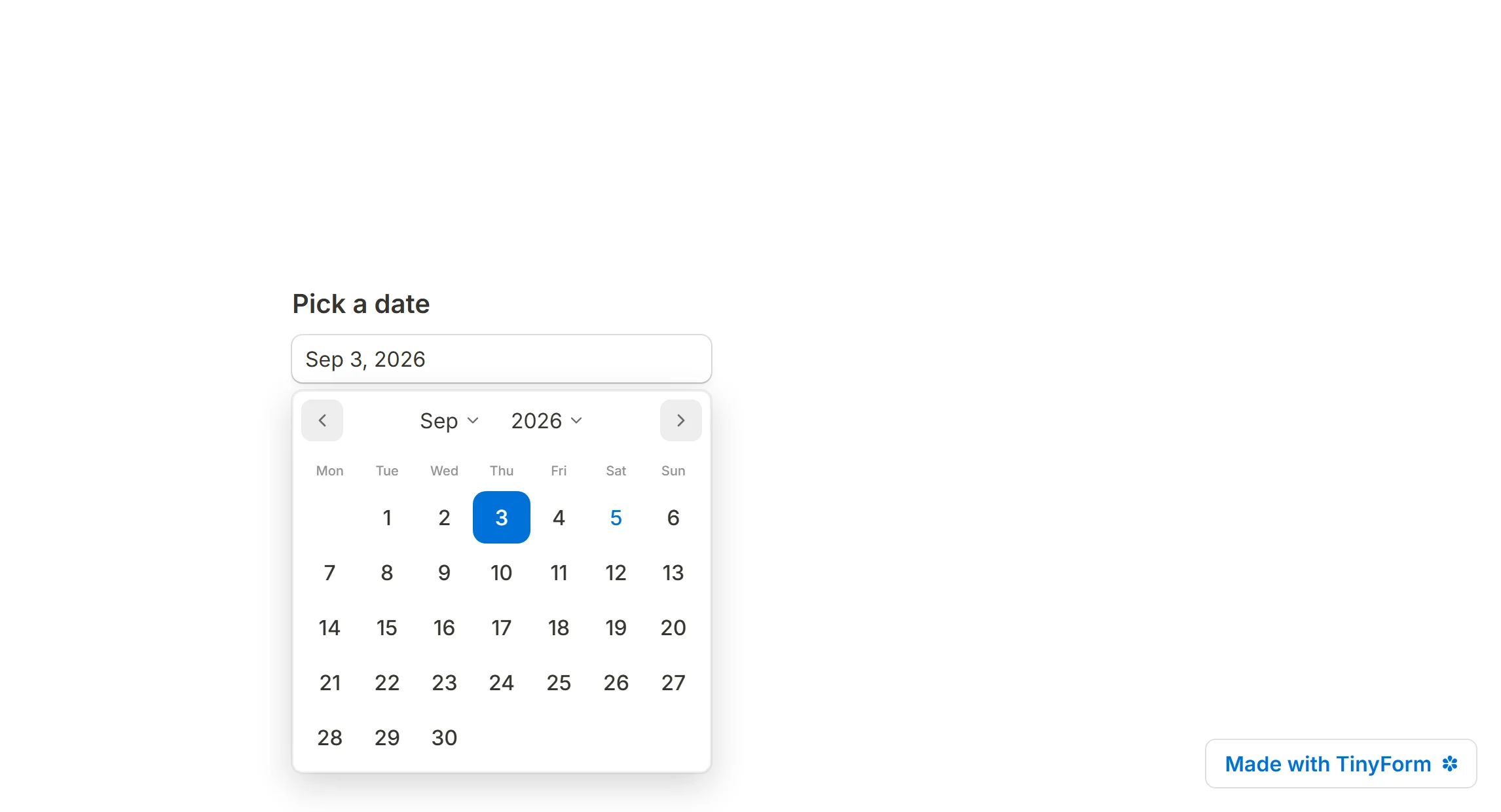
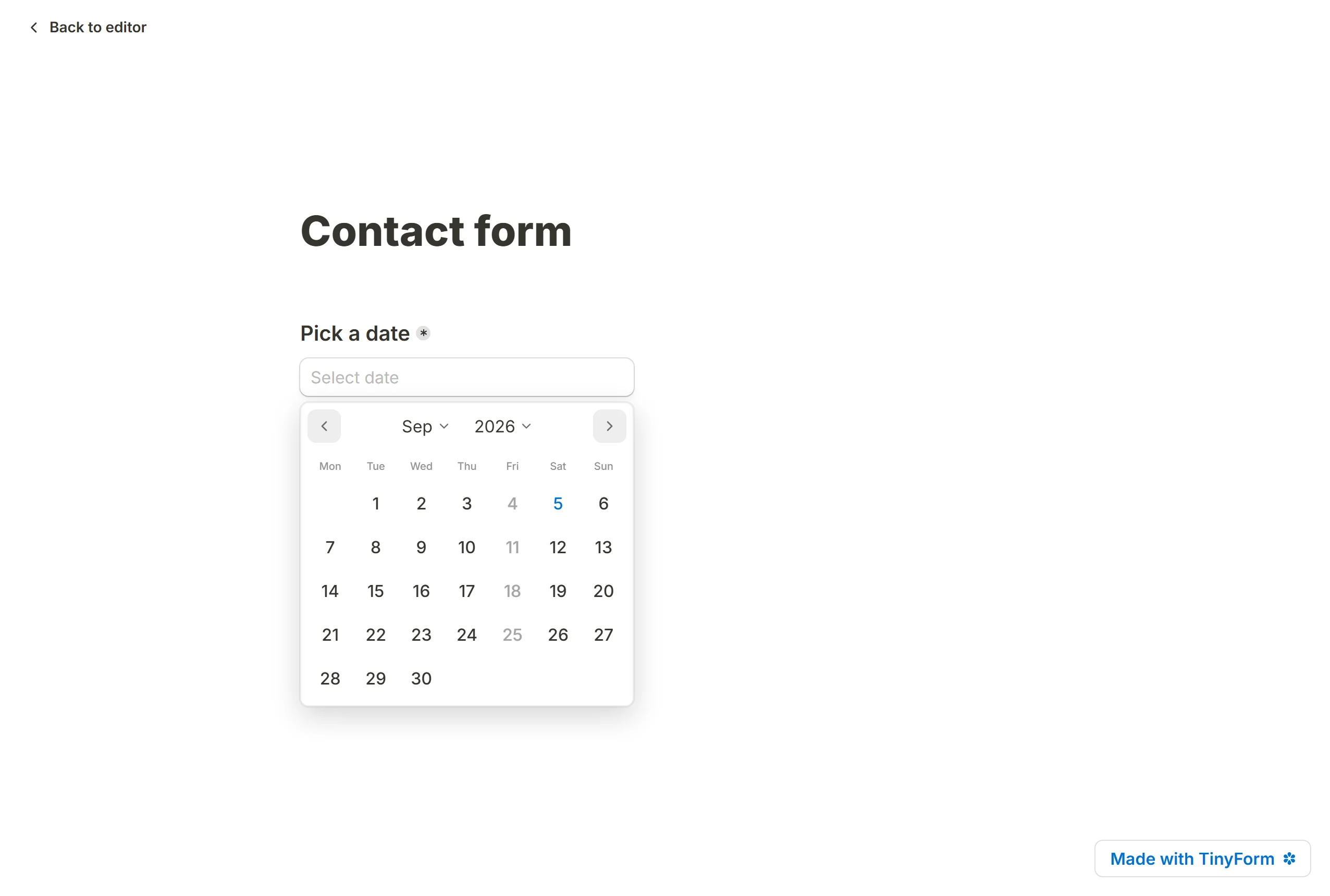
Open the insert menu with / and choose Date. On the published page the box reads "Select date" and opens a calendar on click. For a time of day there is a separate Time block.

Give it a question above the box, or click into the box and type a placeholder of your own.
Date settings
Open the settings from the handle at the block's left edge.
Add a default answer
Default answer opens the form with a date already in the box. Pick one from the calendar, or choose Today under Date utilities so the box always opens on the day the respondent arrives. The menu also offers hidden fields and other fields, for a date that travels in on the link. See Pre-populate form fields.
Change format
Format decides how the date is written in the box once chosen. Full date is the default; the others are:
Month/Day/YearDay/Month/YearYear/Month/DayDay.Month.YearYear-Month-Day
The format changes what the respondent sees in the box; the stored answer stays the same whichever you pick.
Start week on sits further down the panel and sets the calendar's first column, Monday by default.
Enable or disable specific dates
Two groups of settings narrow what the calendar offers.
Disable days greys out whole classes of day: In the past, In the future, and any weekday from Mondays to Sundays. Turn on Saturdays and Sundays and the calendar takes weekdays only.
Below it, one bound at a time:
After daterefuses everything before the day you pickBefore daterefuses everything after itDate rangeaccepts a start and an end and nothing outside themSpecific datesaccepts only the days you tick on the calendar
Picking a day under one of these replaces whichever bound was set before, so a block never carries two bounds that disagree. A respondent who types a date outside the bound sees "Date should be minimum", "Date should be maximum" or "Date should be between" with the limits, when they press Next or Submit.
View dates
Each answer appears in the form's Submissions tab and in the CSV export. A rule can read a Date answer too, with Is before and Is after. See Conditional logic.