Pre-populate form fields
Fill a question in before the visitor arrives: a fixed default answer, a value copied from another field, or data passed in through the link.
If you already know a visitor's name, email or rating, there is no reason to make them type it again. A question in Tinyform can open with an answer already in it: a value you wrote, the answer to another question, or something the link carried in through a hidden field.
Add a default answer
Every question except a file upload, a signature and a matrix takes a default answer. If the visitor submits without changing it, the default is what lands in the submission.
Open the block settings
In the editor at/forms/<id>/edit, hover the question and click the handle in its left margin.Turn on Default answer
Switch onDefault answer. A box labelled "Prefilled value" appears.Type a value or pick a source
Type the value, or open the picker on the right. It offersDate utilities(Today),Input fields,Calculated fieldsandHidden fields. The × clears a picked source;Clear default answerempties the row.

A default that points at another field follows that field live: the box opens empty, fills in as the source is answered, and stops following the moment the visitor types into it.
Preselect a multiple choice, multi-select, dropdown, or checkbox
Add a multiple choice, multi-select, dropdown or checkboxes question, open its settings and turn on Default answer. Then either:
- type the option's text into the box, or
- pick another field whose answer will be one of the options.

On a question that accepts several answers (checkboxes, multi-select), separate the options with commas to preselect more than one.

On a ranking question the same rule puts the named option at the top of the list.
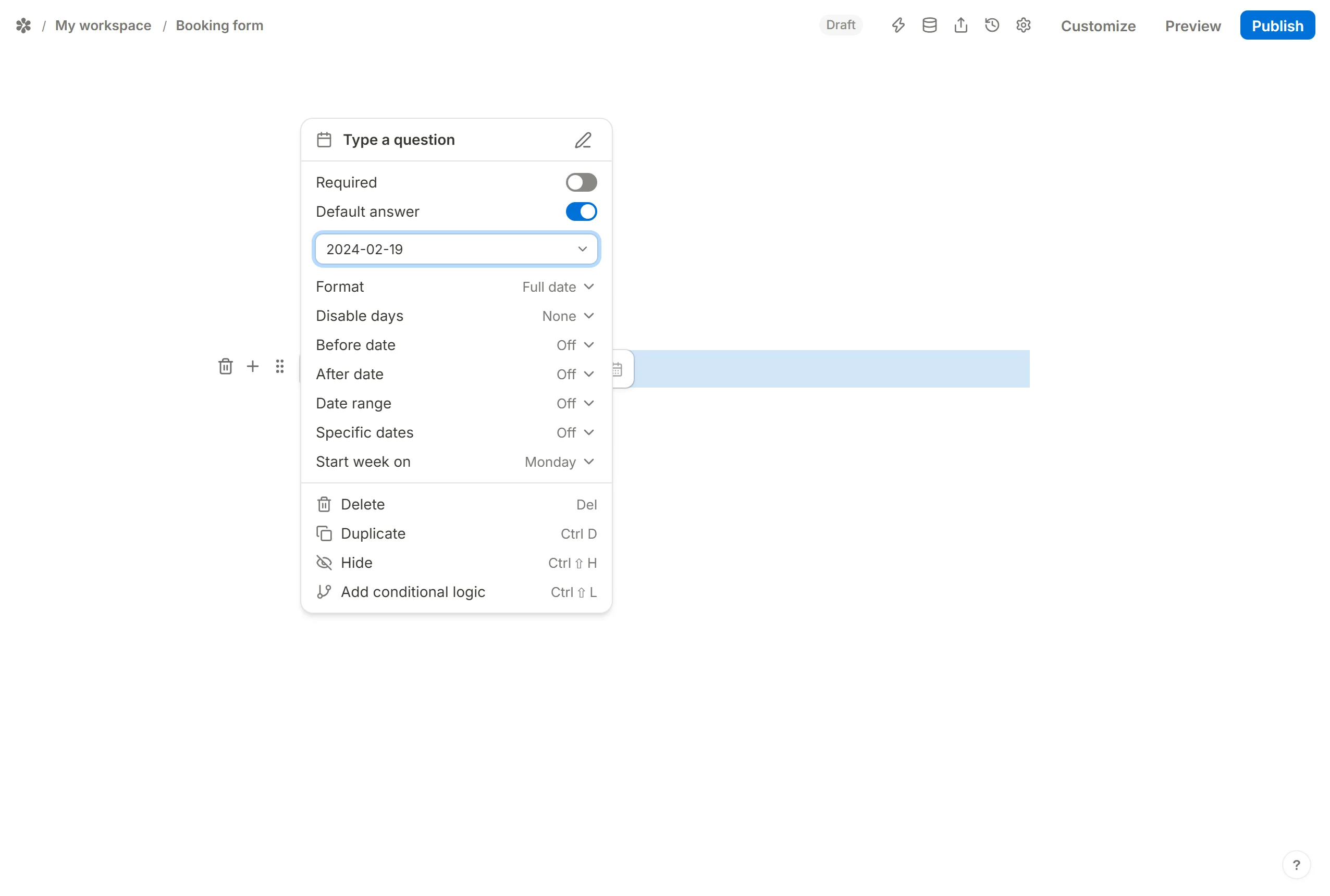
Pre-fill a date block
A date default is written as year, month, day with dashes: 2024-05-24 for May 24th, 2024. The picker's Date utilities group offers Today, which resolves on the day the form is opened; @today+7 and @today-3 shift it by a number of days.
Pre-fill a time block
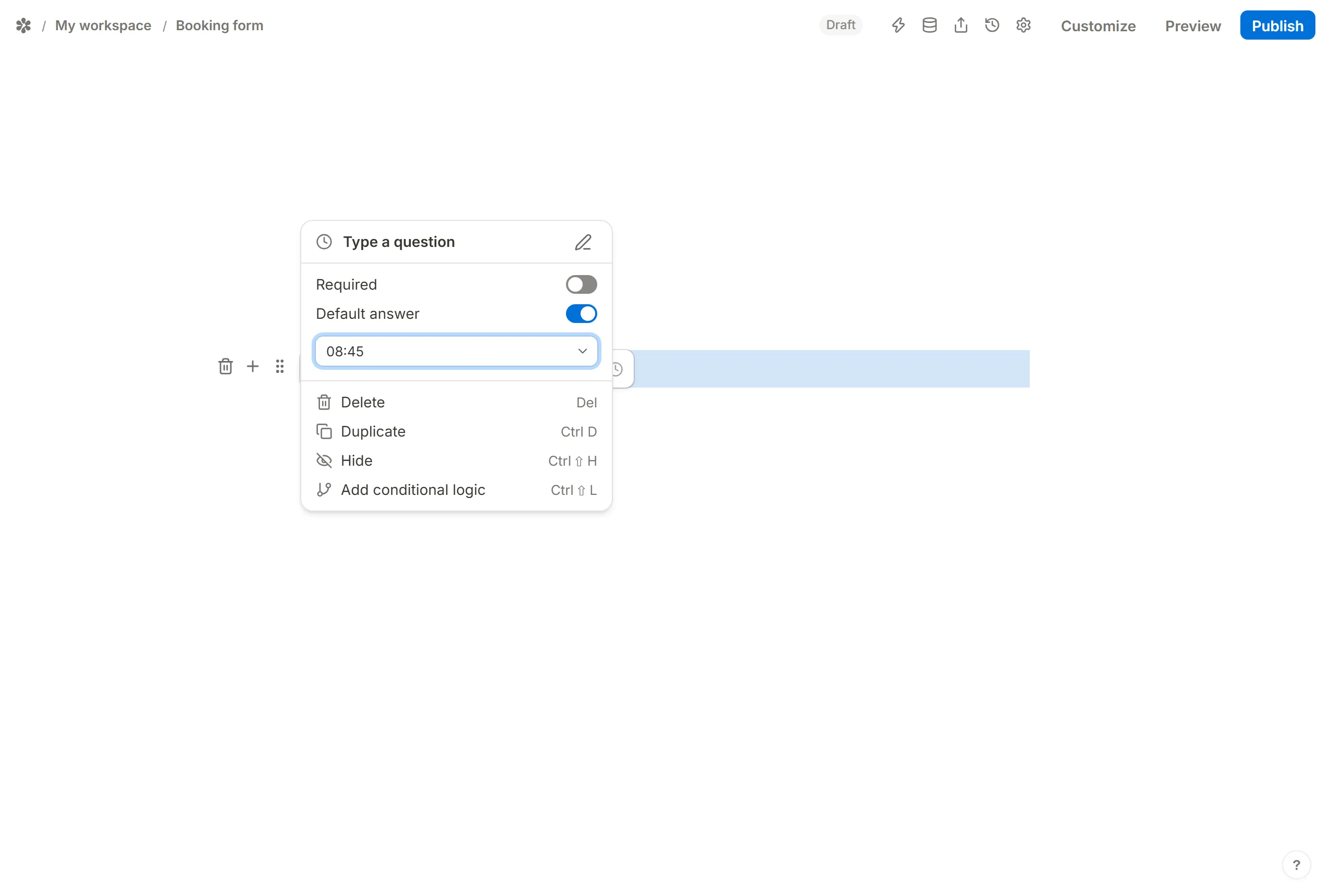
A time default is written on the 24-hour clock as HH:MM, for example 13:30.
Pre-fill a rating

For a rating question the default is a number: the count of stars that should already be lit.
Pre-fill questions with hidden fields
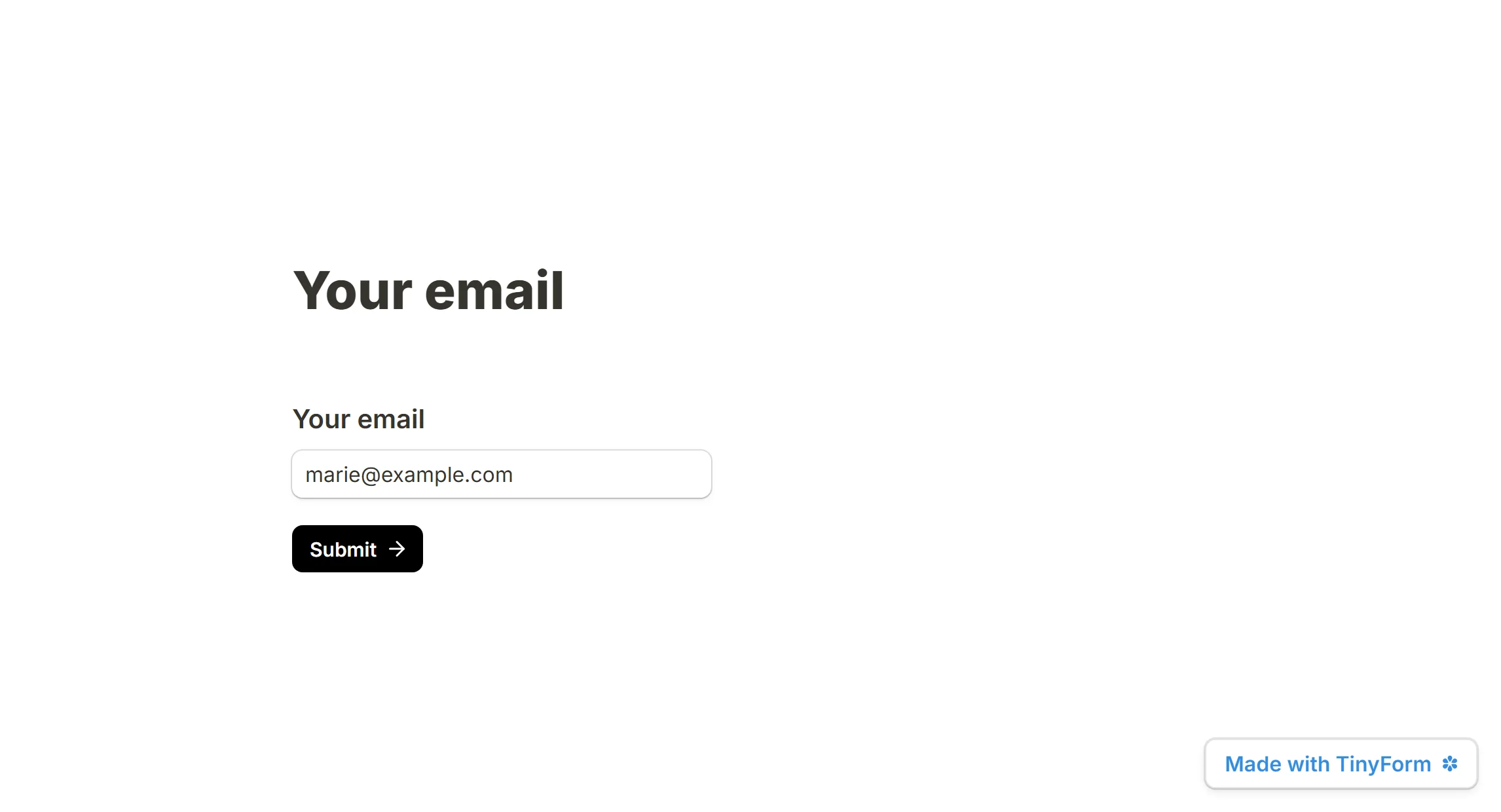
A hidden field reads a value off the form's own link: name a row email, open the form as /r/<id>?email=…, and the row holds whatever followed the equals sign. Point a question's default answer at that row and the visitor sees it filled in.
This is the route for pre-filling from a link. A query parameter named after a visible question does nothing on its own; it has to pass through a hidden field.
Example 1: Pre-populate an email field with a hidden field
Add the question
Insert anEmailquestion titled "Your email".Add the hidden field
Insert aHidden fieldsblock and name a rowemail.Link the two
Open the email question's settings, turn onDefault answer, open the picker and chooseemailunderHidden fields.Build the link
Append?email=xxxxto the form's address, replacingxxxxwith the address you know, or with the merge tag your mailing tool substitutes per recipient.Share it
Anyone opening that link finds the question already answered.
Example 2: Collect feedback in an email and redirect to a prefilled form
Suppose your newsletter asks one question with three answers, and each answer is a link to a form where that answer is already selected.
- Write the question in the newsletter with the answers your readers can click.
- Build a form with a multiple choice question carrying the same options (Awesome, Good, Bad), and a hidden field named
rating. Add rows namedemailornametoo if you want to know who answered.
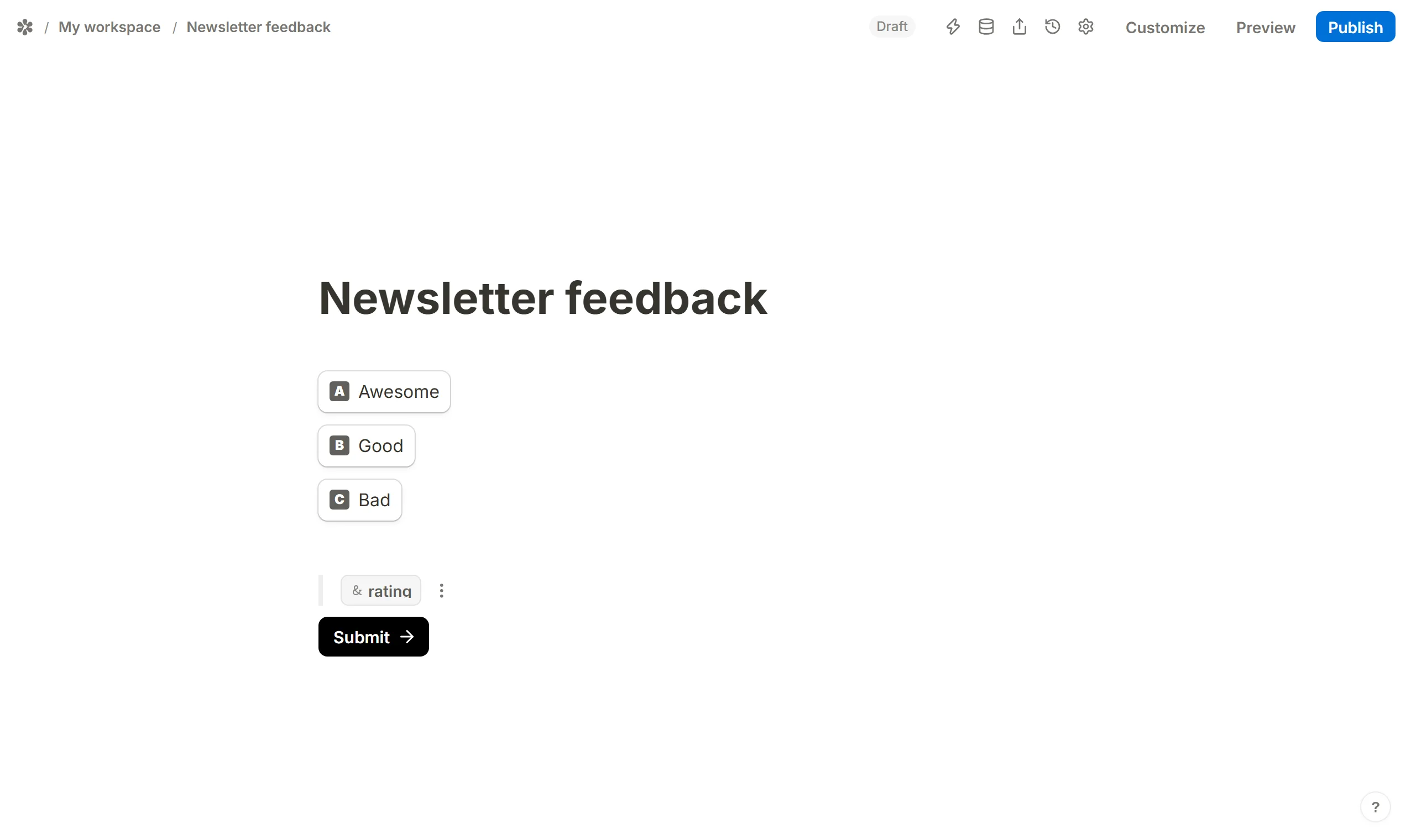
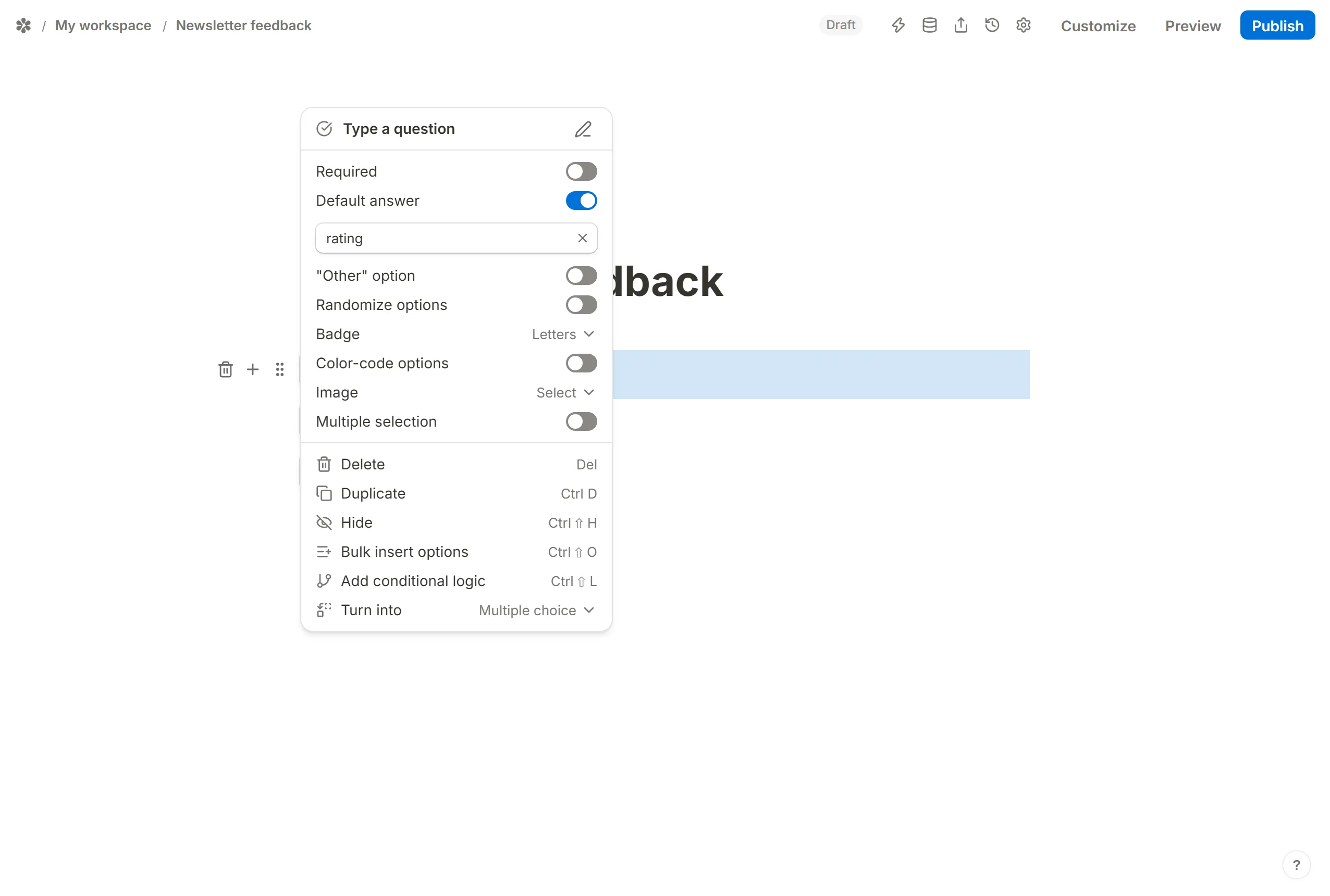
- Open the multiple choice question's settings, turn on
Default answerand pickratingfrom the hidden fields. Publish the form and copy its link.
- Give each answer in the newsletter its own link:
?rating=Awesome,?rating=Good,?rating=Bad. To identify the reader, add&email=xxxwith your mailing tool's merge tag in place ofxxx.
When a reader clicks, the form opens with their choice already selected and only the submit button left to press. The hidden values travel into the submission with the answers, and show up under the row's name in Submissions, Insights and the CSV.