Partial submissions
Keep the answers of people who started your form and never pressed submit, read them in their own Submissions filter, and export them as CSV.
A partial submission is what a respondent had answered when they left without pressing the submit button. With the setting on, Tinyform keeps those answers, so a lead who abandoned the form on page three is not lost, and you can see which question people give up at.
Looking for the other side of this, where the respondent can leave and come back to finish? That is Save answers for later in the form's settings. Partial submissions is separate: it lets you see incomplete fills in your own Submissions tab.
Enable partial submissions
Open the form's Settings tab at /forms/<id>/settings. Under General, switch on Partial submissions. The row describes itself: "Collect answers from people who filled in a part of your form, but didn't click the submit button. You can't export partial submissions with integrations, nor enable email notifications."
Collection starts when you save with the switch on. Nothing from before that moment is recoverable, because nothing was stored.
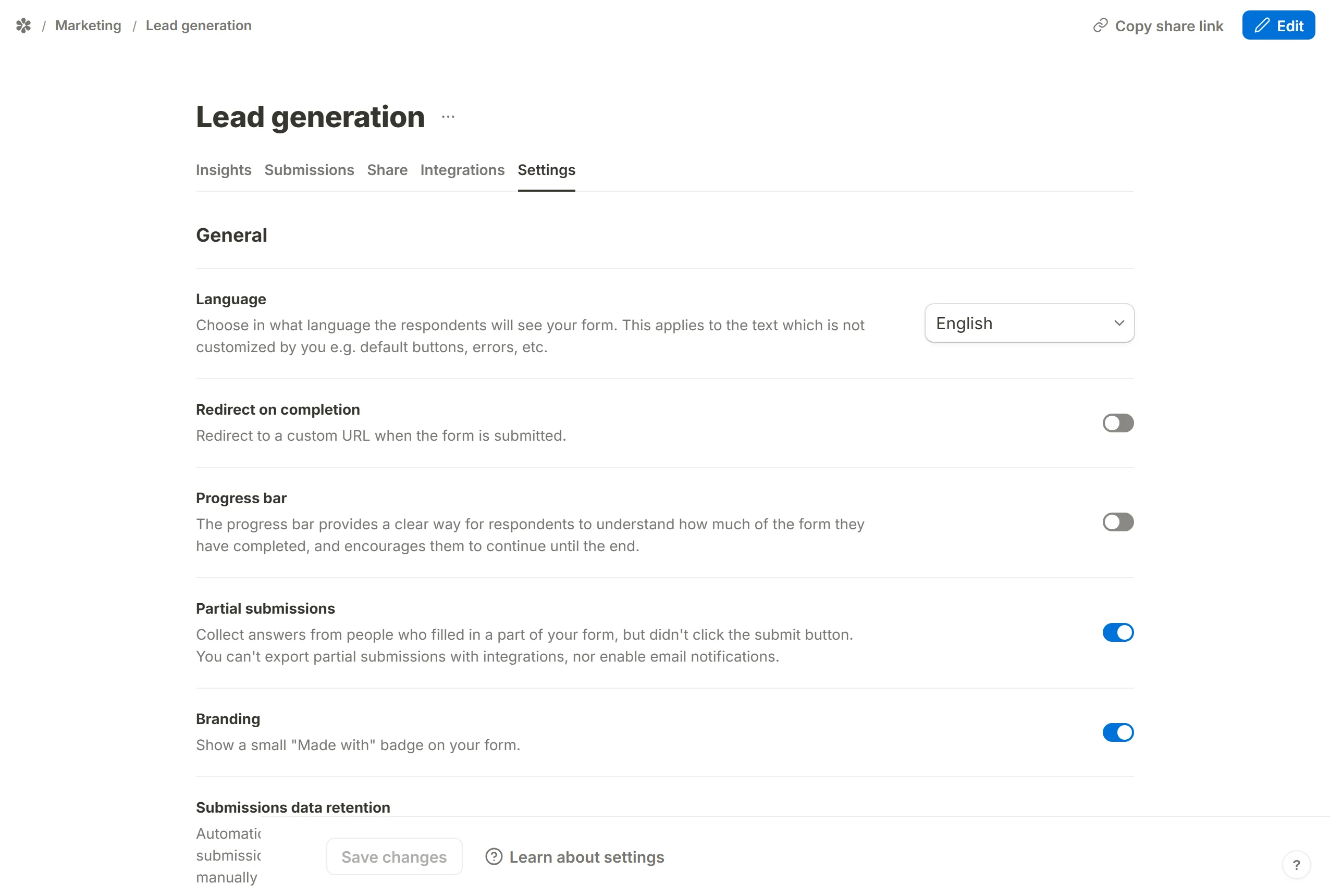
What gets captured
The published page waits until the respondent has stopped for a moment (a little over a second) and then sends whatever has been answered so far. Each later pause updates the same record, and if the person eventually submits, that record becomes the completed submission; a partial and the response it turns into are one row that changes status, never two rows.
Some things are never kept: a signature (a mark somebody makes to commit, and they did not) and a file upload (half an upload is nothing to keep). The capture is also bounded in size, so a very long free-text answer may be cut short in the partial and complete in the final submission. Opening the form and answering nothing leaves no record at all.
View partial submissions
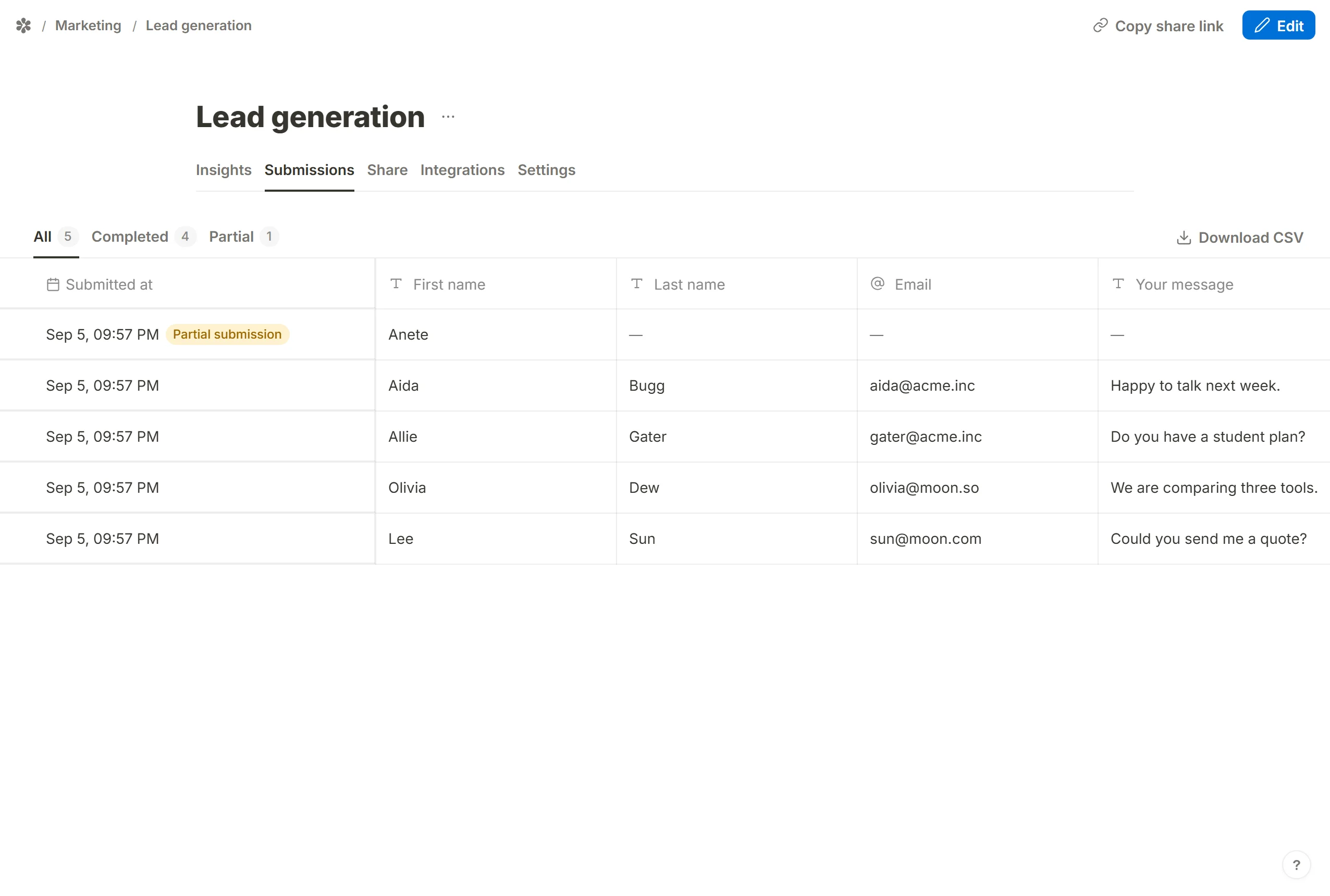
Partials are not part of the Insights tab. Go to the form's Submissions tab, where the All filter lists every row, completed and partial together, and a partial is marked with its own icon.
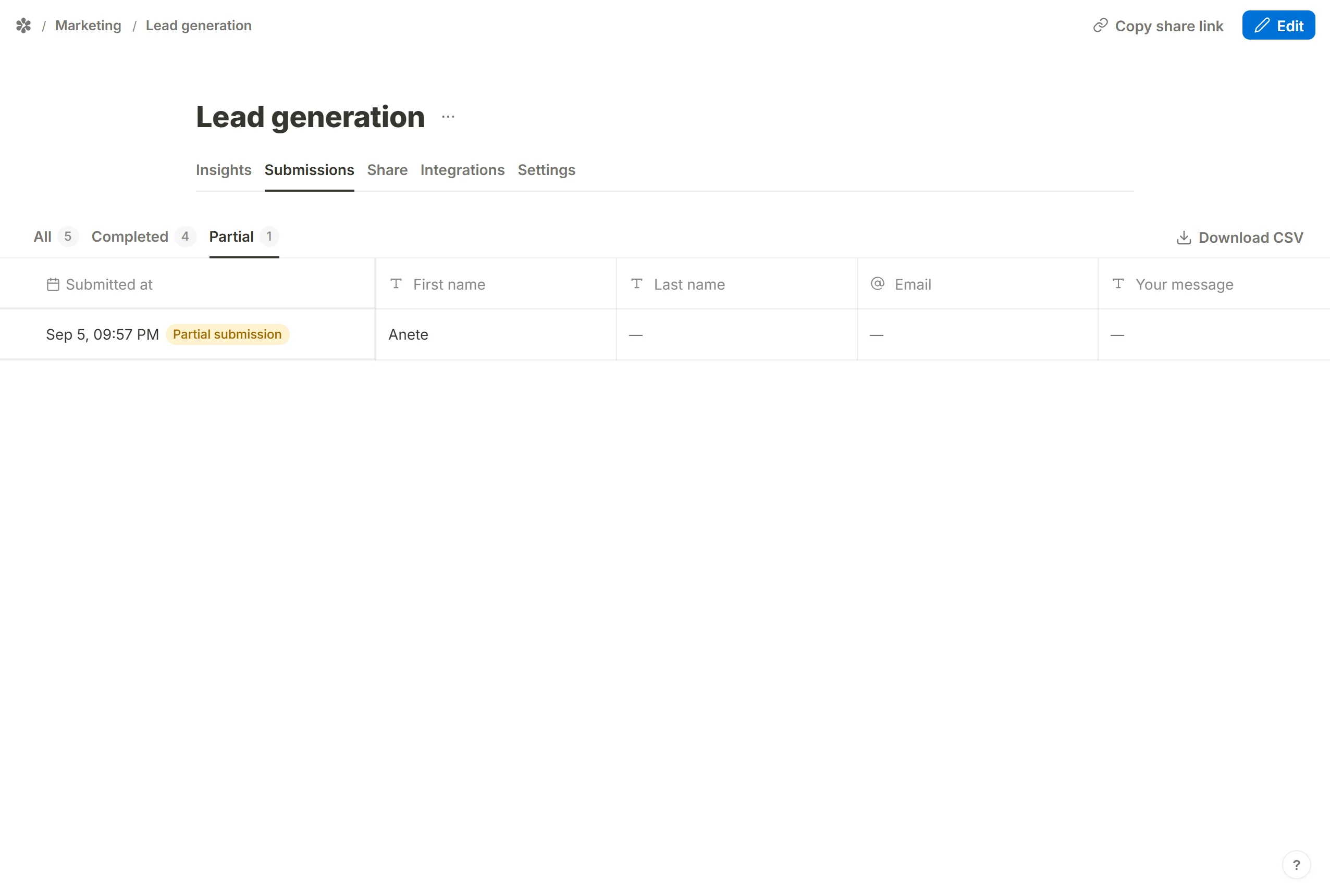
To see only the incomplete ones, use the Partial filter, at /forms/<id>/submissions/partial. The count beside it is live.
Partial submissions and integrations
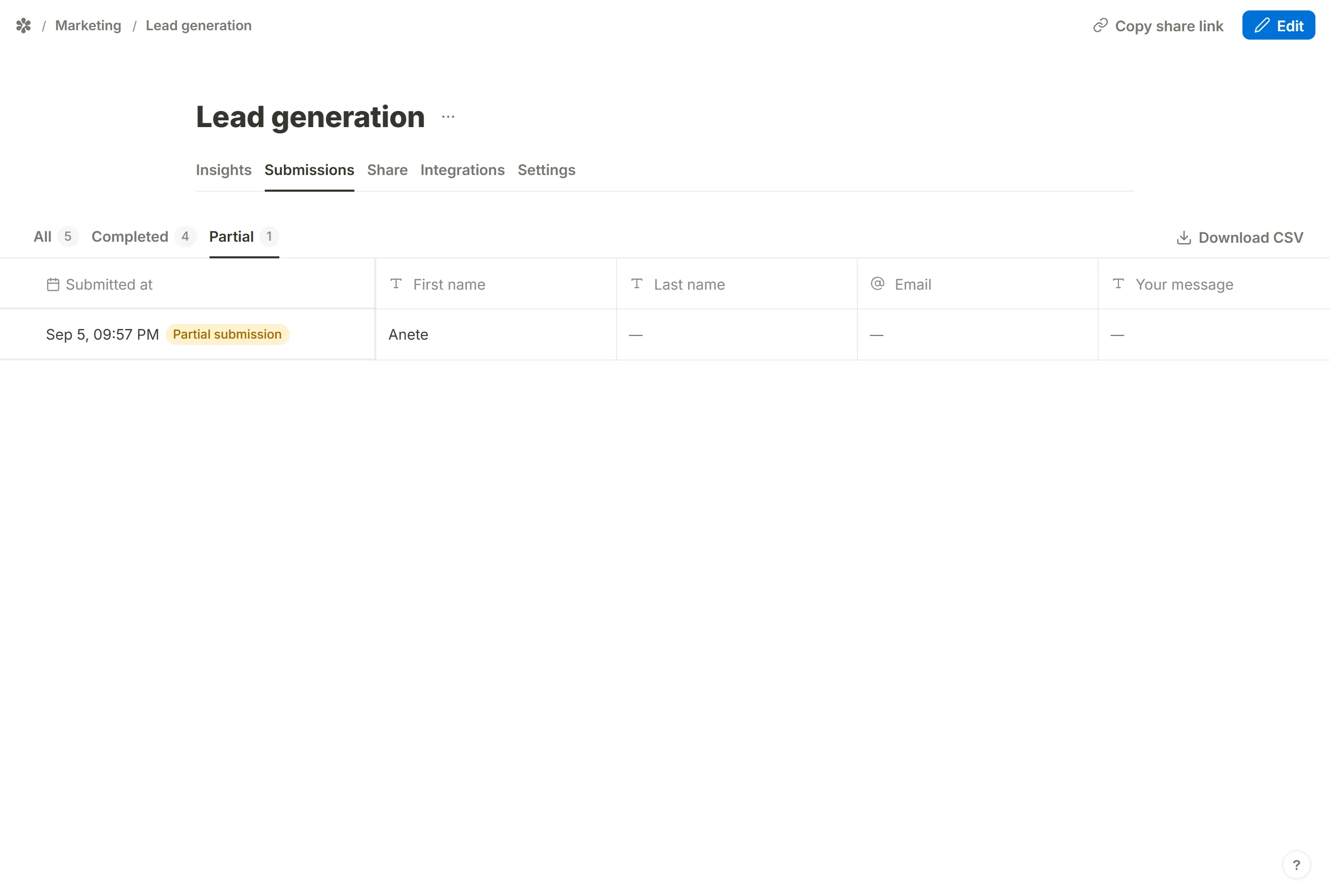
A partial does not leave the app on its own: no notification email, no webhook delivery. To get them out, open the Partial filter and press Download CSV. The file carries a Status column, so an export of the All filter also tells a completed response apart from an abandoned one.
The REST API can list them too, with ?filter=partial on a form's submissions endpoint.
Frequently asked questions
Do partial submissions count toward my response numbers?
No. The response counter, the dashboard's counts and the Insights tab only count completed submissions.
Are partial submissions deleted by data retention?
Yes. A retention period applies to every row of the form, partials included, since a partial holds things a person typed and never chose to send.
Can I delete a partial submission?
Yes, the same way as any other row: select it in the Submissions table and delete it.