How to name question fields
Give every question a name that reads well in Insights, the Submissions table, the CSV and webhook payloads, and rename a column without changing the form.
Every question in a Tinyform form has a name, and that name is the column head wherever its answers are shown: the Insights tab, the Submissions table, the CSV export and the webhook payload. A question with no name is listed as untitled, and a table of untitled columns is hard to read, search or map into another tool. This page is about where a name comes from and how to change it.
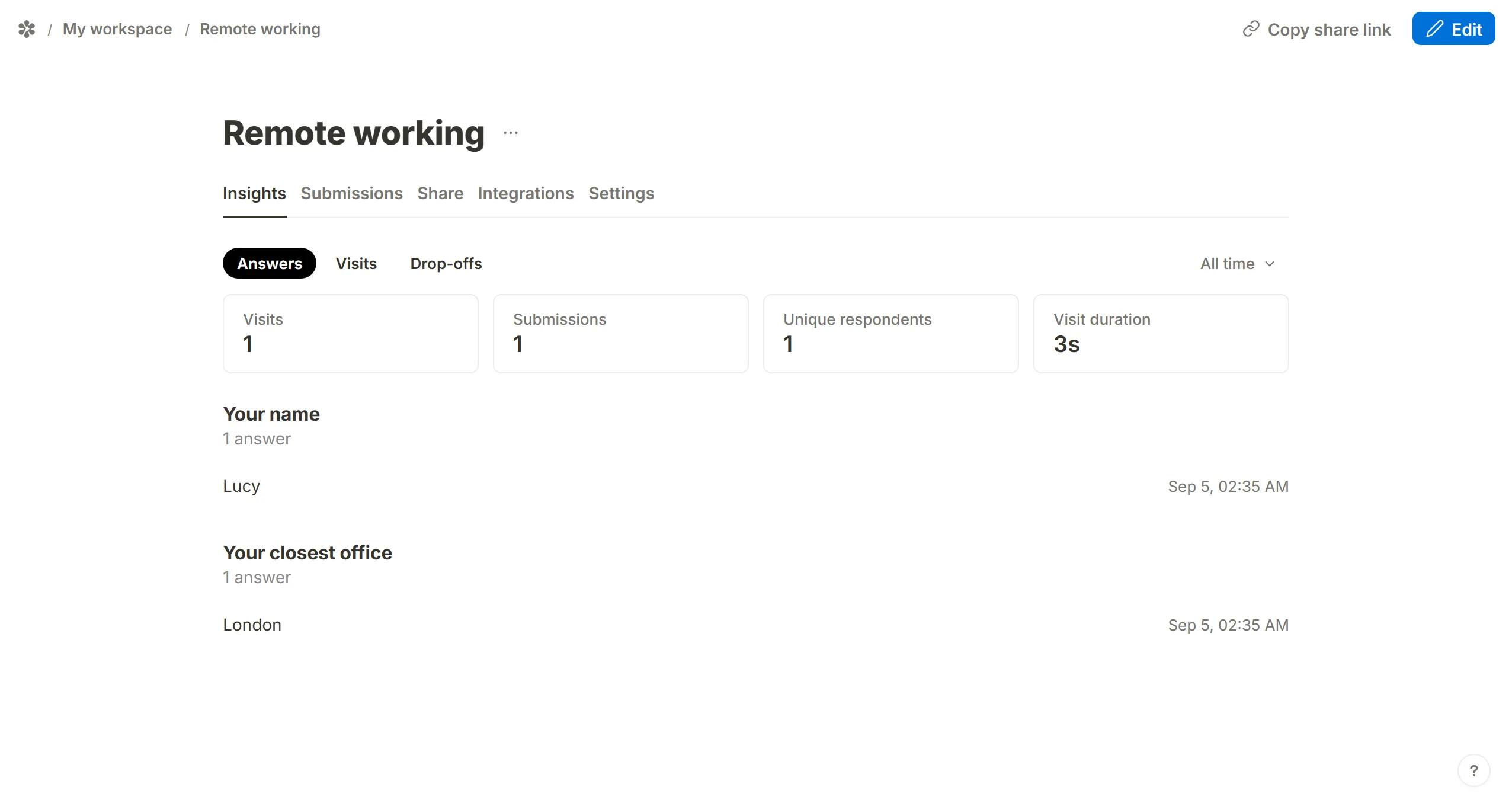
In the example below the questions are worded "Your name" and "Your closest office". After the first submission, Insights lists the answers under those two names.
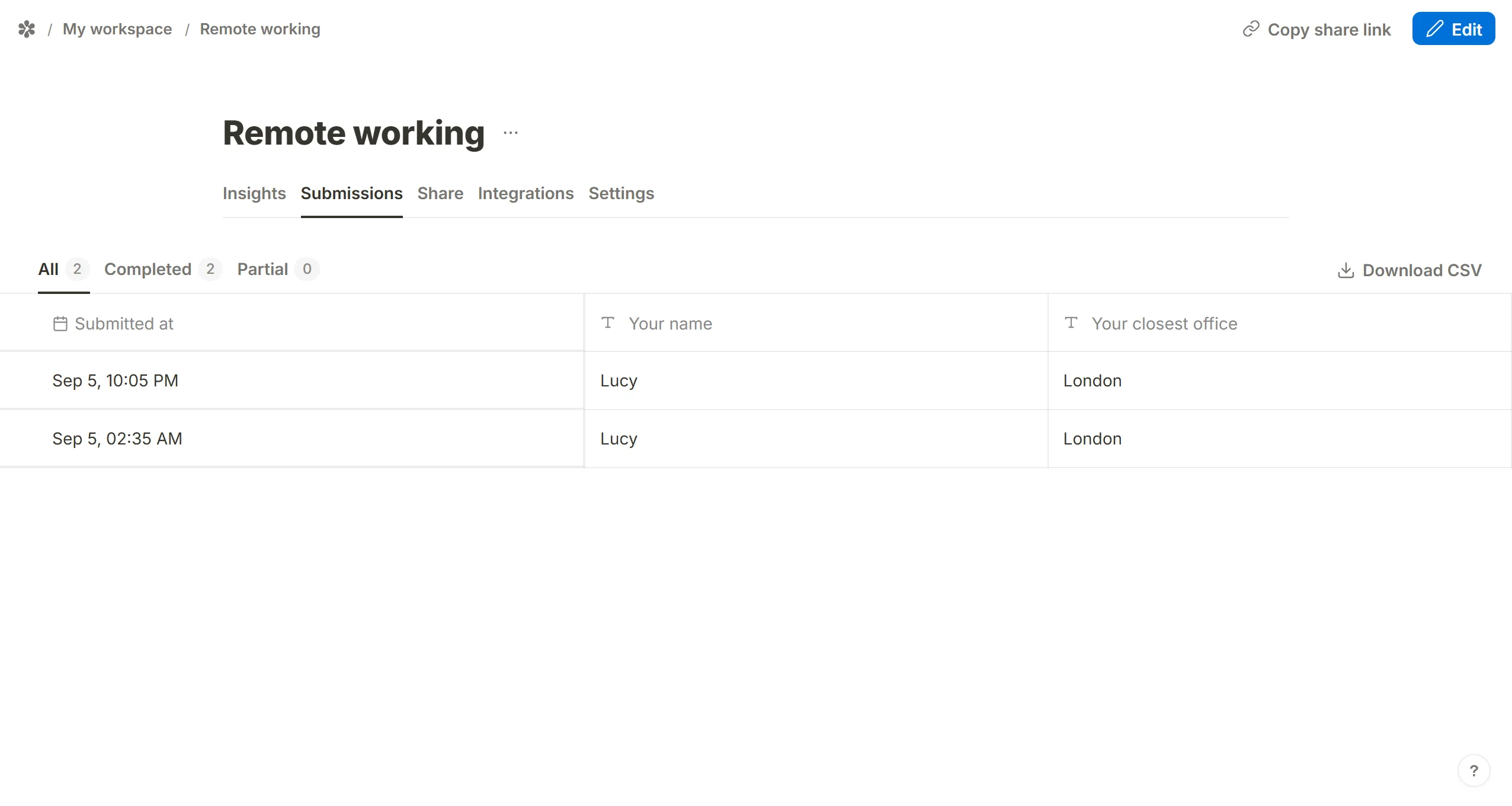
The Submissions tab shows one row per respondent and one column per question, headed the same way.
Create question titles
A question gets its name automatically when you:
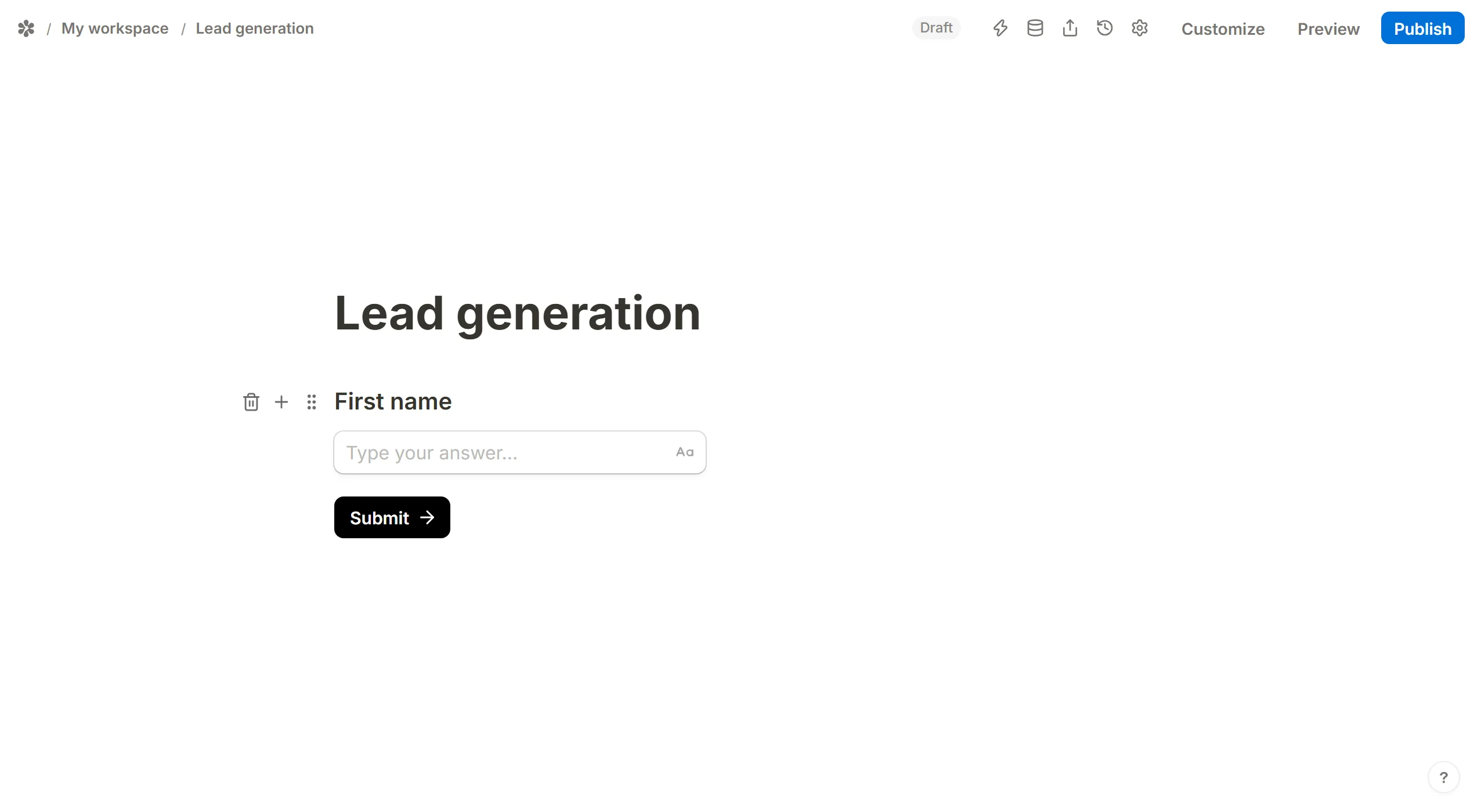
- Insert a Question from the block picker, which is an answer box with a caption above it, and type the wording into the caption
- Add a Title block above a bare input (type
/title, or pressAlt+Twith the caret in the input) - Add a Label block above it (
/label, orAlt+L) - Give the input placeholder text
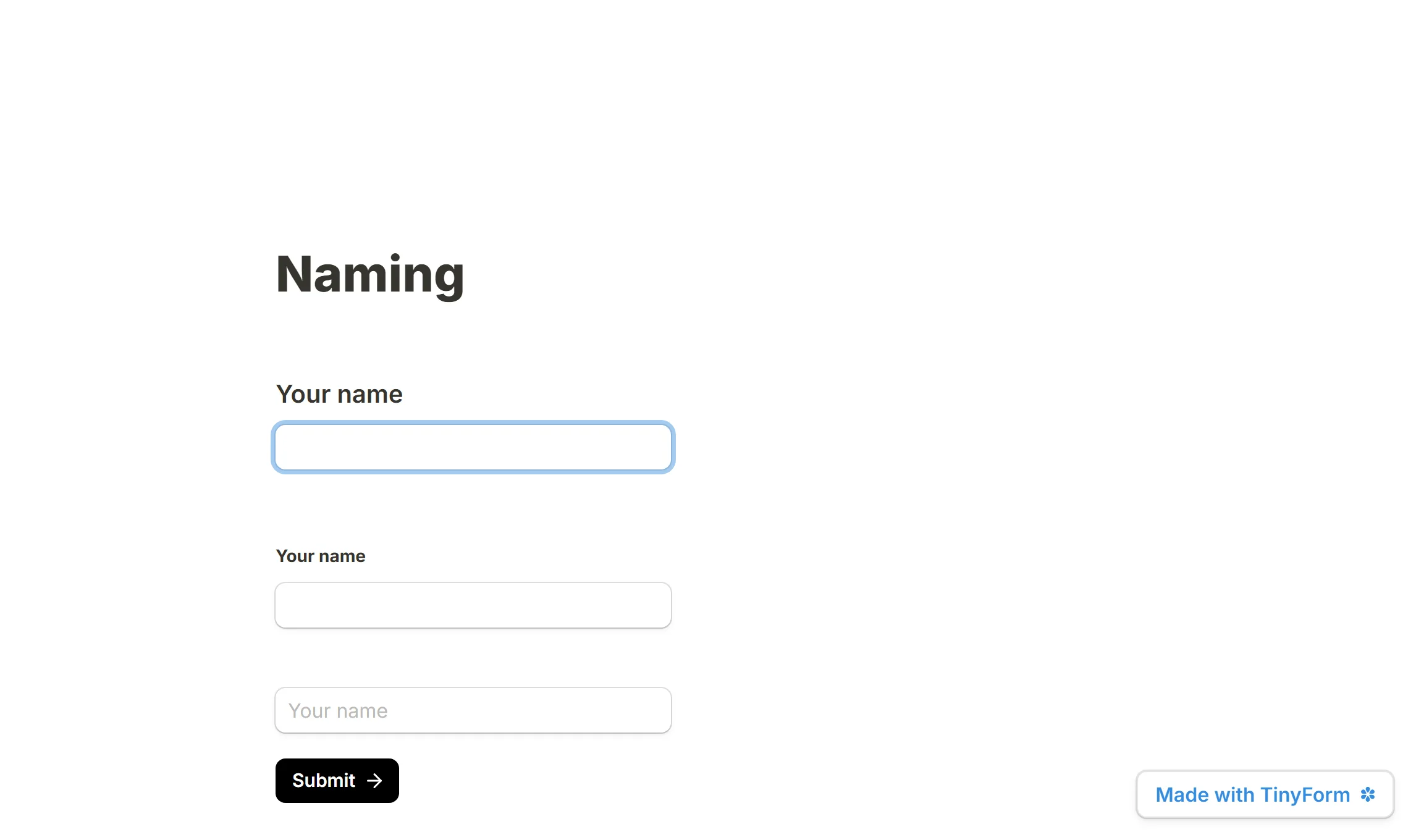
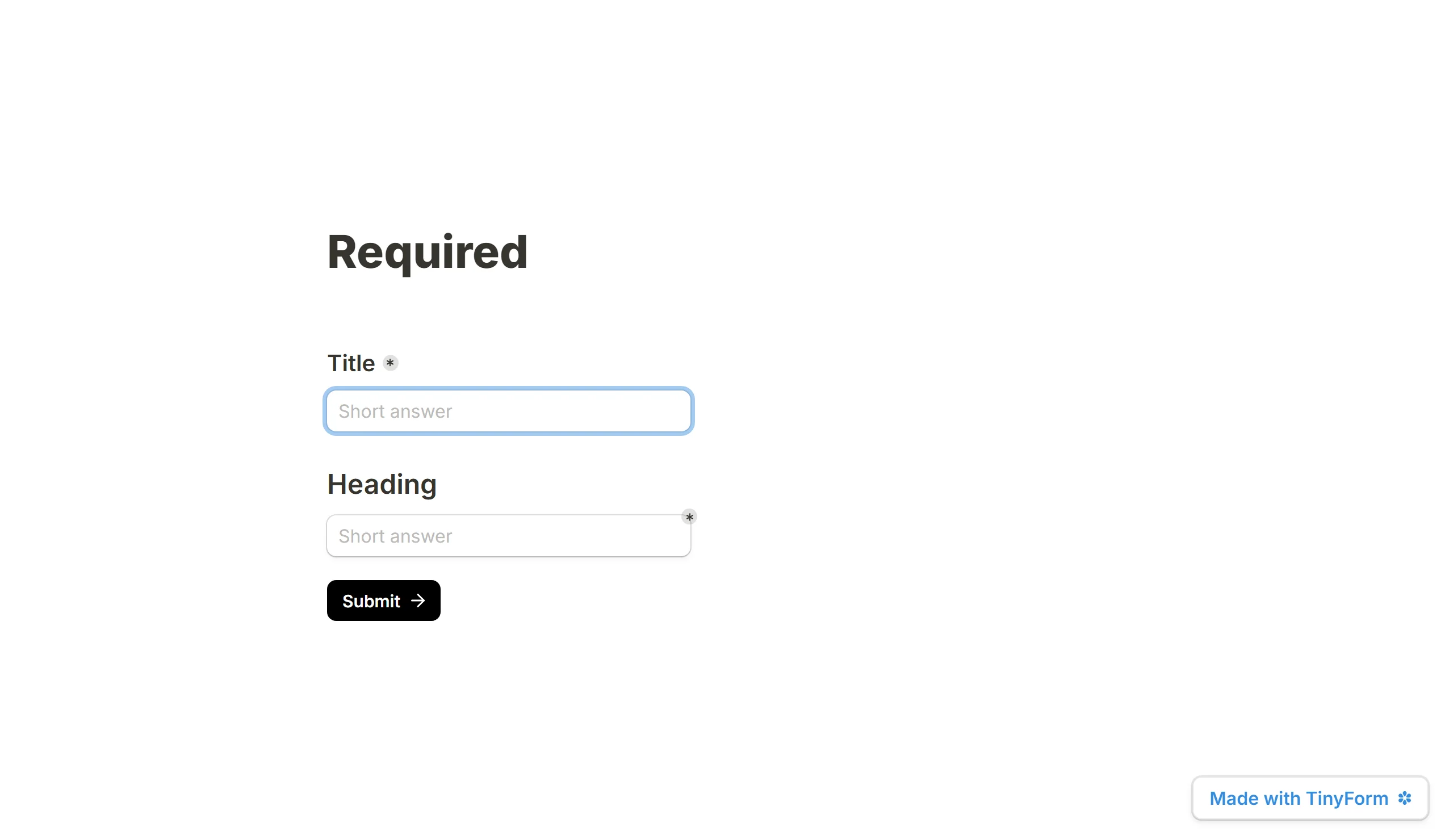
A title and the input under it travel as one question. Mark the question as required and an asterisk appears beside the title.
If you would rather the asterisk sat on the answer box, insert the input on its own from the Input blocks group, mark it required, and put a heading above it with /heading in any of the three sizes. A heading is a layout block rather than a caption, so the name stays with the input.
Rename question field names
Each question carries a second name, the field name, which is what the columns, the CSV and the webhook payload use. It starts out equal to the wording respondents read, and you can set it to something else without touching the form: "q1_email" in the export while the form still asks "Where can we reach you?". Respondents never see it.
Hover the question and click ⋮⋮ to open the block menu. The header shows the current name with a pencil beside it; click Rename, type the new field name and save.

The same rename is available from the Submissions tab. Hover a column head, press its Rename column button, type and press Enter. That writes the field name into the draft and into the version that is currently published, so the table changes at once and the next publish does not undo it. The stored answers do not move: the column is still keyed the way it was, only its label changes.
Rename question titles
A question with no caption, title, label or placeholder is named after its type: Untitled short answer field, Untitled phone number field, and so on. Click into the caption box above the input and type a question to name it.
Rename forms
A form's own name is separate again; How to rename forms covers it.