10 consent form templates
Ten consent form templates from the gallery, from informed consent and photo releases to liability waivers, with what each records and how a signature is taken.
If you run activities that carry a risk, need permission to use someone's photo, recording or personal information, or conduct research with participants, a consent form records that the person agreed and what they agreed to. The Tinyform gallery at /templates ships with a consent form for each of the common cases; this page walks through ten of them.
A good consent form says plainly what you are asking permission for and what will happen to the information. It should not need a lawyer to read.
What a consent form must contain differs by place and by field, and the rules are stricter around health information, minors and regulated industries. Check the law that applies to you before relying on any template.
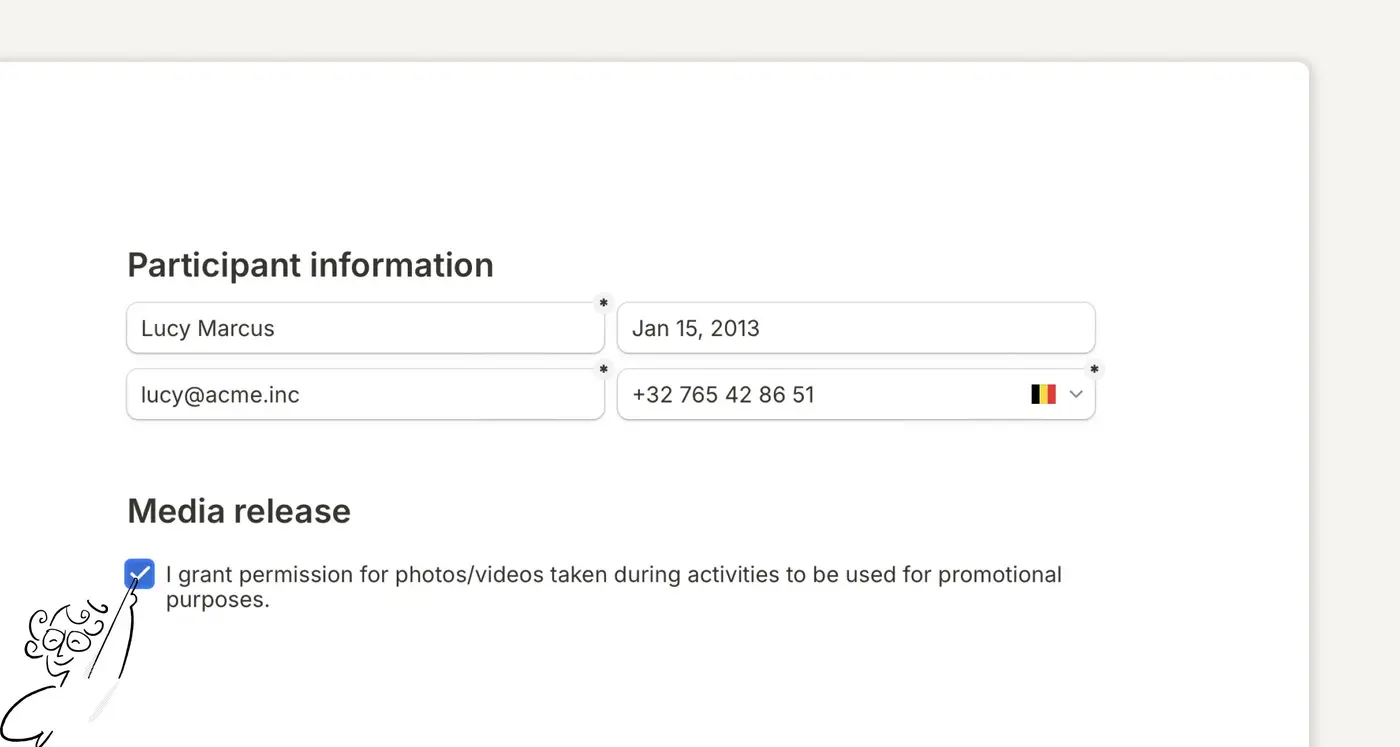
What a consent form is
A consent form documents permission before you use someone's information or image, or involve them in something that carries risk or needs disclosure. It protects both sides by setting out what is being agreed: the right to use a photo, participation in a study, joining a physical activity.
Most consent forms collect contact details, the specific permissions being given, and any health or safety information that matters. They also say how the information will be used and kept, and how the person can withdraw later.
A form that makes all of that clear up front prevents misunderstandings and limits your exposure if a dispute arrives later.
Kinds of consent form
The form depends on the activity, the people involved and the permission you need. Some cases need detail; others need one clear agreement.
Informed consent
For research and studies where a participant must understand the whole picture before agreeing: academic research, surveys on sensitive topics, any formal data collection.
Data sharing consent
For passing someone's information to another company or a partner. It keeps the transfer transparent and is how privacy law expects the sharing to be documented.
Photo and recording consent
For capturing photos, audio or video: a shoot, a training session, an interview, marketing material. It sets out how the content will be used and where it may appear.
Social media consent
For posting content that features customers, employees or event attendees on your channels. It covers how the person wants to be identified, for how long, and on which networks.
Interview consent
For podcasters, journalists and content creators who need permission to quote, publish or share an interview, including editing rights and credit.
Parental consent
For activities involving children beyond the ordinary: trips, sport, programmes. It records safety and medical information, emergency contacts and what the child will be doing.
Workshop and activity consent
For hands-on sessions with tools, equipment or physical exertion. It collects medical conditions and physical limits alongside the acknowledgement of risk.
Ten consent form templates
Each is a built-in template. Open the link, read the preview, and press Use this template to copy it, with its settings, into your active workspace. Adapt every question to your own situation and local requirements.
1. Informed Consent Form Template
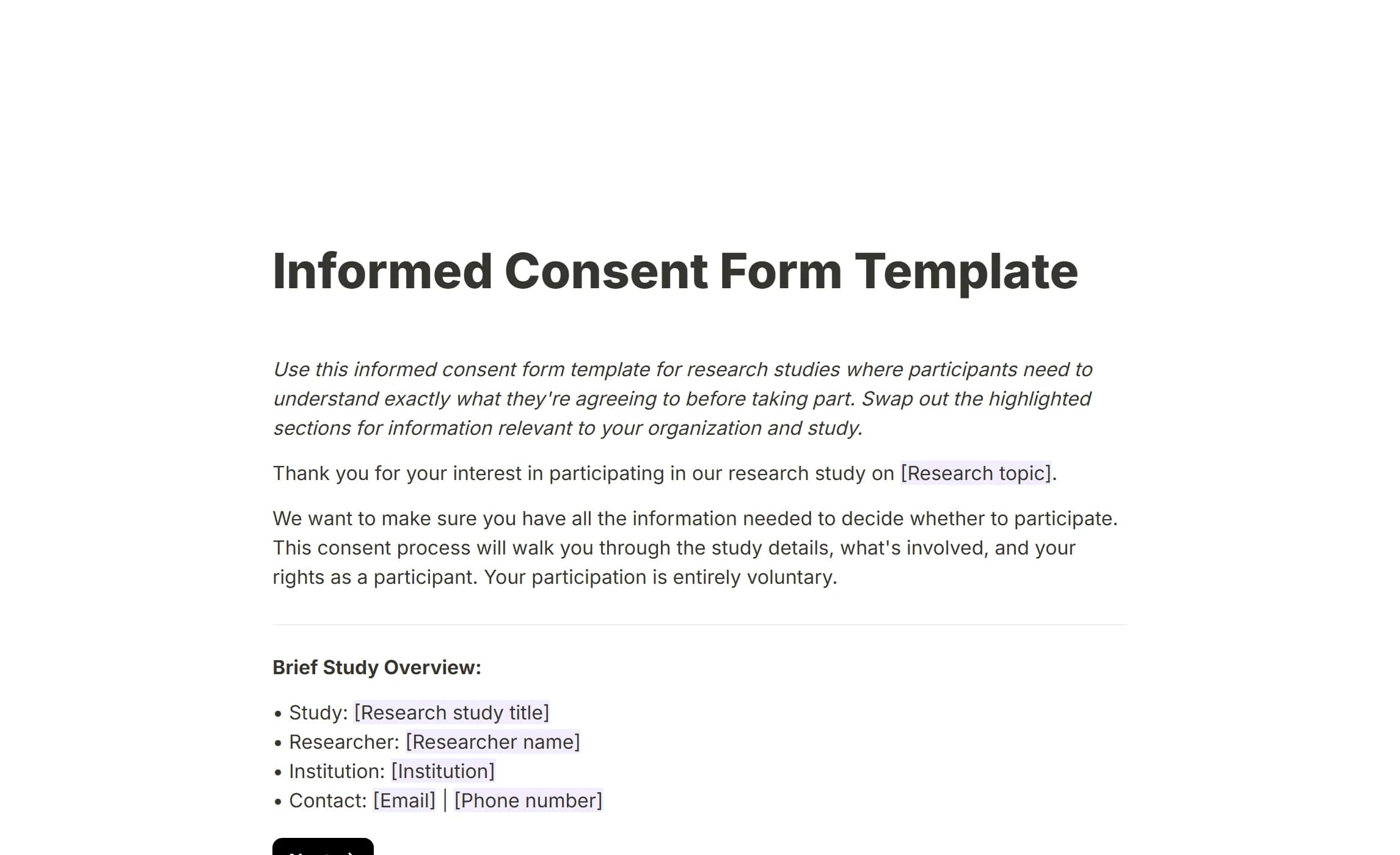
For researchers collecting consent from study participants: academic teams, market research companies, any organisation running a formal study. It walks the participant through the study a page at a time, covering the procedure, the time it takes, the risks and benefits, and their rights.
It covers:
- A study overview with the researcher's contact details
- What the participant will do and how long it takes
- Risks and benefits
- How privacy and data are protected
- The specific statements the participant must acknowledge
- A signature
This is usually required before any research activity starts, and it makes clear both what the participant is agreeing to and how they can withdraw.
Open the Informed Consent Form Template.
2. Data Sharing Consent Form
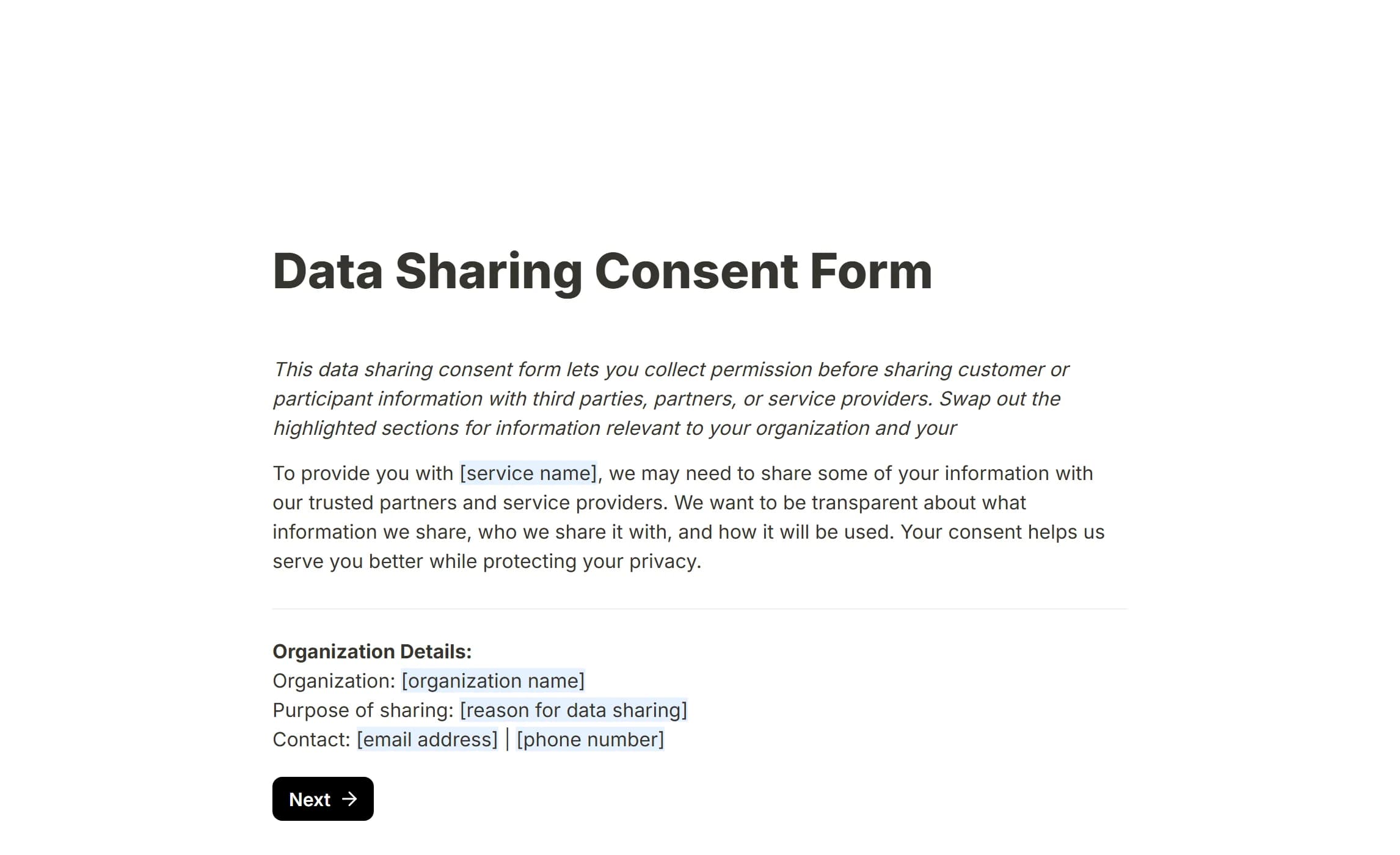
Collects permission before customer information goes to a third party: a payment processor, a courier, a marketing partner, anyone outside your organisation who needs the data to provide a service.
It covers:
- Your organisation's details and contact
- Exactly what data will be shared
- Who receives it and why
- What the recipient will do with it
- Consent statements the customer must actively tick
- How to withdraw
Open the Data Sharing Consent Form.
3. Photo Release Form Template
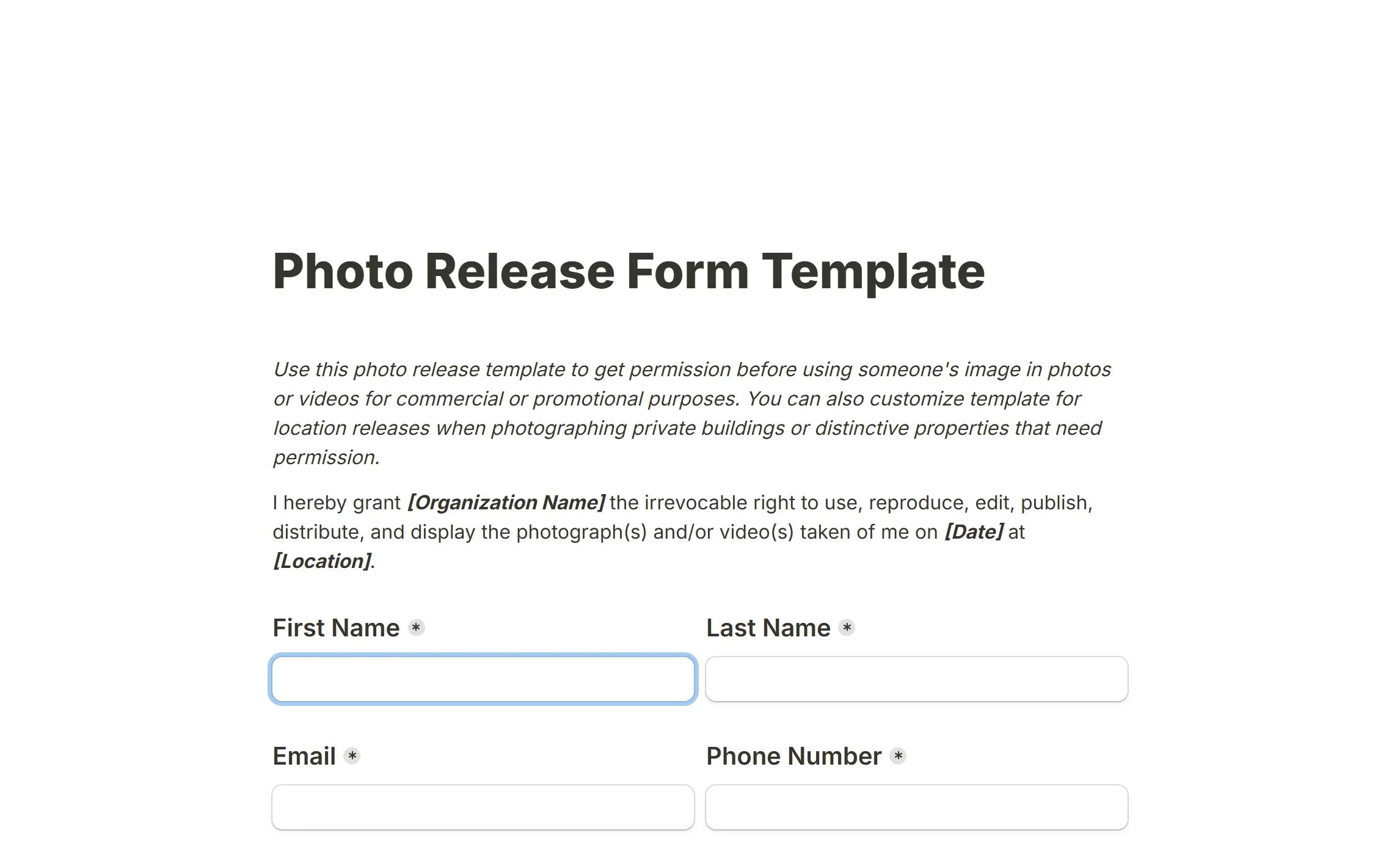
Records permission to use someone's image. Photographers use it on commercial shoots, and stock libraries require one before accepting a picture with a person in it. It spells out where the image may appear, from marketing material to social media.
It covers:
- Contact details and identification
- The uses being permitted
- Whether the person's name may be used or they may be tagged
- Identifiable versus non-identifiable use
- A signature
The same form adapts to a location release for a private building or a distinctive property.
Open the Photo Release Form Template.
4. Recording Consent Form Template
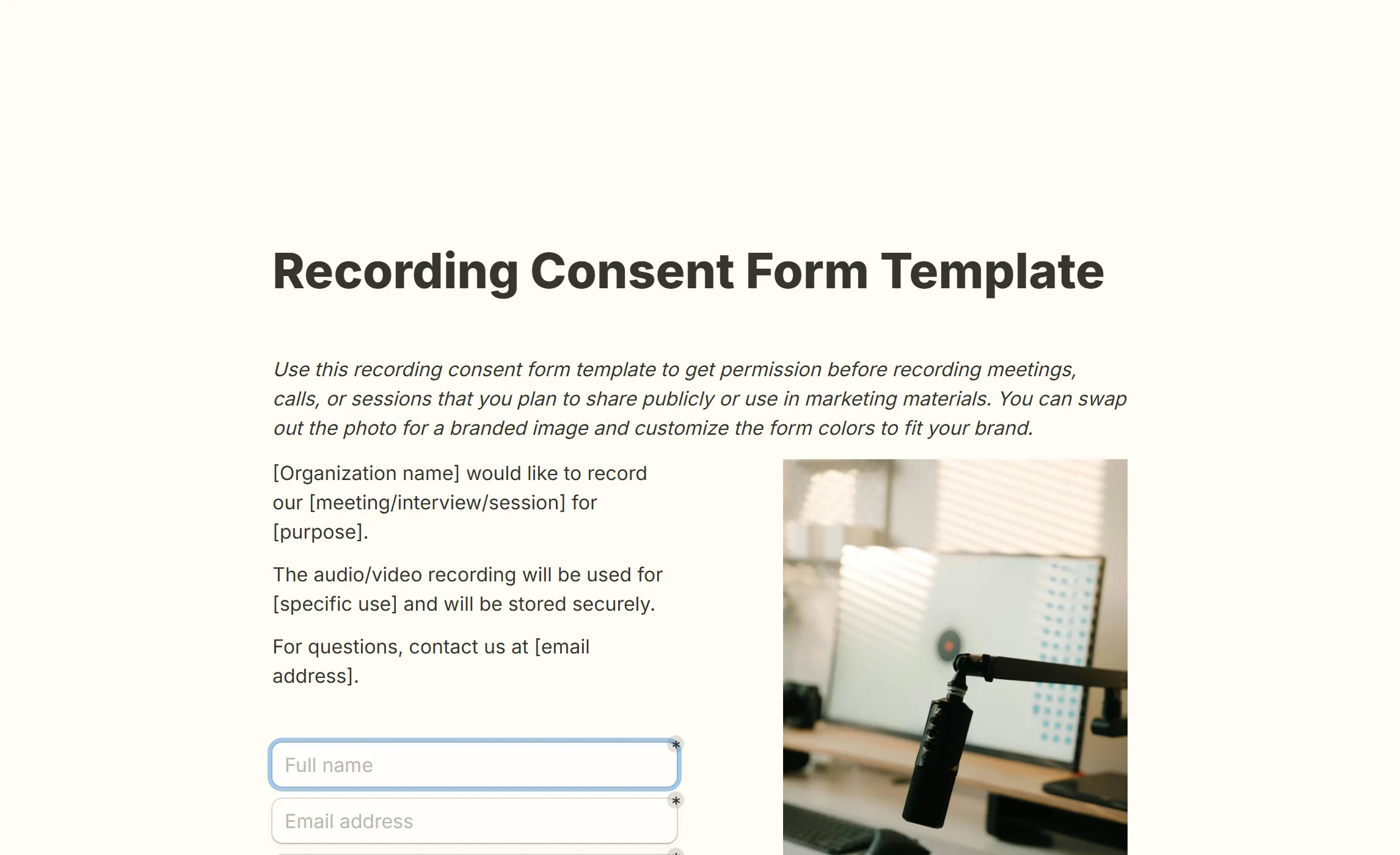
For audio or video you intend to publish or use in marketing. Podcasters and creators rely on it; customer teams use it before featuring a conversation in a testimonial or a case study.
It covers:
- What is being recorded and why
- How the recording will be used and shared
- The participant's right to stop the recording
- Who to contact with questions
- A signature
Where the interview consent form below is about internal use, this one is about public use.
Open the Recording Consent Form Template.
5. Social Media Consent Form
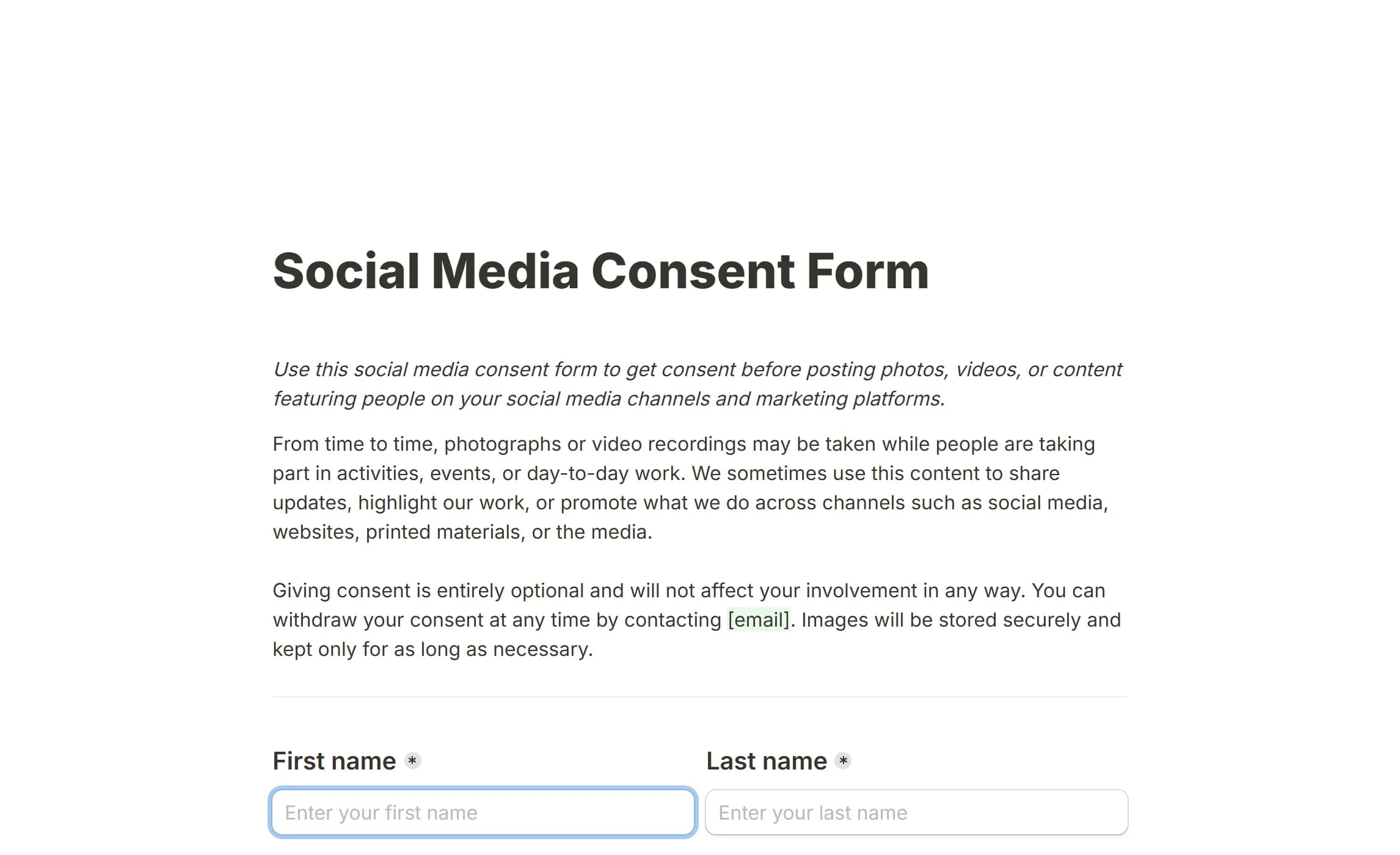
Collects permission before posting photos, video or content featuring a person on your channels. Marketing teams use it for customers and employees in campaigns, and it records how the person wants to be identified.
It covers:
- How the photos and videos will be used
- The platforms and channels they may appear on
- Whether the person may be tagged or named
- That the content may be edited
- How to opt out later
It suits customer showcases, employee features and community highlights, anywhere content with a person in it may go public.
Open the Social Media Consent Form.
6. Social Media and Marketing Release
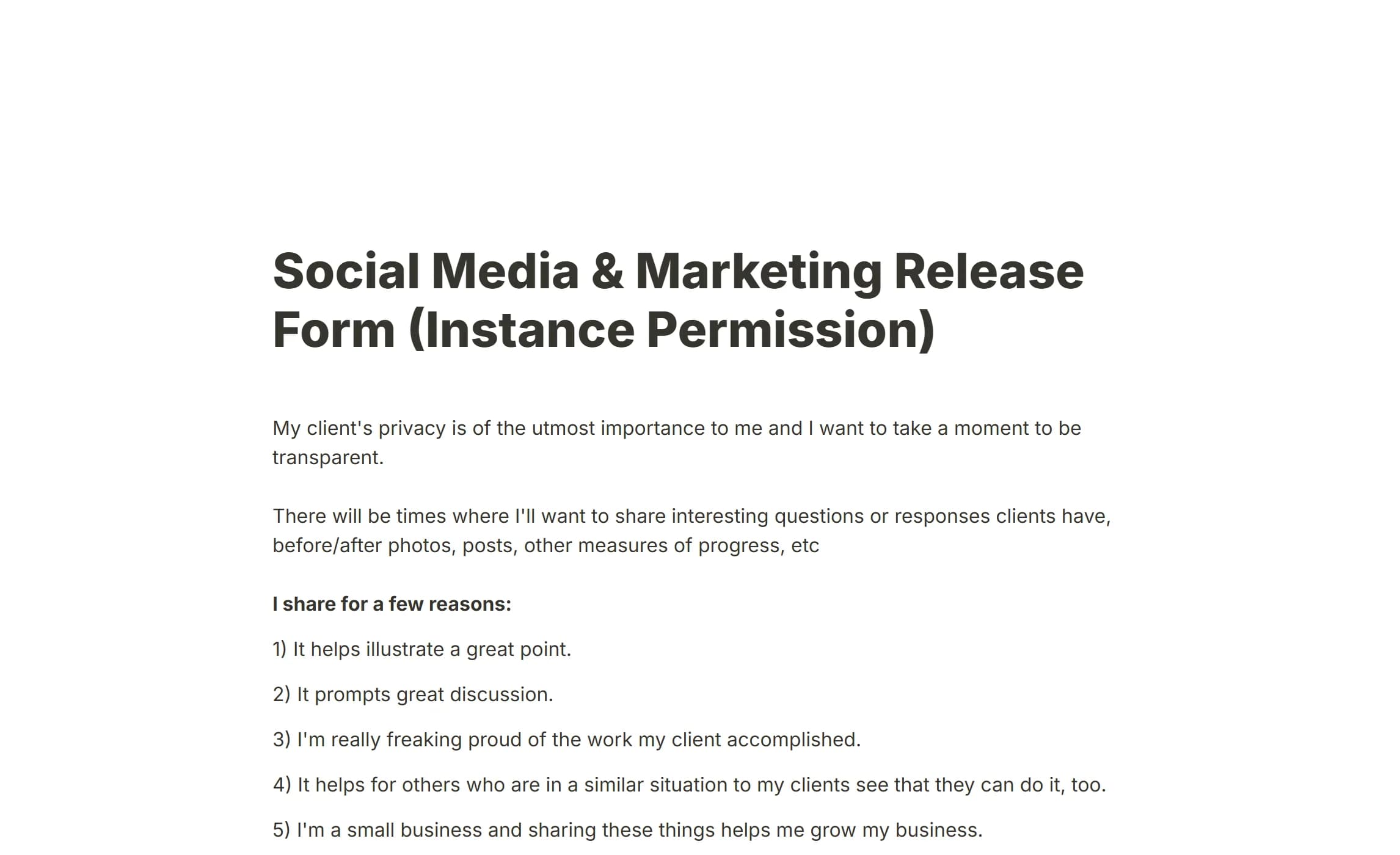
A client marketing consent form for service providers who want to share client results, progress photos, testimonials and success stories: trainers, coaches, consultants, freelancers. The client decides what may be shared and how they are identified.
It covers:
- Why you want to share client content
- The kinds of content you might post
- A privacy level per kind of content
- Tagged, anonymous, or approval case by case
- A personal tone that reads as a request rather than a contract
Built for an ongoing relationship rather than a single photo.
Open the Social Media and Marketing Release.
7. Interview Consent Form Template
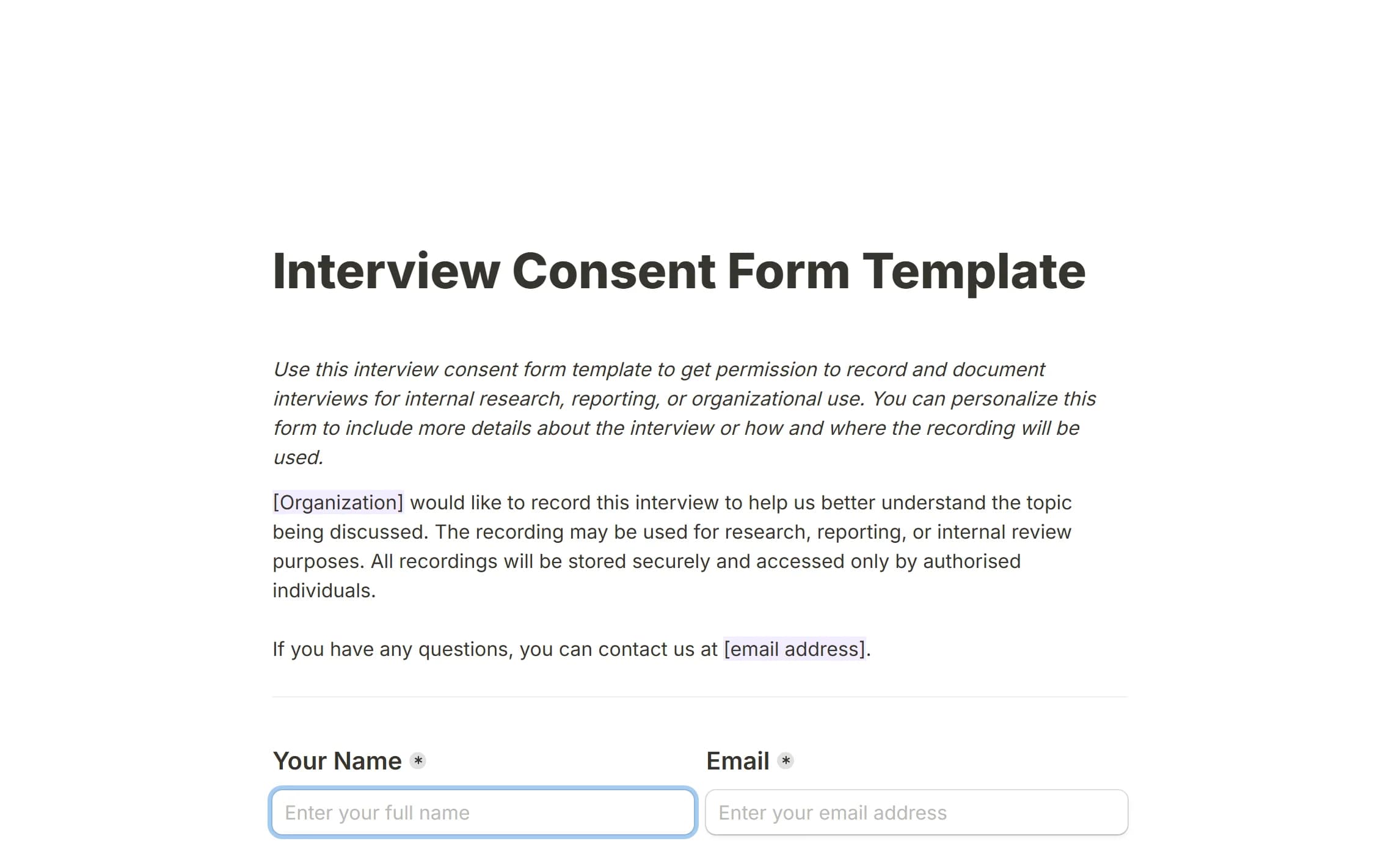
Permission to record and document an interview for research, reporting or internal use. Market researchers and HR teams use it for studies; journalists use it for background interviews that will not be published straight away. Its emphasis is internal documentation and confidentiality.
It covers:
- How the recording will be used internally
- Confidentiality and data-handling commitments
- Voluntary participation and the right to withdraw
- Audio, video or notes only
- How the person wants to be identified
- A formal confirmation of consent
Open the Interview Consent Form Template.
8. Parental Consent Form Template
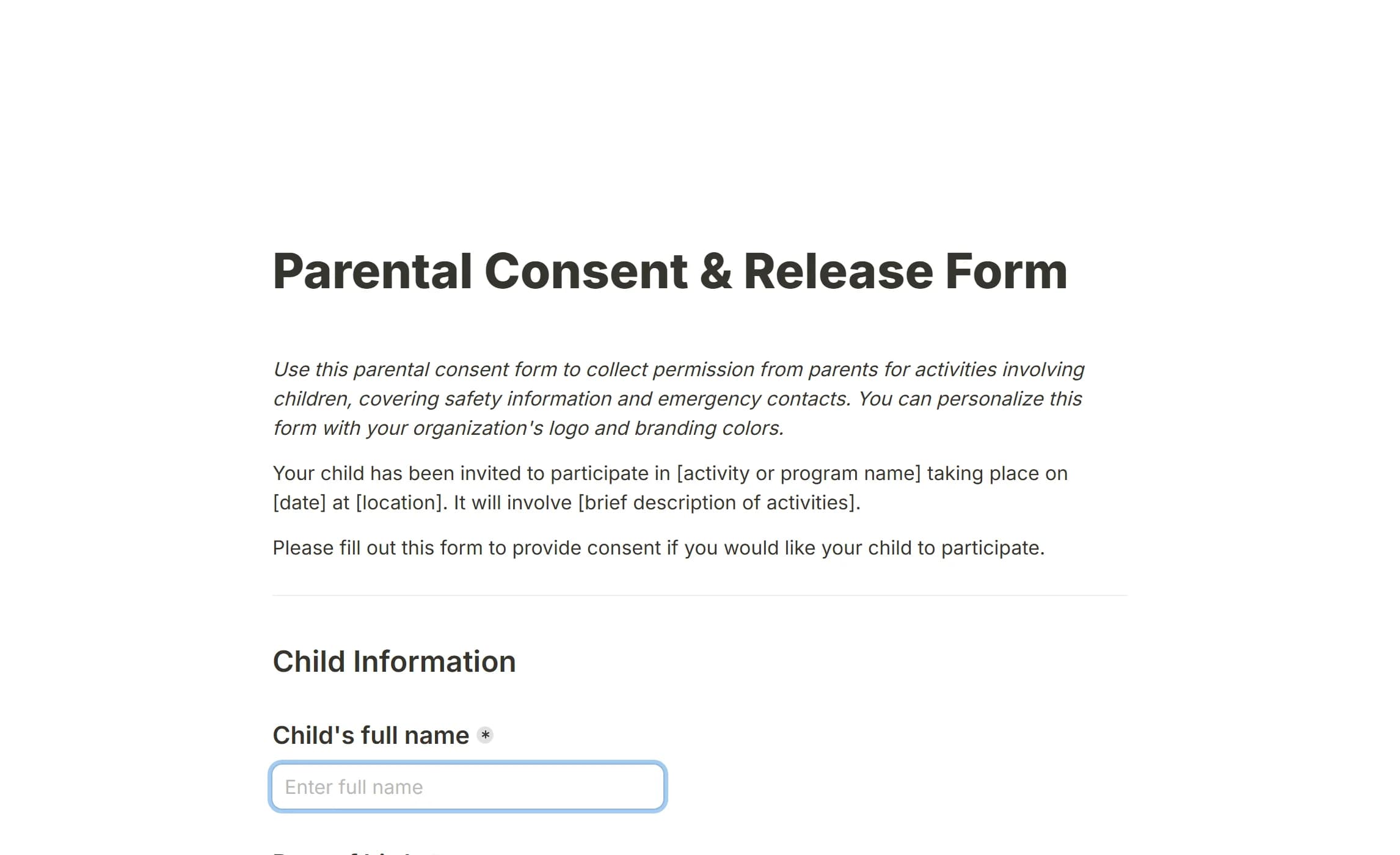
Permission from a parent or guardian before a child takes part in a trip, an activity or a programme. Schools and camps use it for excursions; sports teams, after-school programmes and community groups use it for their activities.
It covers:
- The child's and the guardian's details
- Medical conditions, allergies and special requirements
- Emergency contacts
- What the activity is and what risks it carries
- Permission for emergency medical treatment
- A liability release and financial acknowledgement
Open the Parental Consent Form Template.
9. Liability Waiver and Release Form Template
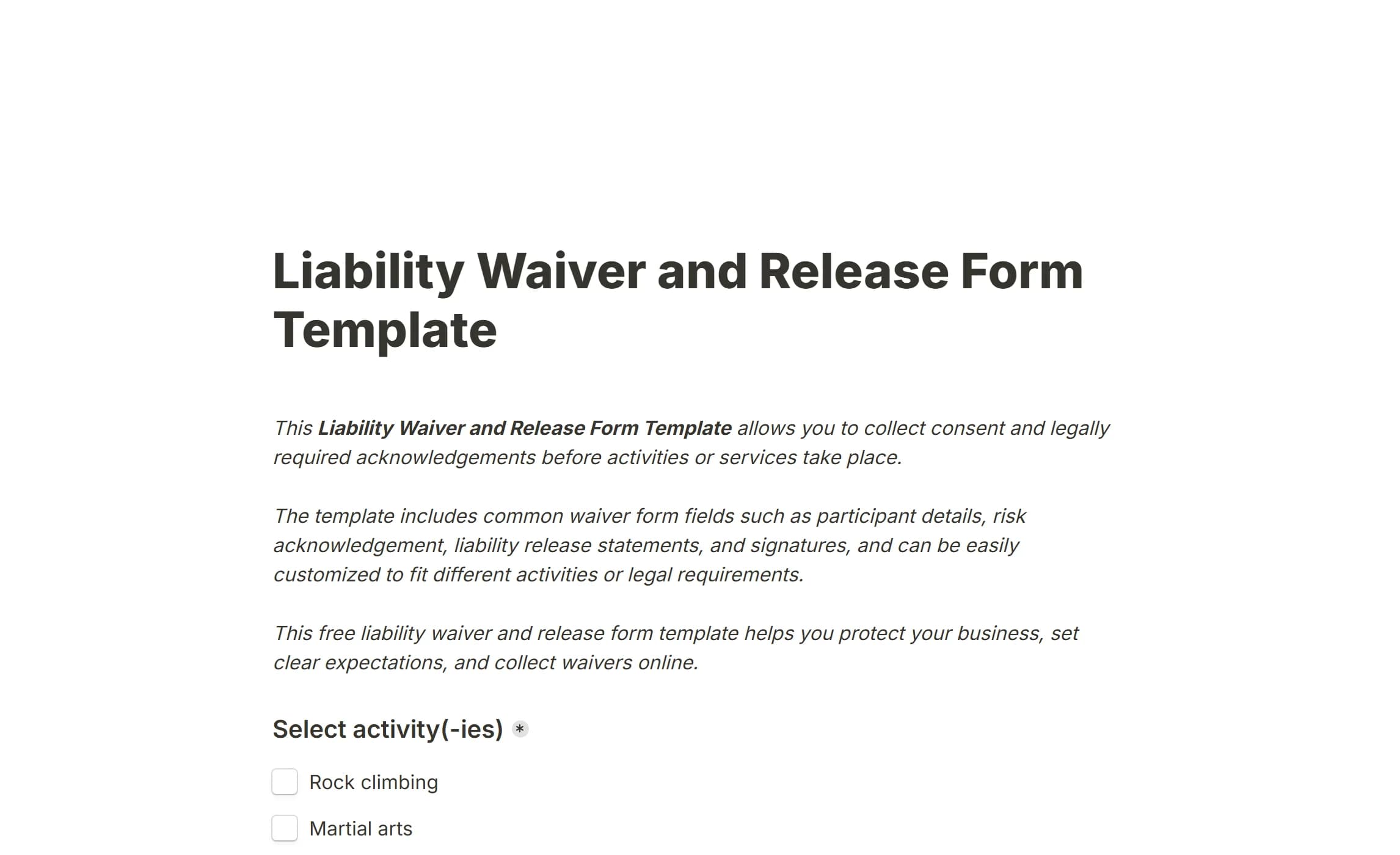
Protects a business when customers take part in an activity that could injure them: personal training, adventure tours, retreats, workshops. It combines the acknowledgement of risk with participant details and emergency information.
It covers:
- The activities the participant will do
- Participant details and emergency contacts
- Medical conditions and treatment authorisation
- Risk acknowledgement statements
- Release of liability and assumption of risk
- An optional media release
Use it for any one-off or short-term physical activity: a guided hike, a bootcamp, a climbing lesson.
Open the Liability Waiver and Release Form Template.
10. Workshop Consent Form Template
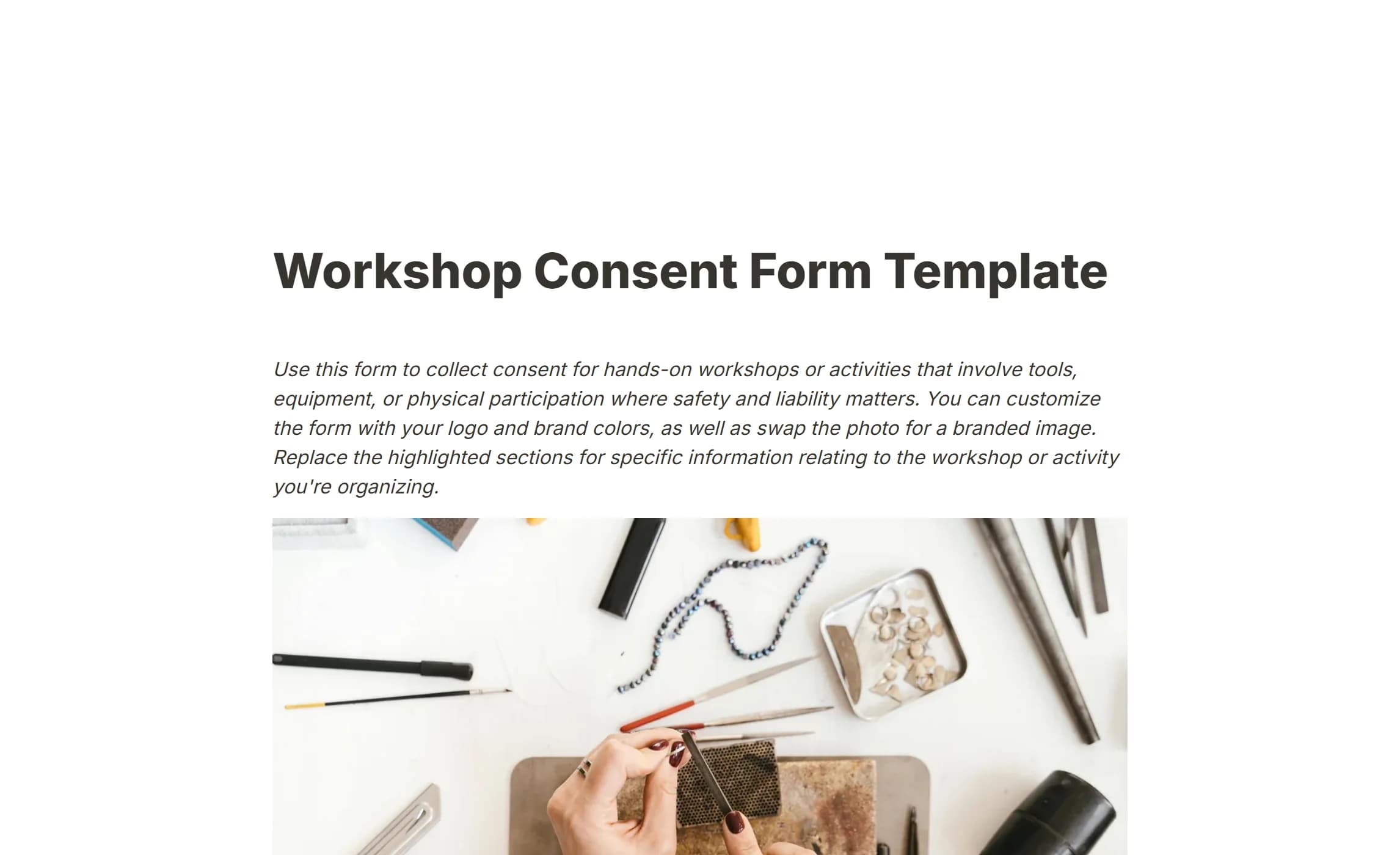
For hands-on classes and workshops with tools, equipment or materials. It gathers the safety information the organiser needs and records the attendee's consent before they start.
It covers:
- Contact and emergency details
- Medical conditions, allergies and physical limits
- What the workshop involves and which tools are used
- Acknowledgement of the risks and of the safety briefing
- A release of liability
- Optional photo and video consent
Pottery, DIY, cooking, a maker space: anywhere a safety briefing and a signed acknowledgement are part of the day.
Open the Workshop Consent Form Template.
Why collect consent in this product
Signatures in the form. A Signature block captures a drawn signature on any device. No printing, no scanning.
Plain to read. A form is a page of text and questions, so the notice, the checkboxes and the signature sit in the order a person reads them.
One tool for every consent type. Photo releases, waivers, research consent, interview agreements: the same blocks build all of them, and conditional logic hides the sections that do not apply.
Records you control. Every signed form is a row in the Submissions tab on your own install. A drawn signature is stored as a private file that only a member of the owning workspace can open. Submissions data retention in Settings deletes responses after a period you choose, and a row can be deleted by hand at any time.
Your look, no code. Customize your form sets the logo, colours and font, so the form reads as yours.
Shared where it fits. A link sent ahead of the day, or an embed on the booking page.
Who consent forms are for
Anyone who needs documented permission for their work. In particular:
Service providers and freelancers
Trainers, coaches, consultants and independents who need a liability release or permission to show client work.
Content creators and marketers
Photographers, videographers and marketing teams who put people in their material.
Researchers and academics
Universities, survey companies and organisations whose studies need informed consent.
Workshop leaders and instructors
Anyone running a physical activity, a hands-on class or an event where safety matters.
Healthcare and wellness practitioners
Practitioners who need treatment consent or permission to use a client's information in a case study.
Organisations working with children
Schools, camps and youth programmes that need a parent's permission.
How to create a consent form
1. Start from what you need. Photo use, a liability release, research participation: naming the purpose decides what the form has to contain.
2. Pick a starting point. One of the templates above, or a blank form. A template gives you the structure and the wording to adapt.
3. Write plainly. Say what the person is agreeing to, what will be done with their information and what participation involves, in everyday words.
4. Give real choices. Let people decline part of the form and still take part. A Checkboxes question, one box per permission, records each choice separately, and conditional logic shows only the sections that follow from it.
5. Add the signature. A Signature block and a Date question at the end. The signed form is stored as a record you can open later.
6. Have someone else read it. A second reader finds the unclear sentence and the missing detail.
7. Keep the records tidy. They are in the Submissions tab, exportable as CSV and as a PDF per response. Set Submissions data retention if you must not keep them longer than a set period.
Do not over-build it. The point is that the respondent understands what they are agreeing to.
Questions people ask
What makes a consent form valid?
It must be voluntary, informed and specific: the person understood what they agreed to, could have said no, and their agreement is recorded, for example with a signature.
Do I need a separate form per activity?
Usually. A photo release, a waiver and a research consent serve different purposes and should each address their own requirements. A focused form beats one that tries to cover everything.
How long should I keep consent records?
It varies by industry and jurisdiction; several years is common, and health or child-related records may need longer. Check the rules that apply to you. Submissions data retention can enforce the period once you know it.
Can someone withdraw consent later?
Usually, within practical limits. The form should say how to withdraw and what happens to the information when they do.
Can I change a template?
Yes, and you should. A template is a starting point to adapt to your situation, your location and your legal requirements. For high-risk activities or sensitive data, have the adapted form reviewed by counsel.
Is collecting consent online safe?
On your own install, the data goes nowhere you have not put it. Signatures and uploads are stored as private files with no public address. For a regulated field, confirm that your specific requirements are met.
What if someone cannot sign?
A digital form works for people who are not in the room. For a respondent who cannot use the signature pad, provide another way to indicate agreement and record which method was used.
Do I need a witness?
It depends on the activity and the jurisdiction. Most business consent forms do not; some research and some high-risk activities do.
Start collecting consent
Pick one of the templates above, or build from a blank form, and adapt the wording to your own case.