15 feedback form templates
Fifteen feedback form templates from the gallery, what each one asks, when to send it, and how to turn the answers into something you can act on.
Feedback is the shortest route to knowing what to change. Whether it comes from customers, employees, event attendees or people using a product, a well-shaped form turns scattered opinions into answers you can sort, count and act on. The Tinyform gallery at /templates ships with more than a dozen feedback forms; this page picks fifteen and says what each is for.
A good feedback form is short, unambiguous and quick to finish. It asks little of the respondent and gives you structured answers rather than a pile of prose, so what is working and what is not shows up without guesswork.
What a feedback form is
A feedback form collects opinions, ratings and suggestions from people who have dealt with your product, your service, your event or your organisation. It tells you how those people experienced the thing, from a single satisfaction score to a list of what they would change.
Most feedback forms mix a few question types: a Rating or Linear scale for a score, a Multiple choice or Checkboxes for the reason behind it, and a Long answer for anything the closed questions missed. That mix is what makes the answers both easy to give and easy to compare.
Sent at the right moment and repeated over time, a feedback form shows trends rather than anecdotes, which is what a decision needs.
Kinds of feedback form
The right shape depends on who is answering and what you want to learn. These are the ones that come up most.
Customer and client feedback
Sent after a purchase, a support conversation or a project milestone. They measure satisfaction, surface the friction, and show where the experience could be better.
Employee feedback
Internal forms about culture, management, engagement and process. They are how a team hears about a problem before it becomes a resignation.
Product feedback
Focused on features, usability and performance. Common around a beta, a launch or a round of improvements.
Event feedback
Sent after a webinar, a conference, a workshop or a training session to rate the content, the speakers and the organisation.
Peer feedback
Colleagues reviewing colleagues, usually as part of a performance cycle or a development programme.
Training and course feedback
Rates the material, the instructor and whether the training did what it was meant to. Common in education, HR and internal enablement.
Anonymous feedback
Any of the above with the identifying questions removed, so people say what they think. Useful for sensitive topics and internal concerns.
Whichever kind you build, adapt it to the audience and the goal: clear questions and a narrow focus produce feedback you can use.
Fifteen feedback form templates
Each of these is a built-in template. Open the link, read through the preview, and press Use this template to copy it, with its settings, into your active workspace. Every question is editable once it is yours.
1. Client Feedback Survey Template
For agencies, consultants and anyone whose business depends on repeat work with the same clients. It asks how the service, the communication and the collaboration felt, and leaves room for what should change.
It covers:
- Overall satisfaction with the work or the project
- Clarity and responsiveness of communication
- Whether the client felt they got value for the money
- What the client thinks went well
- Open suggestions
Send it at a project milestone, at the end of an engagement, or on a fixed cadence to keep a reading on retention.
Open the Client Feedback Survey Template.
2. Customer Satisfaction Survey (CSAT) Template
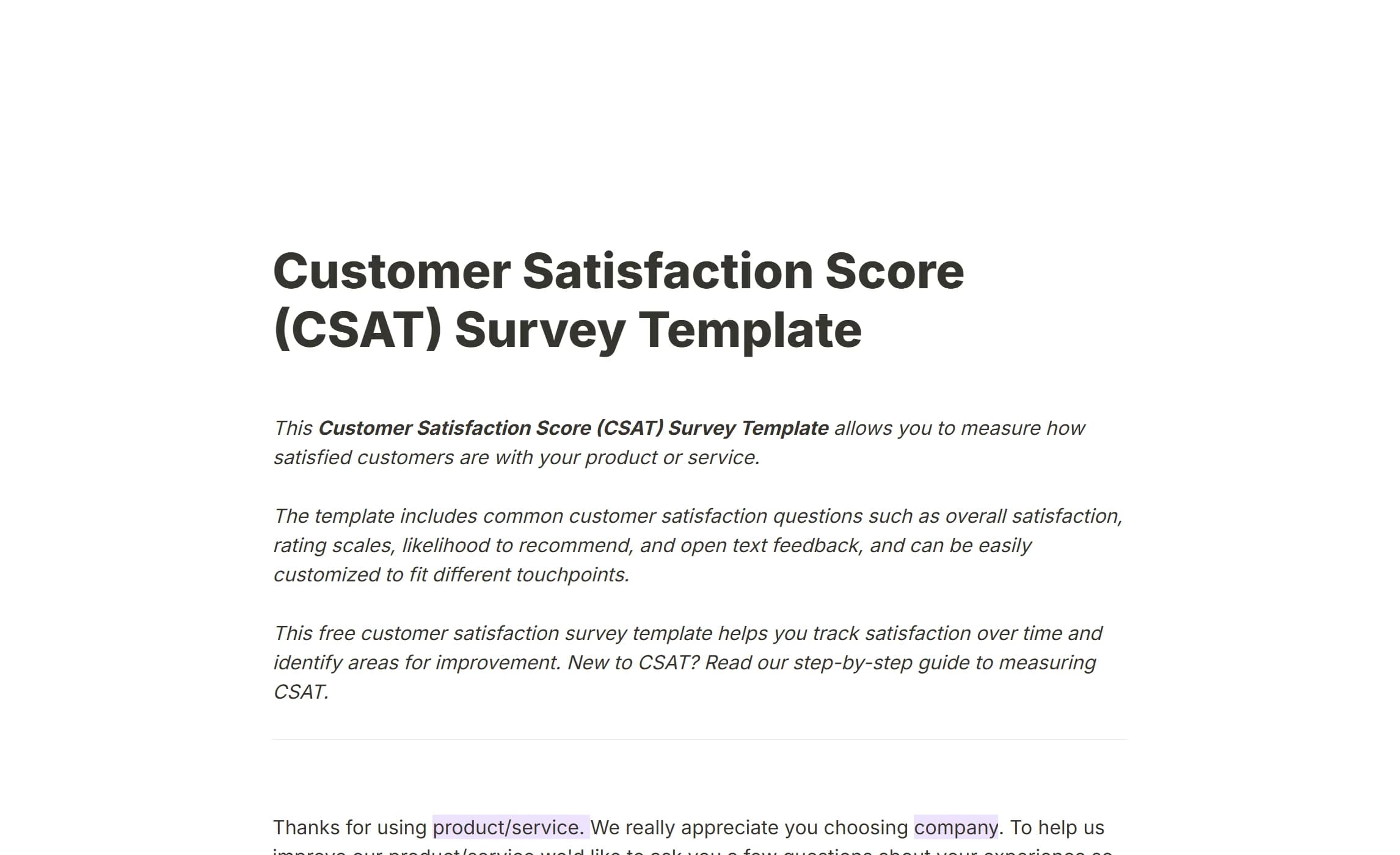
A CSAT survey measures satisfaction with one interaction: a purchase, a support ticket, a delivery. It is short and is sent straight after the moment it asks about.
It covers:
- A satisfaction rating, usually 1 to 5
- Why the respondent gave that rating
- The specific touchpoint being rated
- Optional open comments
Short forms get answered, so CSAT surveys tend to have high response rates and a signal you can read week by week. The Insights tab offers a CSAT view on a numeric question, and How to measure CSAT walks through the calculation.
Open the Customer Satisfaction Survey Template.
3. Net Promoter Score (NPS) Survey Template
NPS asks one question, how likely the respondent is to recommend you, on a 0 to 10 scale, and reads loyalty off the answer. It is sent at fixed points in the customer relationship or on a recurring schedule.
It covers:
- The 0 to 10 recommendation question
- An open follow-up asking for the reason
- Optional extra context
- Identification for follow-up, where appropriate
Collected consistently, it separates promoters from detractors and shows which way the balance is moving. How to measure NPS explains the scoring.
Open the Net Promoter Score (NPS) Survey Template.
4. Product Market Fit Survey Template
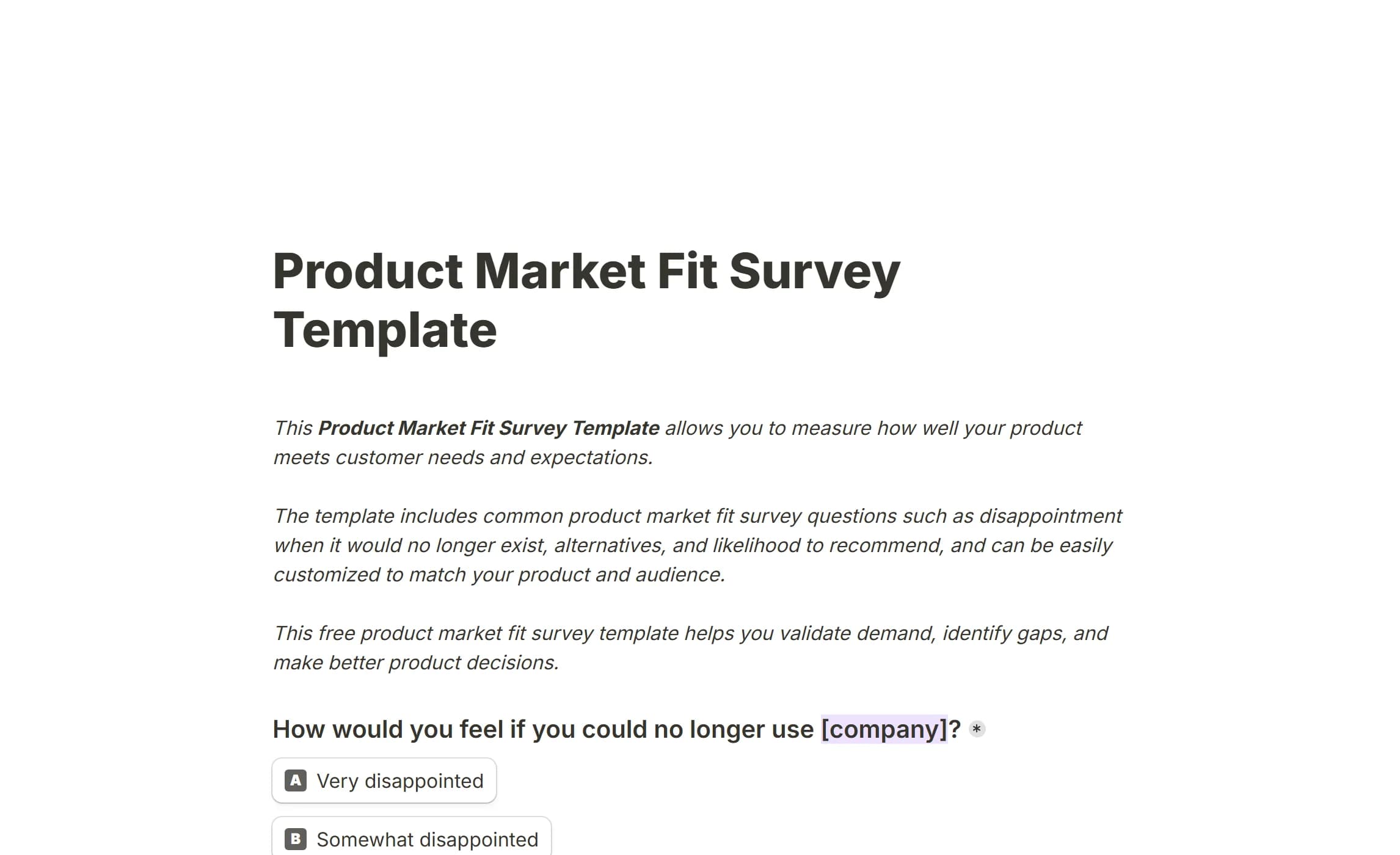
Asks active users how disappointed they would be if the product disappeared, which is the classic test of whether you are building something people need. Product teams and early-stage companies use it to decide what to work on next.
It covers:
- The disappointment question at the centre of the method
- How often the respondent uses the product
- The main problem it solves for them
- Who they think it is most valuable for
- What they would improve
The answers say whether the product has found its audience and where to concentrate to keep it.
Open the Product Market Fit Survey Template.
5. Product Feedback Survey
A broader read on how people experience the product: which features earn their keep, where the interface gets in the way, and what is missing. Used after a launch, during a beta, or as a standing form.
It covers:
- Reactions to specific features
- Ease of use overall
- What the respondent likes most
- What is missing or could be better
- Open ideas
Run regularly, it keeps the roadmap tied to what users report rather than to what the team assumes.
Open the Product Feedback Survey.
6. Feature Request Form Template
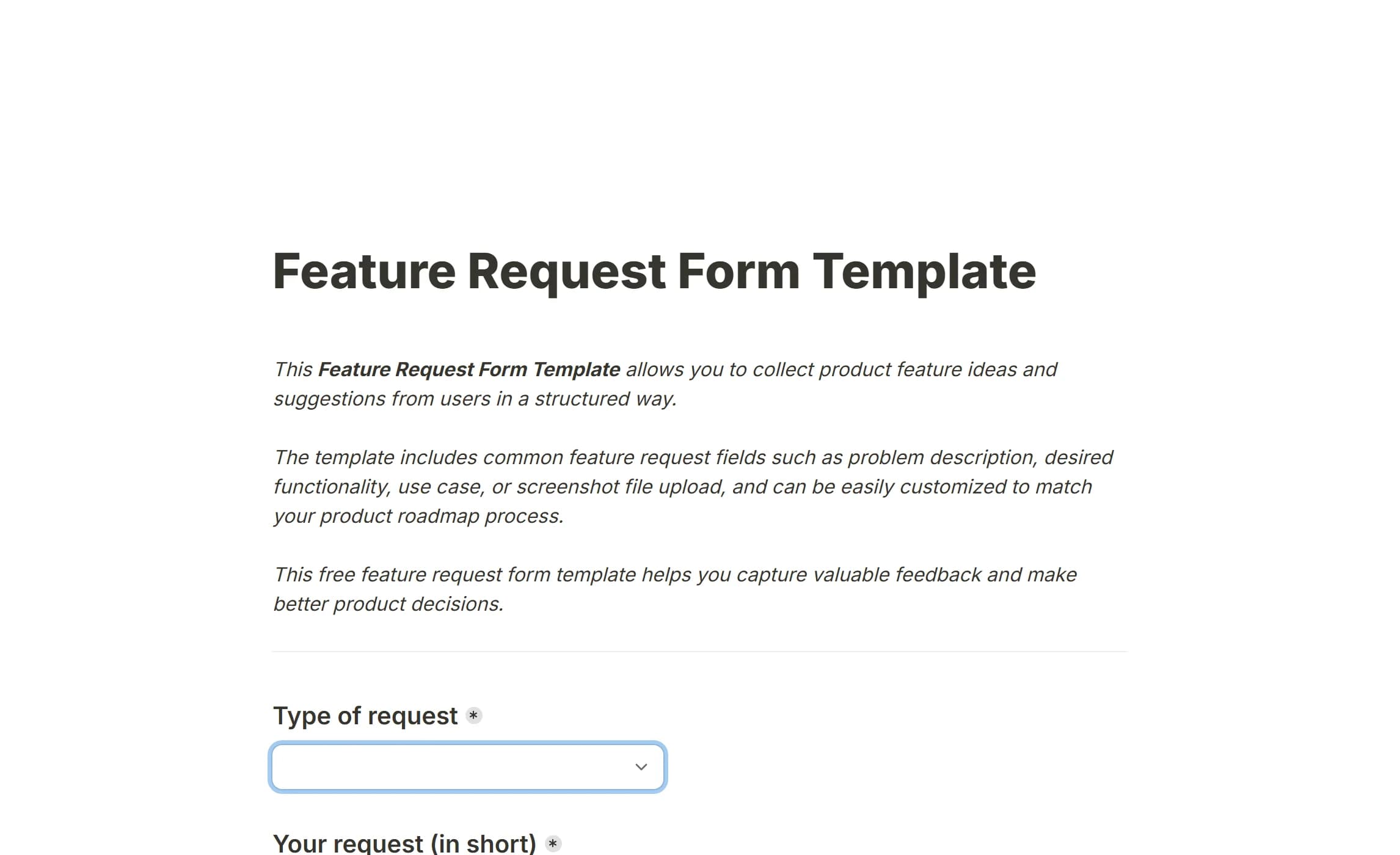
A structured way for users to ask for what they need next, instead of scattering requests across email and chat. Product-led teams use it to keep the backlog honest.
It covers:
- The feature being asked for
- The problem it would solve
- How often that problem comes up
- How important the respondent thinks it is
- Optional contact details for a follow-up
Requests collected in one shape are easy to group and count, which is how demand gets measured rather than guessed.
Open the Feature Request Form Template.
7. Product Onboarding Survey Template
Asks new users about their first days: whether the setup was clear, how fast they got to something useful, and where they got stuck. Sent shortly after sign-up or after the first key action.
It covers:
- How easy onboarding felt
- Whether the guidance was clear
- Time to the first useful result
- Points of confusion
- Suggestions for the onboarding itself
Early feedback here is what cuts drop-off in the first week.
Open the Product Onboarding Survey Template.
8. Subscription Cancellation Survey Template
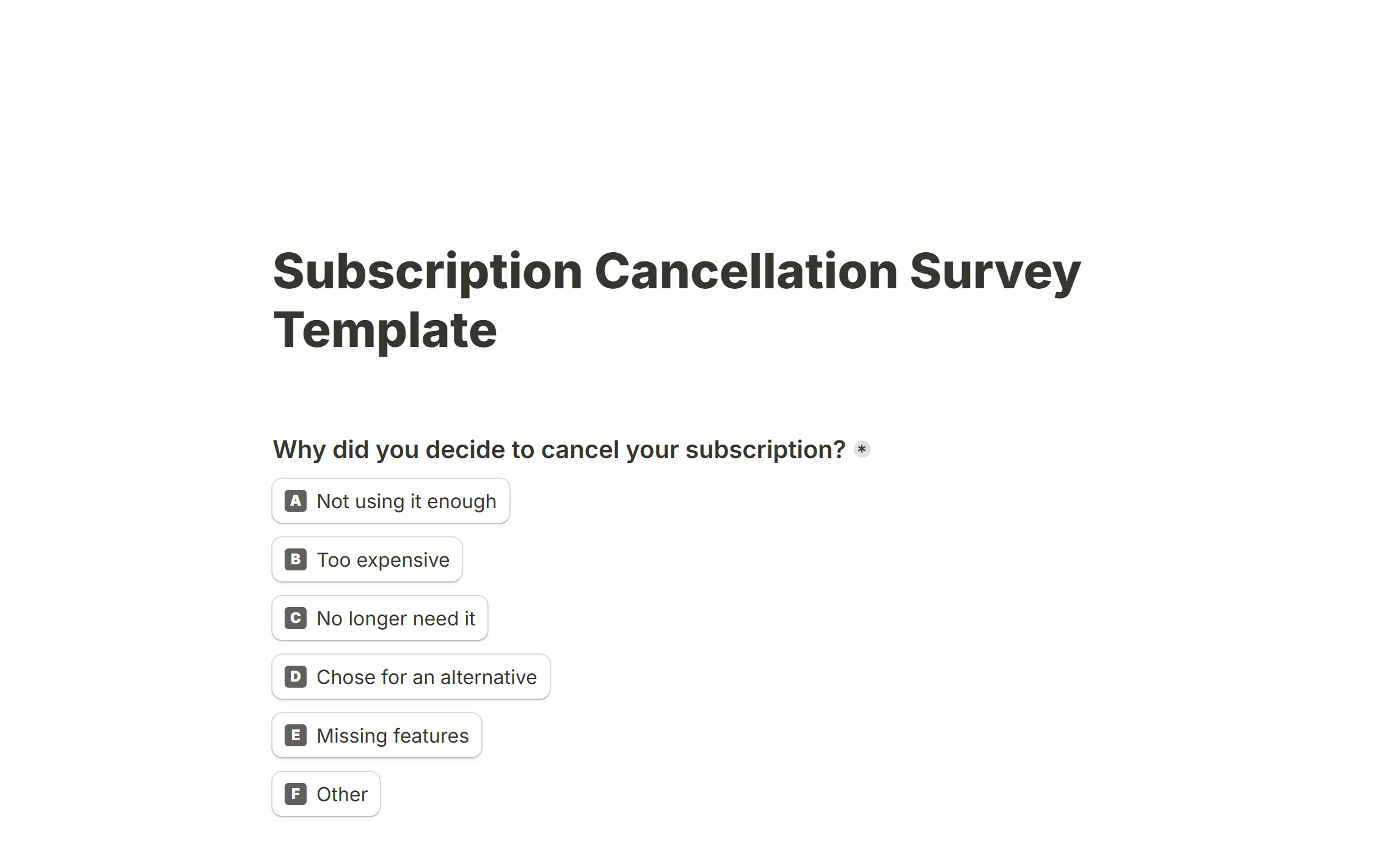
Asks why someone is leaving at the moment they leave, which is the one time they will tell you. Shown in the cancellation flow or sent as soon as a subscription ends.
It covers:
- The main reason for cancelling
- Whether the reason is temporary or permanent
- Satisfaction with price and value
- What would have kept them
- Optional open feedback
Patterns in these answers are the churn report nobody else can write.
Open the Subscription Cancellation Survey Template.
9. Customer Complaint Form
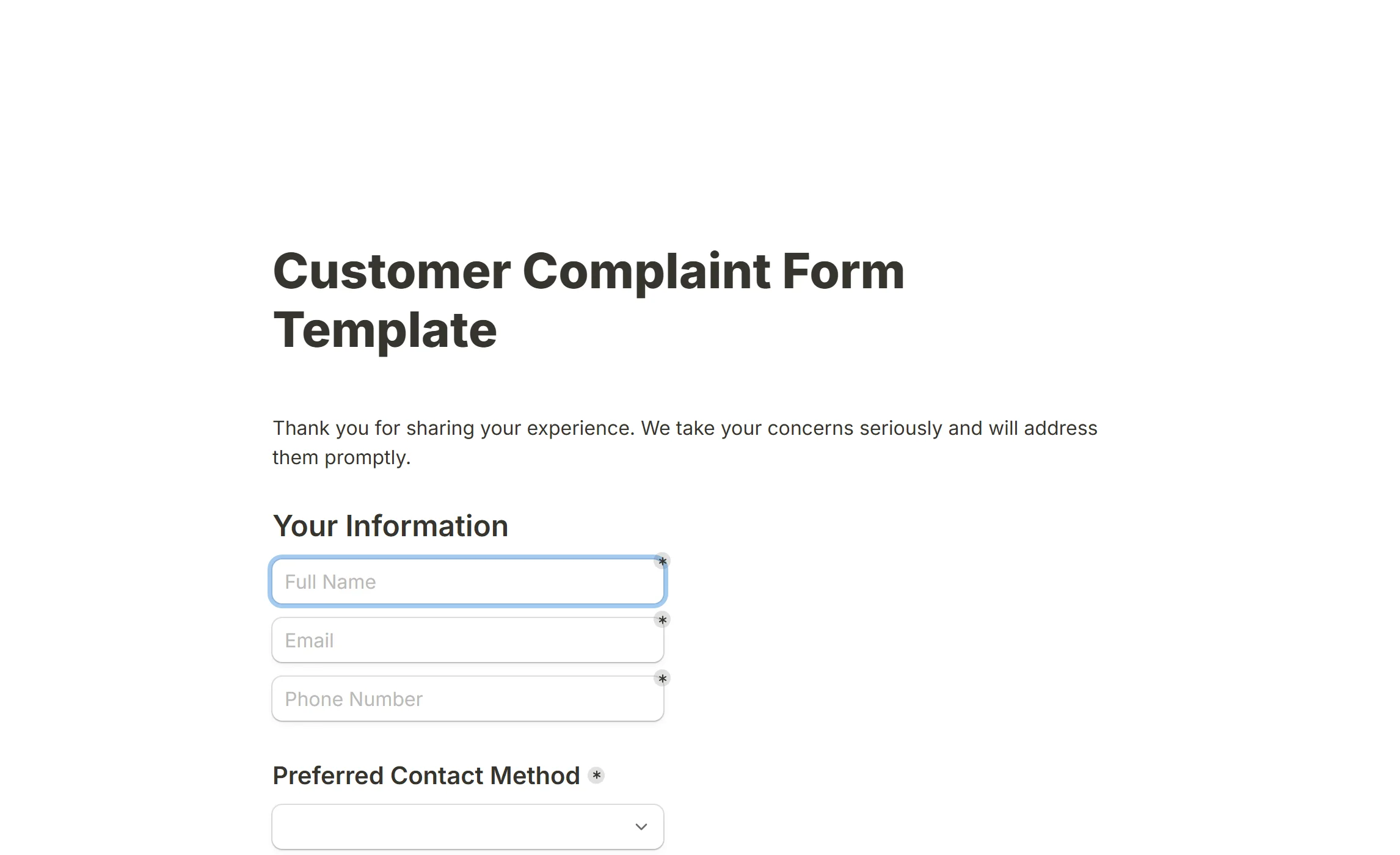
Gives customers a clear place to report a problem and gives you the details needed to fix it. Used for service failures, billing issues and product defects.
It covers:
- What went wrong
- When and where it happened
- The effect on the customer
- What outcome they want
- Contact details for the reply
A complaint that arrives with all its details gets resolved faster, and a fast resolution is what turns the experience around.
Open the Customer Complaint Form.
10. Newsletter Feedback Survey
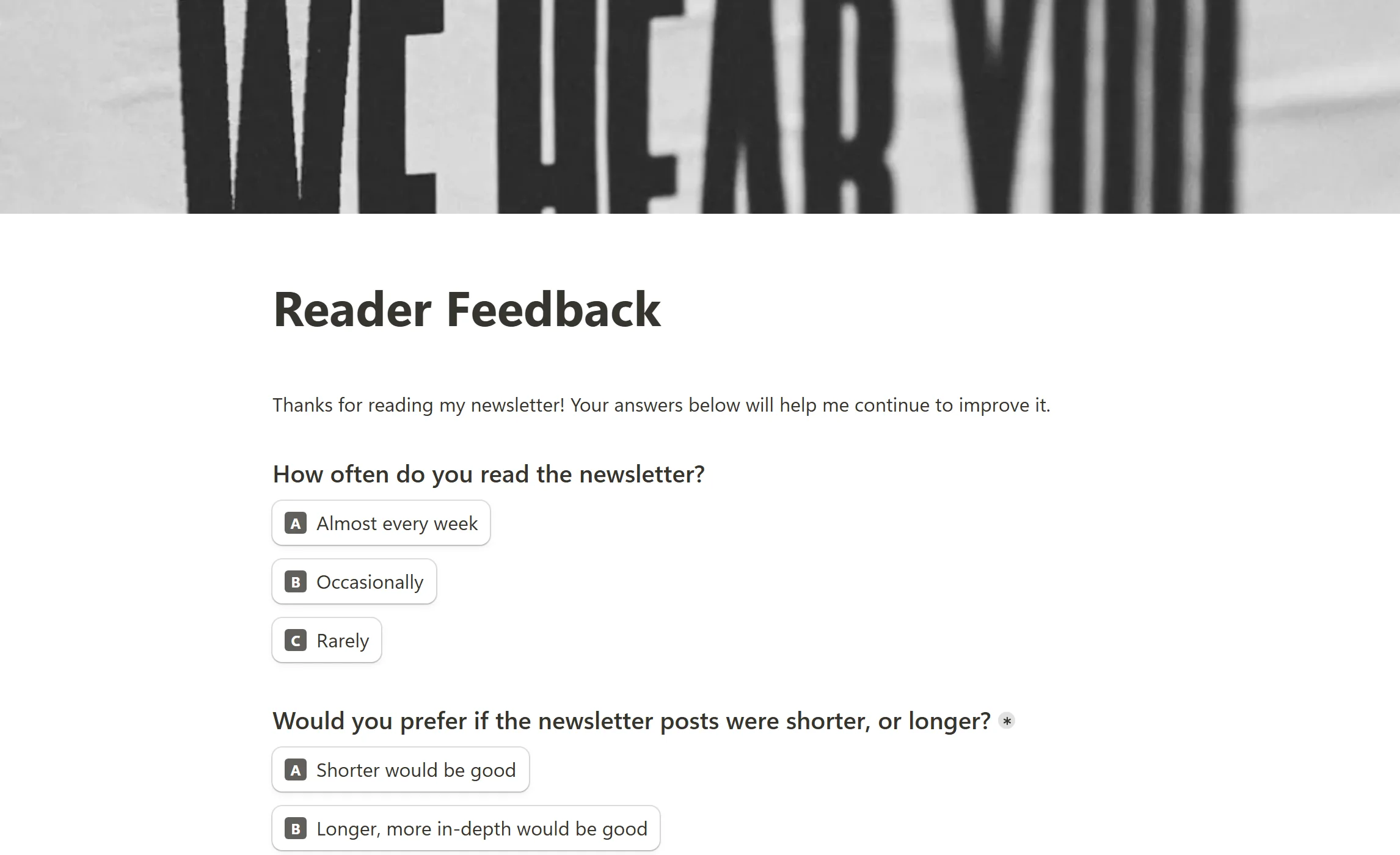
Asks subscribers what they think of the emails: whether the content is relevant, whether the frequency is right, and what they want more or less of. Sent periodically or after a subscriber has received a few issues.
It covers:
- Overall satisfaction with the newsletter
- Relevance and usefulness of the content
- Preferred frequency and timing
- Topics to cover more or less
- Open suggestions
The answers are how an email list stays one people open rather than one they unsubscribe from.
Open the Newsletter Feedback Survey.
11. Employee Engagement Survey Template
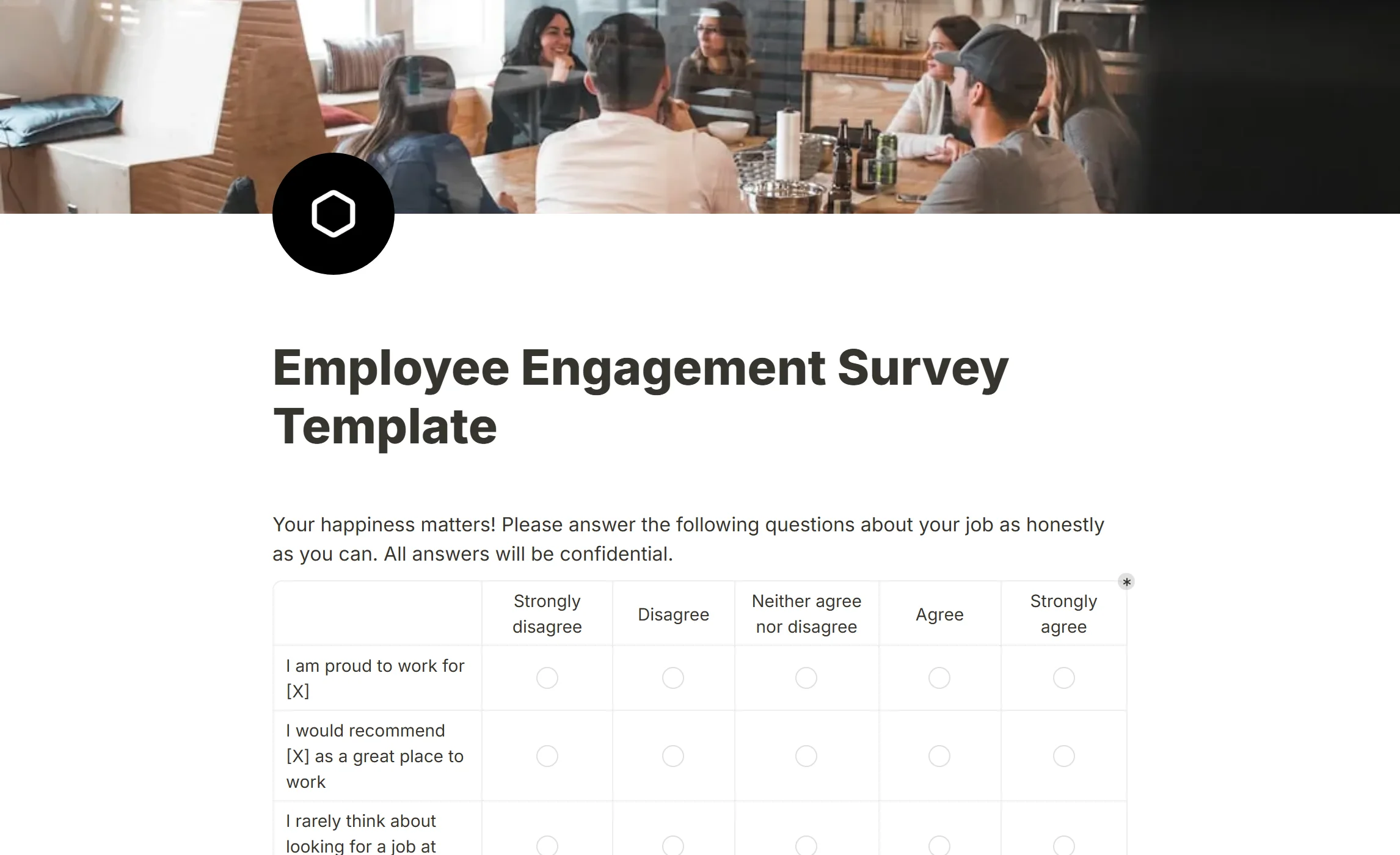
Measures how motivated and connected people feel at work, which is a different question from whether they are satisfied. Run quarterly or yearly so the trend is visible.
It covers:
- Engagement and motivation
- Alignment with the organisation's goals
- Views on management and leadership
- Opportunities to grow
- Open suggestions
Measured consistently, it shows problems early enough to do something about them.
Open the Employee Engagement Survey Template.
12. Customer Feedback Form Template
The general-purpose customer form, for any business that wants a standing way to hear from the people it serves. Where a CSAT survey is about one moment, this one is about the product as a whole.
It covers:
- The customer's email address
- Where they heard about you
- A
Matrixrating several aspects of the product on one scale - What they enjoy most
- What would make it better
- Anything else, with a file upload for screenshots
Open the Customer Feedback Form Template.
13. Exit Survey Form Template
The employee counterpart of a cancellation survey: asked of someone who is leaving, while they are still willing to say why. HR teams use it to find the reasons that repeat.
It covers:
- How long the person was employed
- Which factors influenced the decision, and the most important reasons
- What they liked most, and how they would describe the culture
Linear scalestatements on skills, resources, pay, the manager and feeling valued- What could have convinced them to stay
- Whether they would recommend the organisation as a place to work
Open the Exit Survey Form Template.
14. English course feedback
A course evaluation for a class or a training programme. Built for a language course, it adapts to any training with a change of wording, and it uses conditional logic to ask for an explanation only after a rating.
It covers:
- A
Ratingof how useful the course was, with a follow-up asking why - How the online format felt
- Which parts were most useful
- What a similar course should include next time
- Whether the respondent minds being quoted
Open the English course feedback template.
15. Feedback and Testimonial Form (with signature)
Collects feedback on an offer and, from those who are happy, a testimonial you may publish, with a Signature block recording the permission. Built for coaches and course creators; the placeholder "MY OFFER" is meant to be replaced with your own product's name.
It covers:
- The problem the client had before, what they liked best and what results they got
- A
Ratingof the overall experience - Whether the feedback may be used as a testimonial, and under what name or title
- A photo upload and permission to be contacted for a recorded version
- A signature and a date confirming the permission
Open the Feedback and Testimonial Form.
Why build feedback forms in this product
Quick to set up. Start from a template or a blank form; the editor is a page you type on, so the work is choosing the questions, not configuring a tool.
One shape for every kind of feedback. Customer, product, employee, event: the same blocks serve all of them, and conditional logic keeps each respondent's form to the questions that apply to them.
Yours to style, without code. Customize your form sets the logo, colours and font. The published page works on a phone as it is.
No per-response vendor charge. What a plan allows is listed on Fair use rather than metered by somebody else.
Easy to share. A link, a Standard, Popup or Full page embed, or a button in an email.
Everything in one place. The Submissions tab holds every answer, the Insights tab charts them, and a numeric question offers CSAT, average and median views on the spot.
Who feedback forms are for
Anyone who wants structured input rather than scattered opinions. In particular:
Businesses and startups
Teams that want to know their customers better and decide from data, without building each form from nothing.
Marketing and customer experience teams
People measuring the reaction to a campaign, a site change or a support conversation.
HR and people teams
Engagement surveys, exit interviews, performance cycles and internal improvement.
Product teams
Feature requests, usability studies and product feedback at every stage of a product's life.
Event organisers and educators
Anyone running an event, a course or a workshop who needs to know what to do differently next time.
Individuals and freelancers
Creators, consultants and independents who want honest reactions to their work.
How to create a feedback form
A good feedback form starts from a clear goal and stays short. The steps, in Tinyform:
1. Decide what you want to learn. Satisfaction, engagement, an event, a feature: one goal per form keeps the questions few.
2. Start from a template or a blank page. The gallery gives a proven structure; a blank form gives full control when the case is unusual.
3. Pick the question types. Rating and Linear scale for scores, Multiple choice and Checkboxes for reasons, Long answer for detail, Matrix when several items share one scale. Ask only what changes a decision.
4. Keep it relevant with logic. Conditional logic shows or hides questions based on earlier answers, so nobody is asked about a feature they do not use.
5. Make it look like yours. Customize your form covers logo, colours and font. A branded form gets finished more often.
6. Share it where the feedback happens. A link after a purchase, an embed in the app, a button in an email.
7. Read the answers. The Submissions tab lists them; Insights counts them and charts the scores.
8. Act on them. The last step is the one that matters. Close the loop, and tell respondents what changed because of what they said.
Questions people ask
What is a feedback form template?
A ready-made form with the questions already in place, which you copy and adapt. It saves the blank-page step and gives you a structure that has worked before.
When should I send one?
Whenever you want to know how something was experienced: after a purchase, a support conversation, onboarding, a training session, a cancellation.
Can I change a template?
Yes. Use this template makes a copy that is entirely yours: every question, the order, the wording and the design.
How long should it be?
Short. Between three and ten questions is typical, depending on what you are asking about. Every extra question costs completions.
Should it be anonymous?
Anonymous forms get franker answers on sensitive topics, but you cannot follow up. Decide by whether you need to.
How do I share it?
By link, by embedding it on a site or in an app, or by email. Pick the channel closest to the moment you are asking about.
Does it cost anything?
There is no per-form or per-response charge from a vendor. Fair use lists what each plan allows.
What kinds of feedback form can I build?
Any of the fifteen above and anything else the blocks can express: customer, employee, product, event, onboarding, cancellation, testimonial. Start from the gallery or from a blank form.
Start collecting feedback
Pick a template above, or create a blank form, and have the first answers before the day is out.