14 order form templates
Fourteen order form templates from the gallery, for merchandise, food, services, team apparel and pre-orders, with how totals add up and where payment stands.
Every business takes orders: handmade goods, digital downloads, a booking for a service, a batch of team shirts. An order form is where the customer says what they want and you get the details you need to fulfil it, in one place instead of across emails, calls and notes. The Tinyform gallery at /templates ships with an order form for each of the common shapes; this page walks through fourteen of them.
A good order form captures the product, the quantity, the customer's details and the delivery information, and shows the total as it is built. It cuts the back-and-forth, reduces mistakes, and gives the customer a buying experience they trust.
What an order form is
An order form is a structured record of a purchase request: which items, how many, at what price, where to deliver, and how to reach the buyer. It gives you a complete order to fulfil and gives the customer a clear picture of what they are getting.
The usual pieces are a set of product options with descriptions and prices, the customer's contact details, delivery preferences, and a total. The same form serves an individual seller, a service provider, a team collecting merchandise sizes or a company handling business-to-business orders.
Kinds of order form
The shape depends on what you sell and to whom.
Product order forms
For physical or digital items with set prices. They handle selection, quantity, variants such as size or colour, and shipping for physical goods.
Service order forms
For consulting, design, maintenance and other services. They often carry packages, an appointment date and questions about the job. Some ask for a deposit.
Custom order forms
For made-to-order work, personalised products, custom artwork, where every order needs its own specification and often its own price.
Bulk and wholesale order forms
For business customers and large quantities: volume tiers, minimum quantities, account details. They read like a catalogue where the customer fills in quantities, with payment usually arranged after the order rather than at checkout.
Event and team order forms
For group purchases such as team kit or event supplies, where many people order the same items with individual choices. Payment is usually invoiced once the quantities are known.
Food and catering order forms
For restaurants, caterers and group meals: menu choices, dietary needs, delivery timing.
Pre-order forms
For selling before a product is available, to measure demand for a limited run or to plan production from confirmed orders.
Whatever the shape, the customer should see what they are getting and what it costs before they commit. That is what gets the order completed.
Fourteen order form templates
Each is a built-in template. Open the link, read the preview, and press Use this template to copy it, with its settings, into your active workspace. Every product, price and question is yours to change.
1. Merch Order Form Template
For selling branded apparel, accessories or promotional items: a company swag store, event merchandise, team gear. Each product has a picture and a size picker, so the customer sees what they are buying and picks the right fit before ordering.
It covers:
- A product catalogue with images and descriptions
- Size and variant selection per item
- A quantity per product
- Contact and shipping details
- Order confirmation
Use it for any product line where visuals and variants make ordering easier.
Open the Merch Order Form Template.
2. Digital Product Order Form Template
For online courses, templates, ebooks and other downloads. It opens with a product page describing what is included, then moves to the order step. Respondent email notifications in Settings can send the download link the moment the form is submitted.
It covers:
- A product description and its benefits
- A list of what the customer receives
- The price and an order button
- A confirmation page
Adapt the description and the price to whatever you are selling.
Open the Digital Product Order Form Template.
3. Digital Product Checkout Template
For a small catalogue of digital products where a customer may want more than one: preset packs, template bundles, prompt packs. A Checkboxes question lists the products with a price each, and the form stays short so the customer picks and goes.
It covers:
- Checkbox selection across several products
- A price per item
- Customer contact details
- Confirmation and delivery details
It embeds well on a landing page built with a no-code tool.
Open the Digital Product Checkout Template.
4. Product Sales Order Form
For makers and small sellers who want to show the catalogue visually. Each product has an image, a description and a price; the customer ticks what they want, and a calculated field adds up the total, shipping included, before the final step.
It covers:
- A visual catalogue
- A price per item
- Checkbox selection across products
- An automatic total with shipping or fees
- Contact and delivery details
Works for physical goods and for digital products you want to present as a catalogue.
Open the Product Sales Order Form.
5. Food Order Form Template
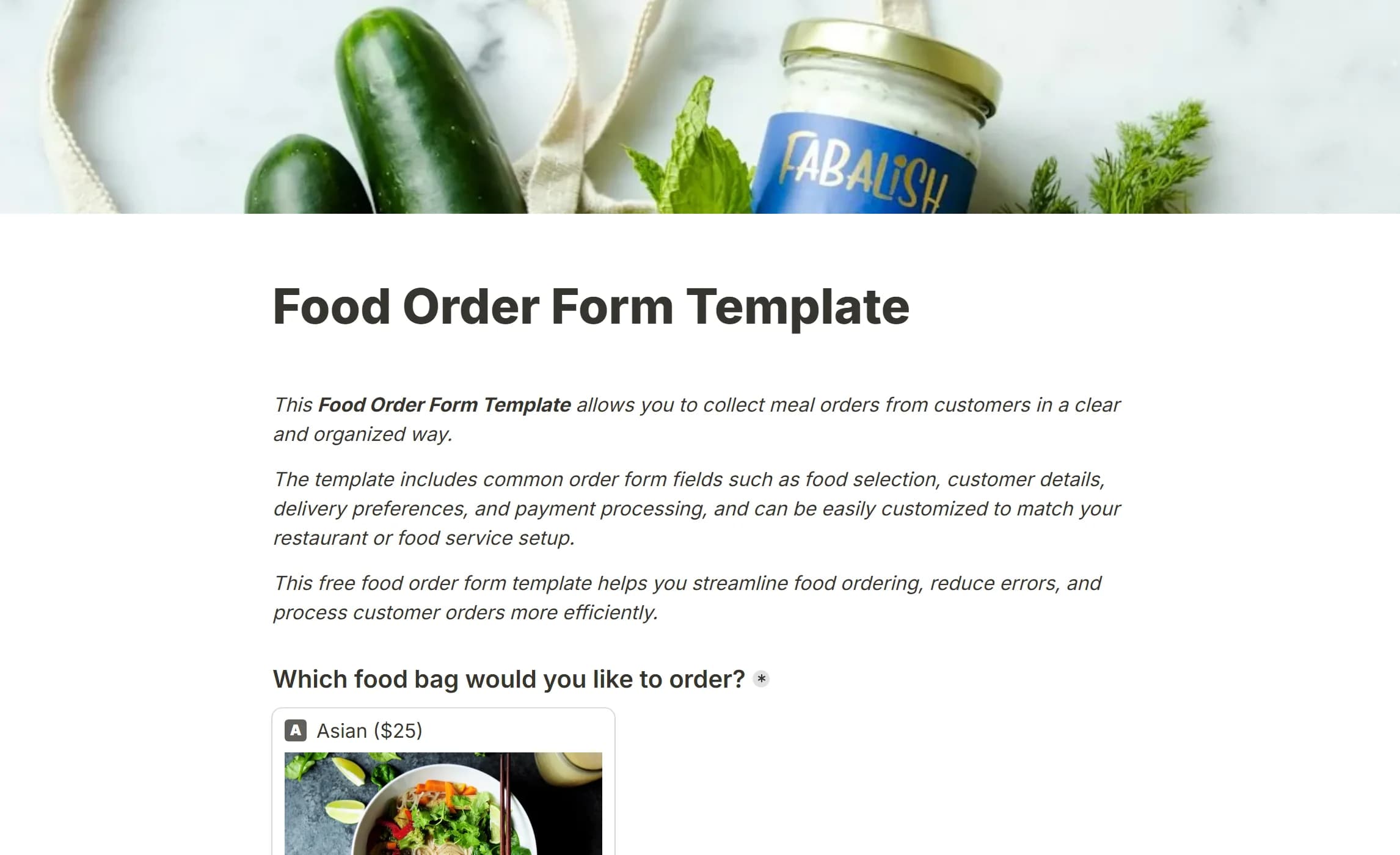
For restaurants, caterers and meal services: menu choices with pictures and prices, then delivery details. Suits meal prep, food delivery and catering packages.
It covers:
- A visual menu with prices
- Customer contact details
- A delivery address
- Order confirmation
Best for orders where the customer picks one meal, bag or package rather than building a long basket.
Open the Food Order Form Template.
6. Team Lunch Order Form Template
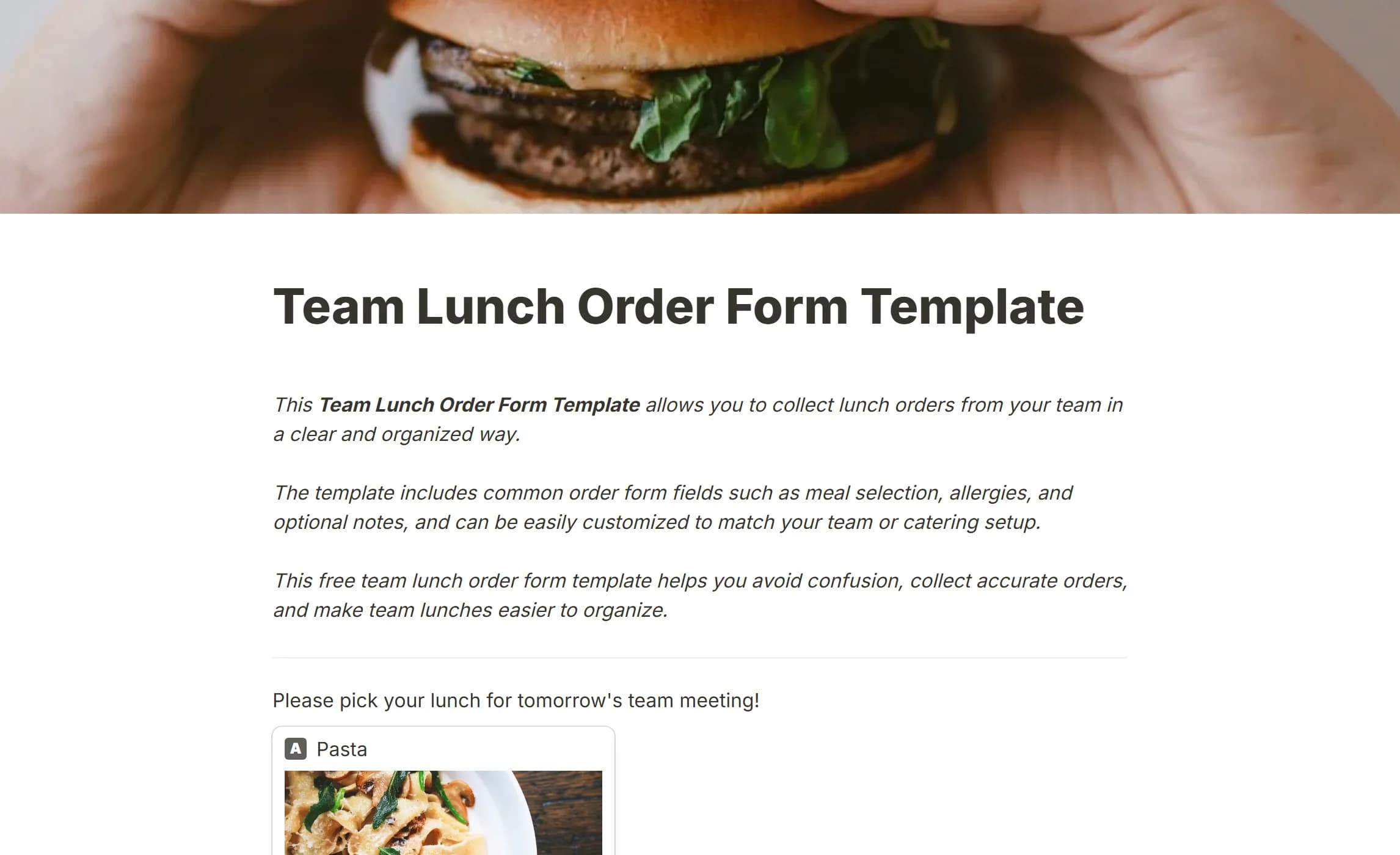
For collecting individual meal choices for an office lunch, a team event or a meeting, without the group-chat thread. Each meal has a picture, and the form asks for names, allergies and special requests. No payment step, since it is internal.
It covers:
- A visual menu with descriptions
- Allergy and dietary fields
- Notes for special requests
- The person's name for tracking
Open the Team Lunch Order Form Template.
7. Sales Order Form Template
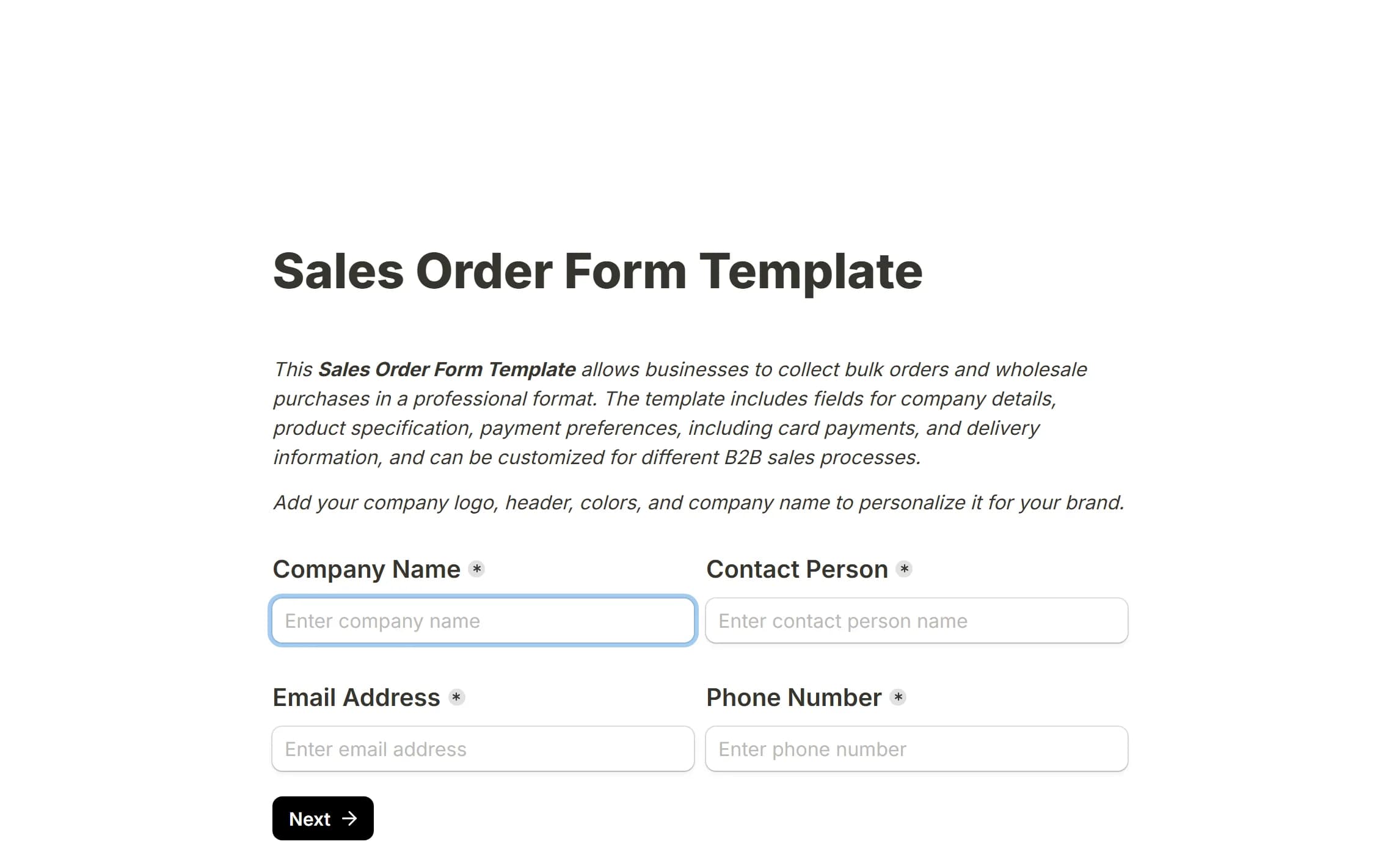
For business-to-business sales: wholesale, equipment, anything a company buys from another company. It starts with the buyer's business details, then a catalogue with a quantity per line, an automatic total, delivery details and a choice of how to pay.
It covers:
- Company and contact person
- A catalogue with quantities
- An automatic total
- Delivery address and requested date
- Payment method selection
Quantities per line make a bulk order faster than adding items one at a time.
Open the Sales Order Form Template.
8. Online Booking Form Template
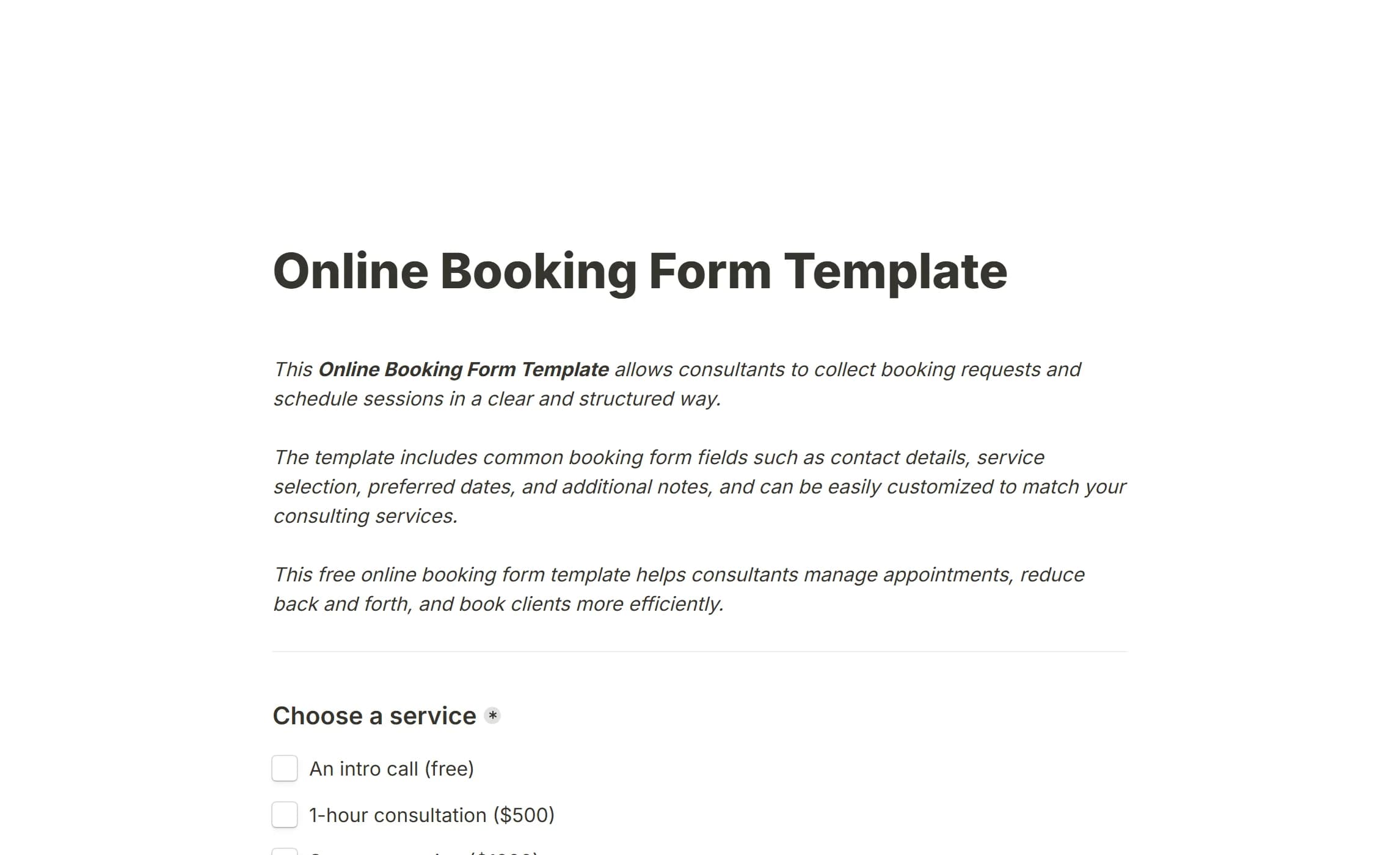
For consultants, coaches, designers and agencies selling services in tiers. The client sees the options with prices, ticks what they want, and the subtotal updates as they go.
It covers:
- Service selection with checkboxes
- A price per service
- An automatic subtotal
- Booking confirmation
Open the Online Booking Form Template.
9. Soccer Team T-Shirt Order Form
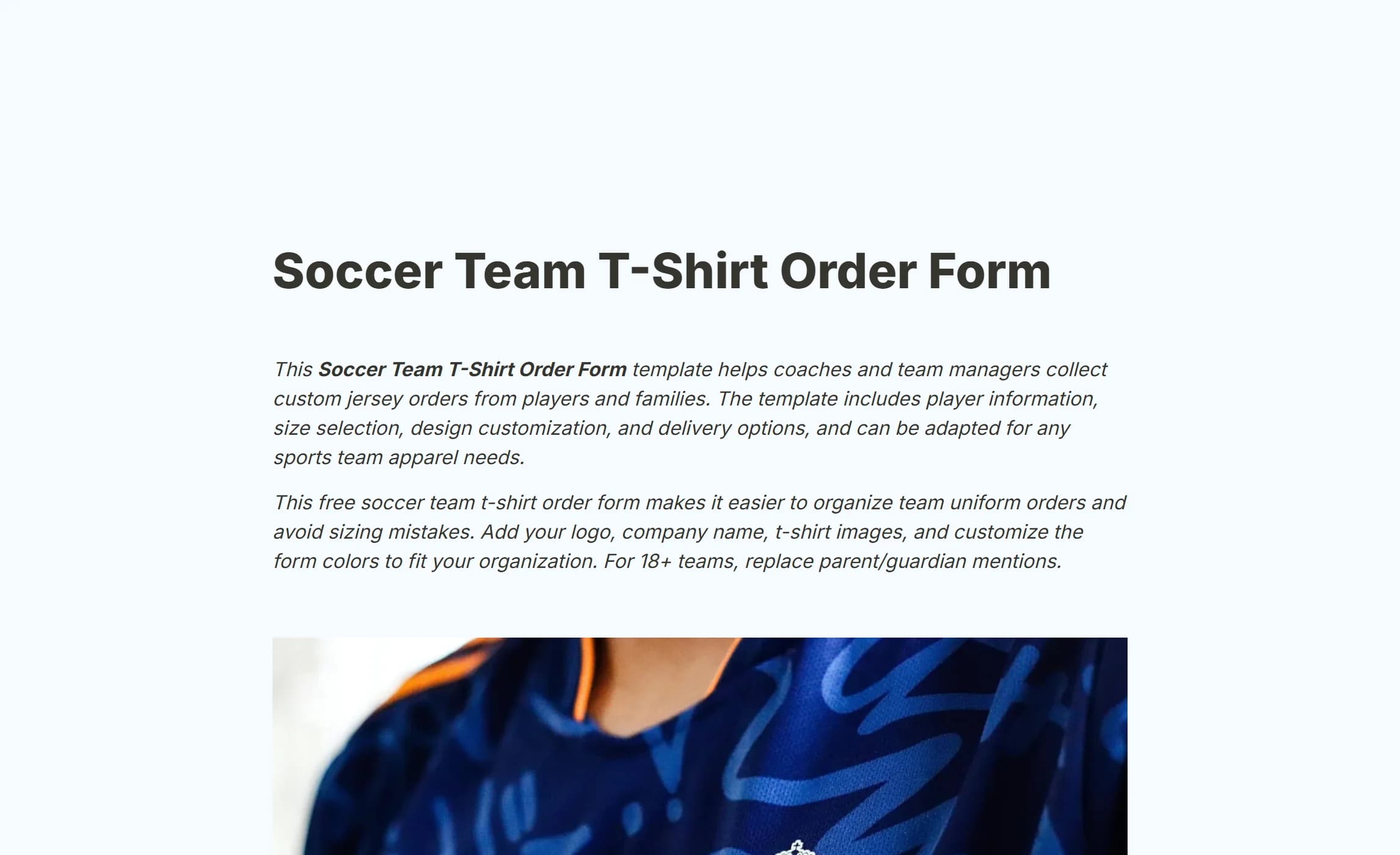
For custom team apparel: sizes, player names and shirt numbers, collected from families by a coach or a team manager. No payment step, since teams usually invoice once the quantities are confirmed.
It covers:
- Player and parent or guardian details
- Shirt number, size and design
- Name spelling for the print
- Quantity and delivery preference
- A parent's signature for youth teams
The structure catches the sizing mistakes and misspelt names before anything goes to print.
Open the Soccer Team T-Shirt Order Form.
10. Field Day T-Shirt Order Form
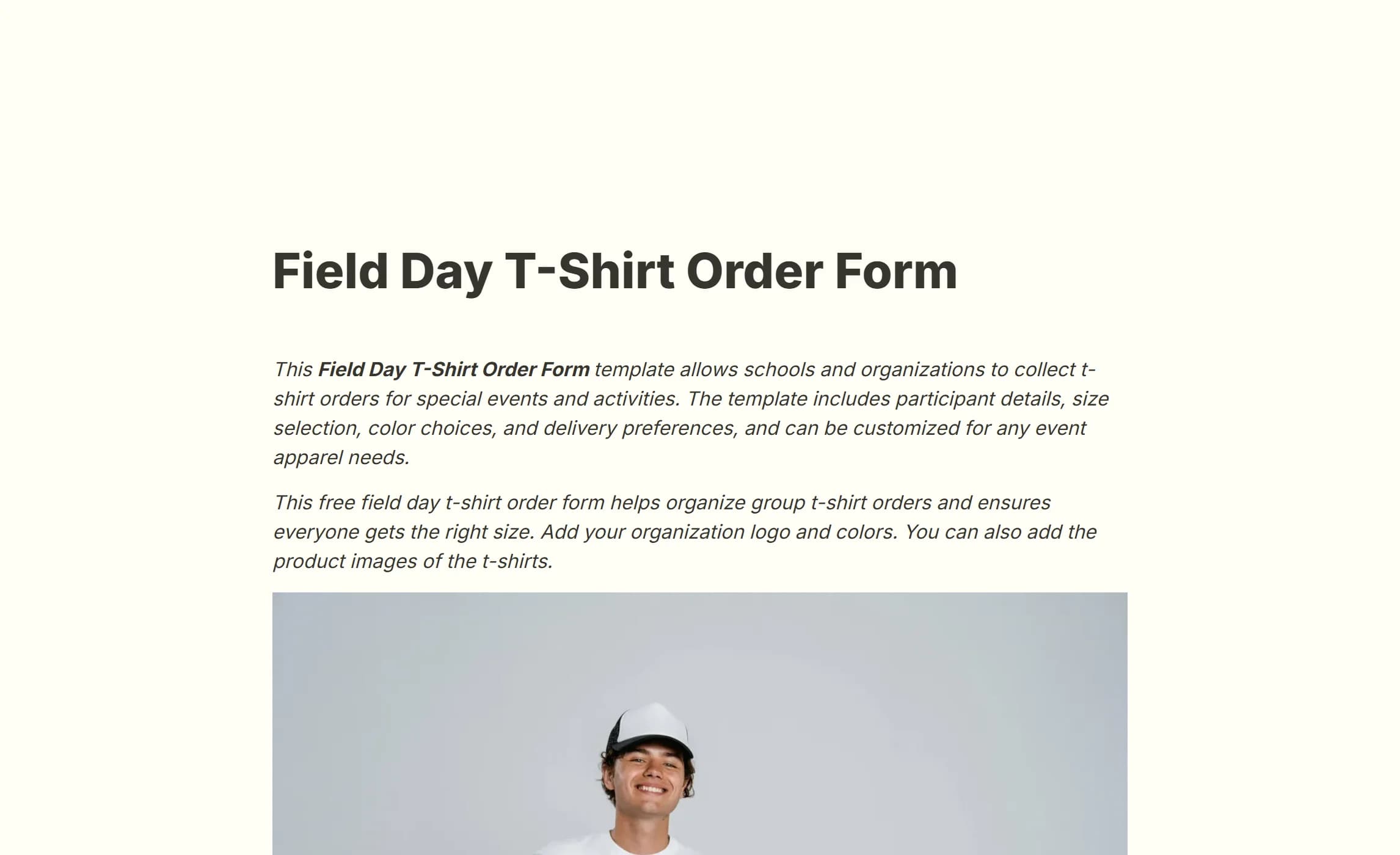
For schools and organisations ordering event apparel: sizes, colours and participant details from many families. Payment is invoiced after the order is confirmed.
It covers:
- Participant details
- Parent or guardian contact
- Size, colour and quantity
- Delivery method
- A parent's signature
Open the Field Day T-Shirt Order Form.
11. Uniform Order Form Template
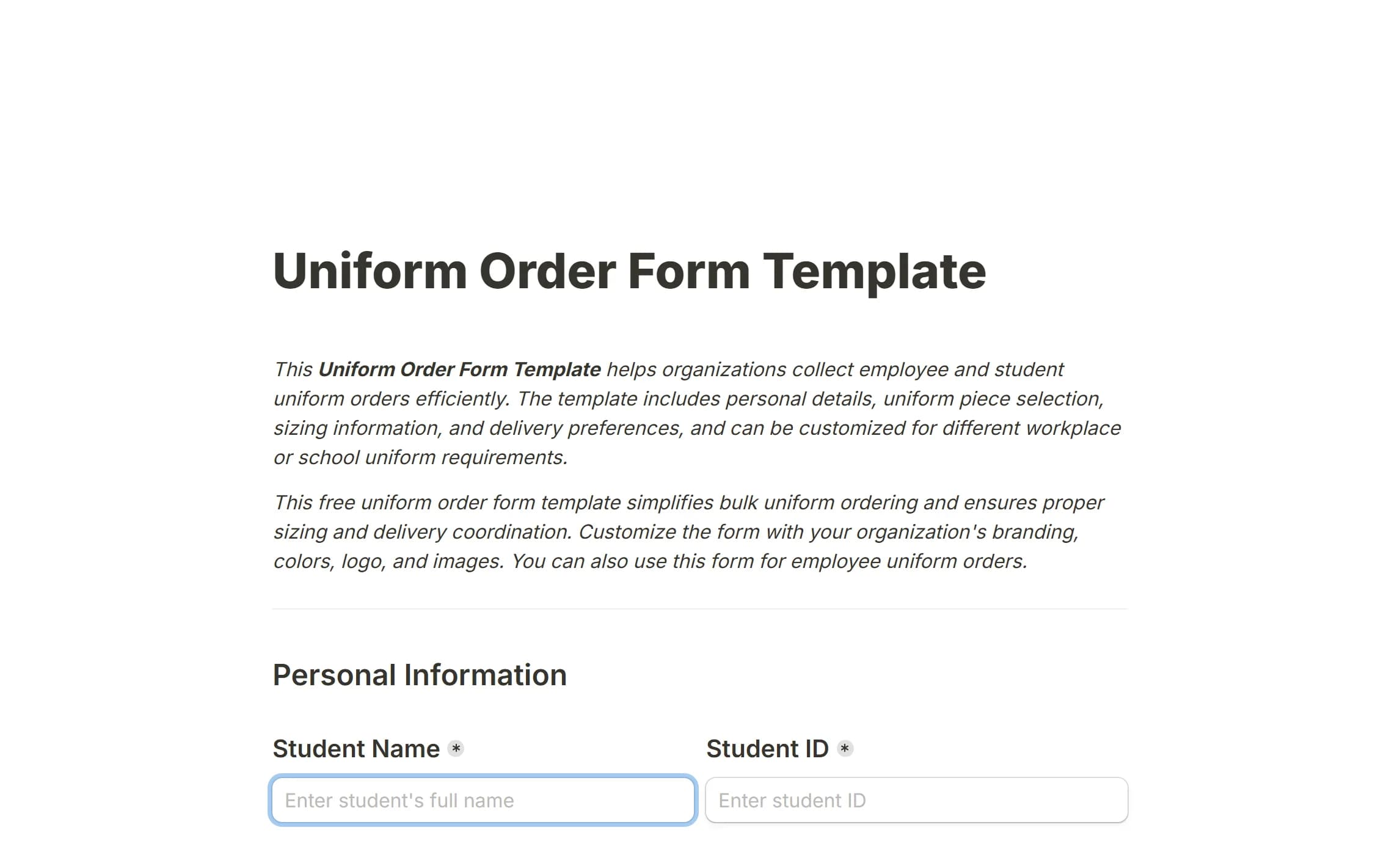
For work uniforms, school uniforms and team kit ordered for a group. HR, school administrators and team managers use it instead of a thread of emails.
It covers:
- Personal details
- Size and style per item
- Delivery method and timing
- Special requirements
- A signature confirming the order
Payment goes through billing after confirmation rather than up front.
Open the Uniform Order Form Template.
12. Cake Order Form Template
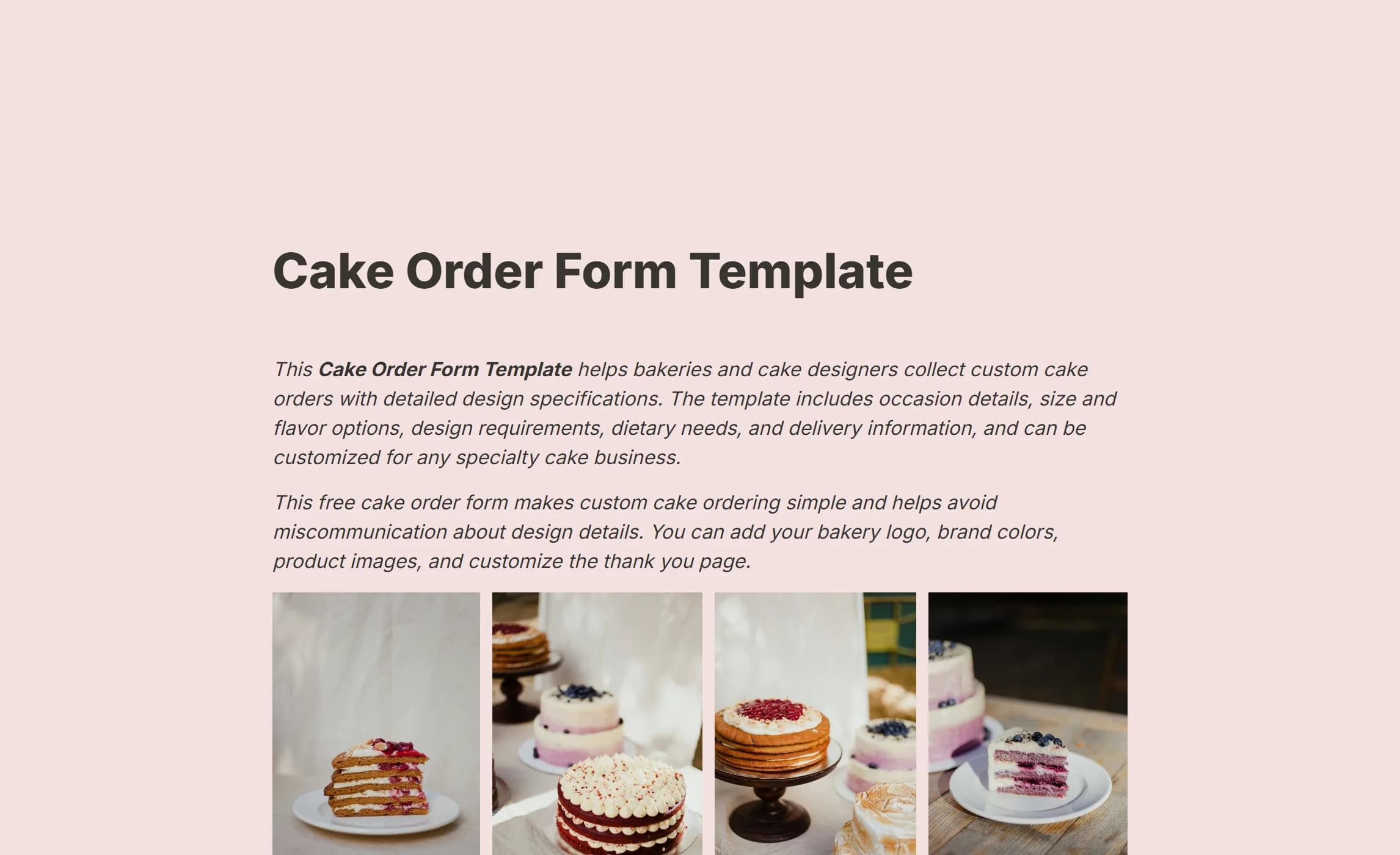
For bakeries taking custom orders. It opens like a landing page introducing the business, then collects the occasion, flavours, dietary needs and design ideas, with a file upload for reference pictures.
It covers:
- Contact details
- Occasion, size and flavours
- Dietary restrictions and allergies
- A design description with image uploads
- Event date and delivery preference
- A
Thank youpage setting out what happens next
The upload is what lets a customer show you the cake rather than describe it.
Open the Cake Order Form Template.
13. Pre Order Form Template
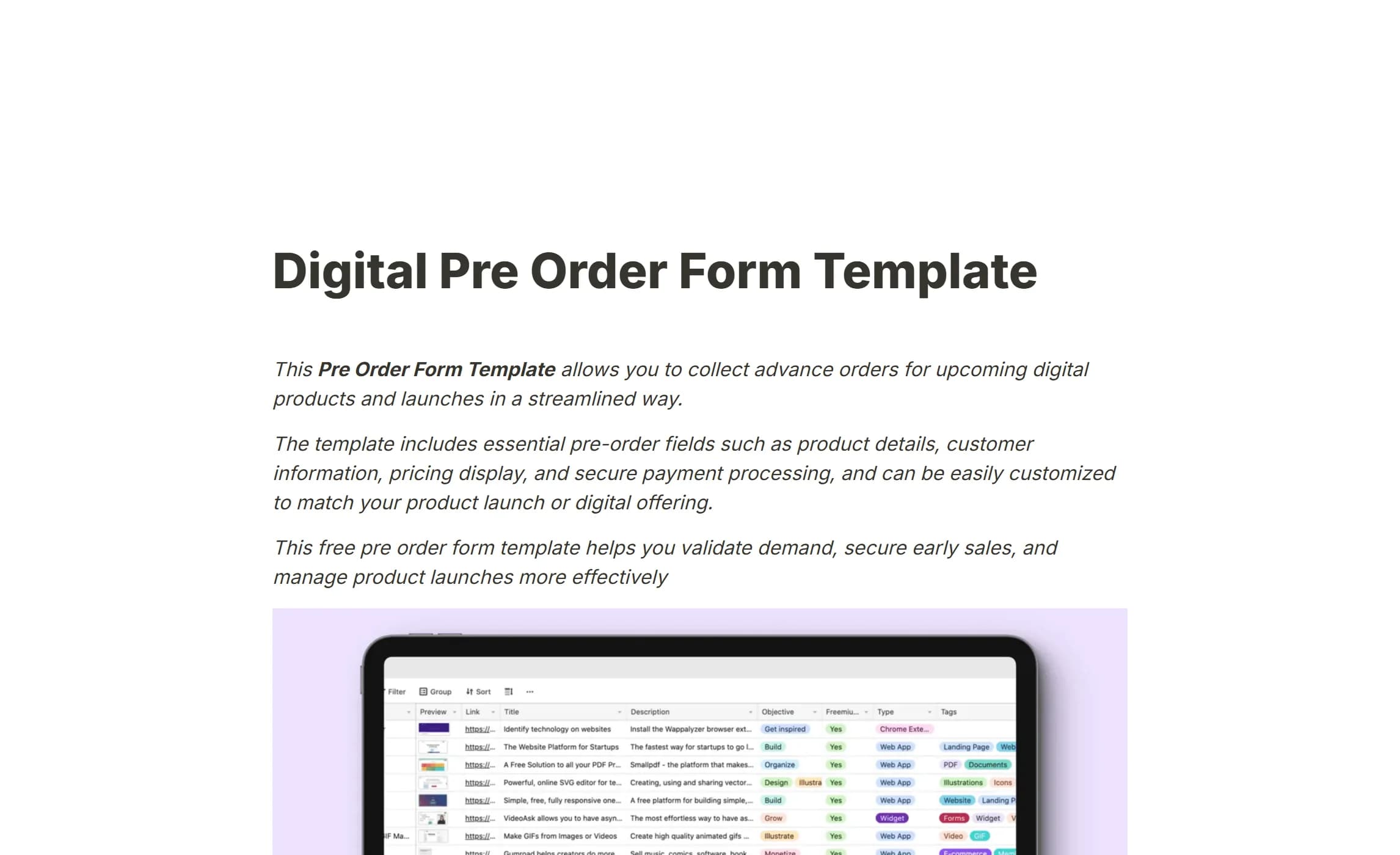
A pre-order page for a digital product that does not exist yet, to test demand before building it. It presents what the product will include with a clear price and collects the buyer's details.
It covers:
- Product description and features
- The price
- The customer's name and email
Use it to validate a course, a template or a tool before committing the time to make it.
Open the Pre Order Form Template.
14. Pre-Order Form Template
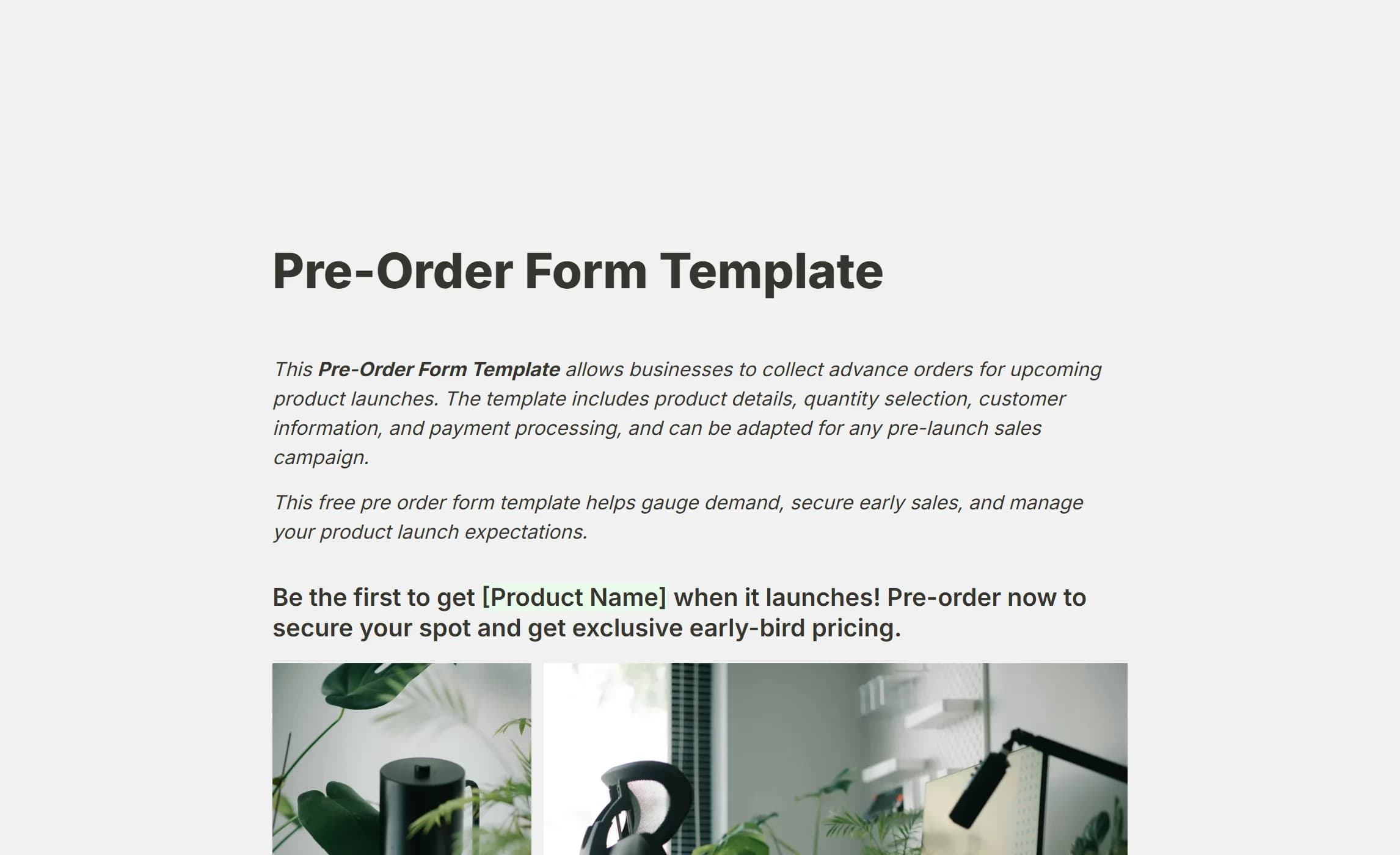
A pre-order page for a physical product launch or a limited run. It presents the product with images and early-bird pricing, collects shipping details, offers a quantity with a cap, and states the delivery estimate.
It covers:
- Product details and early-bird pricing
- Contact and shipping address
- Quantity, within a limit
- An opt-in for launch updates
It doubles as a landing page if you do not have a site yet.
Open the Pre-Order Form Template.
Why build order forms in this product
No per-order fee to a vendor. What a plan allows is on Fair use.
Totals that add themselves up. A Number question with a currency Format (US Dollar, Euro or Pound, or a Prefix and Suffix of your own) feeds a calculated field through conditional logic's Calculate action, so the customer sees the price, the discount, the shipping and the total as they choose.
Confirmation emails. Self email notifications tell you about each order; Respondent email notifications confirm it to the customer, with any answer quoted by typing @.
Orders in one place. The Submissions tab lists every order with its answers as columns, exports as CSV, and gives each order a PDF.
Yours to style. Product images, embeds and your own branding, without code.
Connected to what you already use. A webhook posts each order to a spreadsheet tool, a CRM or an automation service as it arrives, and the REST API reads the same orders back.
What is missing. Payment. A Payment block draws a notice and collects nothing, so these forms record the order and the amount, and the money changes hands elsewhere: an invoice, a payment link in the confirmation email, a till.
Who order forms are for
Anyone who sells something and wants the request to arrive complete.
Small businesses and retailers
Sellers and makers who want orderly order-taking without an e-commerce platform.
Service providers and freelancers
Consultants, designers and contractors collecting the details of a job and the client's information in one pass.
Team and event organisers
Coordinators of group purchases where many people need similar items with individual choices.
Food businesses
Restaurants, caterers and meal services handling menu selections, dietary needs and delivery.
Creators
Artists, educators and coaches selling digital products, courses or artwork to their audience.
B2B sales teams
Companies selling to companies, who need a proper record and a way into their existing systems.
Custom makers
Artisans and specialist producers whose orders need specifications and a quote.
How to create an order form
1. Set out the products and prices. Have the descriptions, variants and prices ready before you start.
2. Pick a template or a blank form. The templates above give a structure for the common cases.
3. Add the products and the prices. Options with descriptions and images; a calculated field for the running total, with tax, shipping or a discount applied through logic.
4. Collect what fulfilment needs. Contact details, a shipping address, delivery preferences. Keep the Required flags to what you cannot do without.
5. Decide how the money moves. Since payment is not collected in the form, say on the Thank you page or in the confirmation email how the customer pays: an invoice, a link, on collection.
6. Use logic to keep it short. Conditional logic hides the shipping questions for a digital product and shows the project questions for a custom job.
7. Design for trust. Clear images, visible prices, your branding, your contact details and your returns policy.
8. Test the whole flow. Place a few orders yourself, check the totals, and check that the confirmation email arrives.
9. Watch the numbers. Insights shows completion and where customers give up; simplify whatever they give up on.
Less is more: the customer should have what they need to decide, and nothing that gets in the way of finishing.
Questions people ask
What goes in an order form?
Product or service selection, quantities, contact details, shipping details for physical goods, and a confirmation. Add what your business needs on top: project requirements, delivery timing, personalisation.
How do I take payment securely?
Not in the form itself. Never collect card details in a text field; use a payment provider's own page or link, and reference it from the confirmation.
Do I need to code?
No. The editor is a page you type on, and the totals are built with calculated fields and logic in the block menus.
How do I handle stock?
The form collects the request; stock is tracked elsewhere. Use conditional logic to hide a sold-out item, and a Number question's minimum and maximum to cap a quantity.
How do I reduce abandoned orders?
Keep the form short, show prices early, check it on a phone, and use a progress bar on a multi-page form. Partial submissions keeps what was typed before someone left.
One page or several?
A simple product order fits on one page. A custom or business order reads better across a few pages, one topic each, with the New page block.
How do I handle custom pricing?
Calculated fields with conditional logic price most combinations of choices and quantities. For a price that needs a human, collect the requirements and quote afterwards.
Can I connect the form to my other tools?
Yes, through webhooks and the REST API. Each order can be posted to a spreadsheet tool, a CRM or an automation service the moment it is submitted.
Order form or e-commerce platform?
An order form suits custom orders, services, group orders and B2B sales, anywhere the details matter more than the basket. A shop platform suits a large standardised catalogue with stock, shipping rules and customer accounts.
Create your order form
Pick one of the templates above, or build from a blank form, and take the first order today.