Bulk insert option lists
Paste a long list of answer options into a choice question at once, one per line, instead of typing them in one at a time.
Typing a list of countries or dial codes one option at a time is slow. Bulk insert options takes the whole list from a text box and turns each line into an option, so a hundred entries land in one step.
You can bulk insert options on these question types:
- Dropdown
- Multiple choice
- Checkboxes
- Multi-select
- Ranking
How to insert option lists
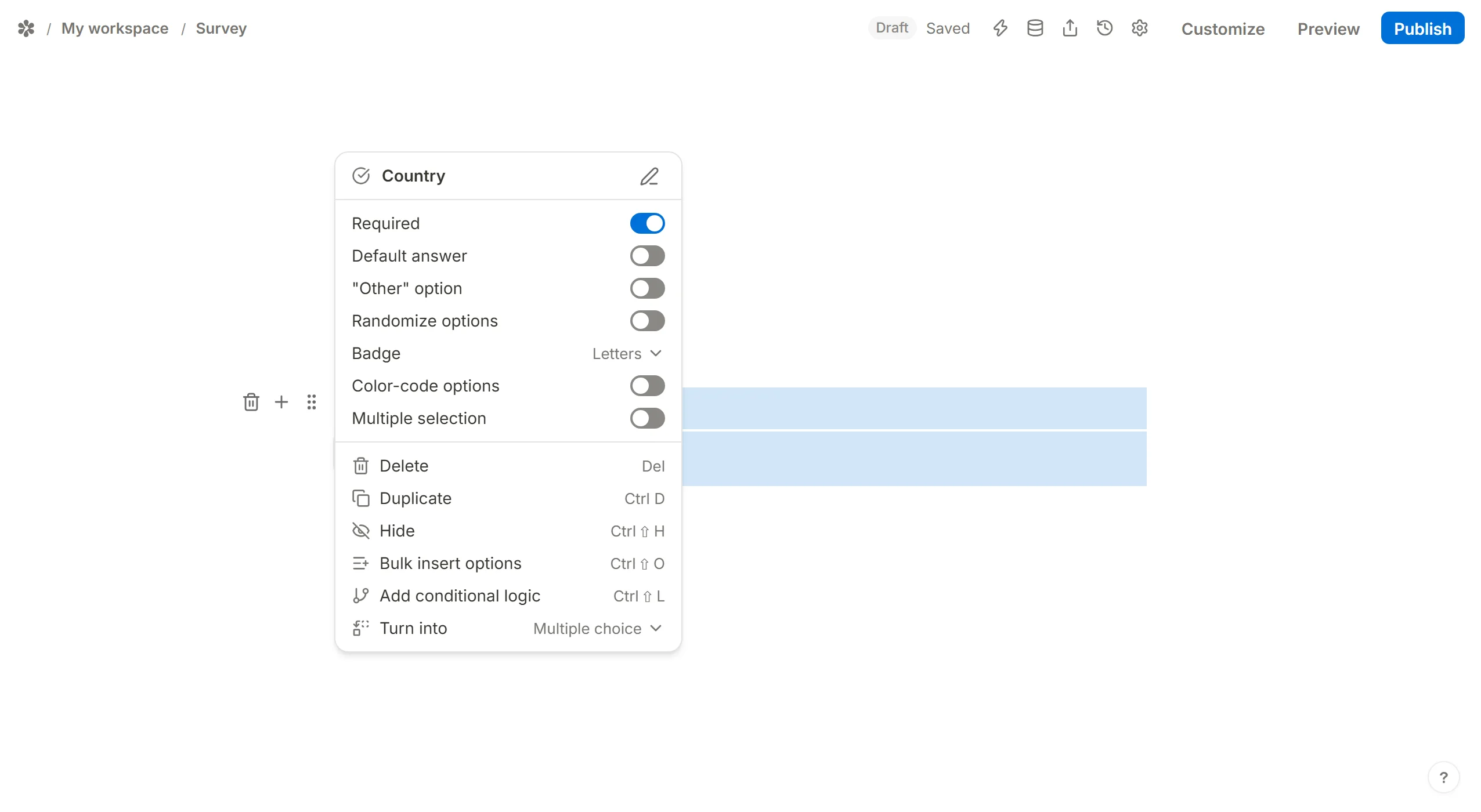
Open the question's block menu (hover the block in the editor at /forms/<id>/edit and click the handle in its left margin) and choose Bulk insert options. The shortcut Ctrl ⇧ O opens the same dialog for the selected block.
Paste your list into the box, one option per line, with no commas between entries, and press Insert options.
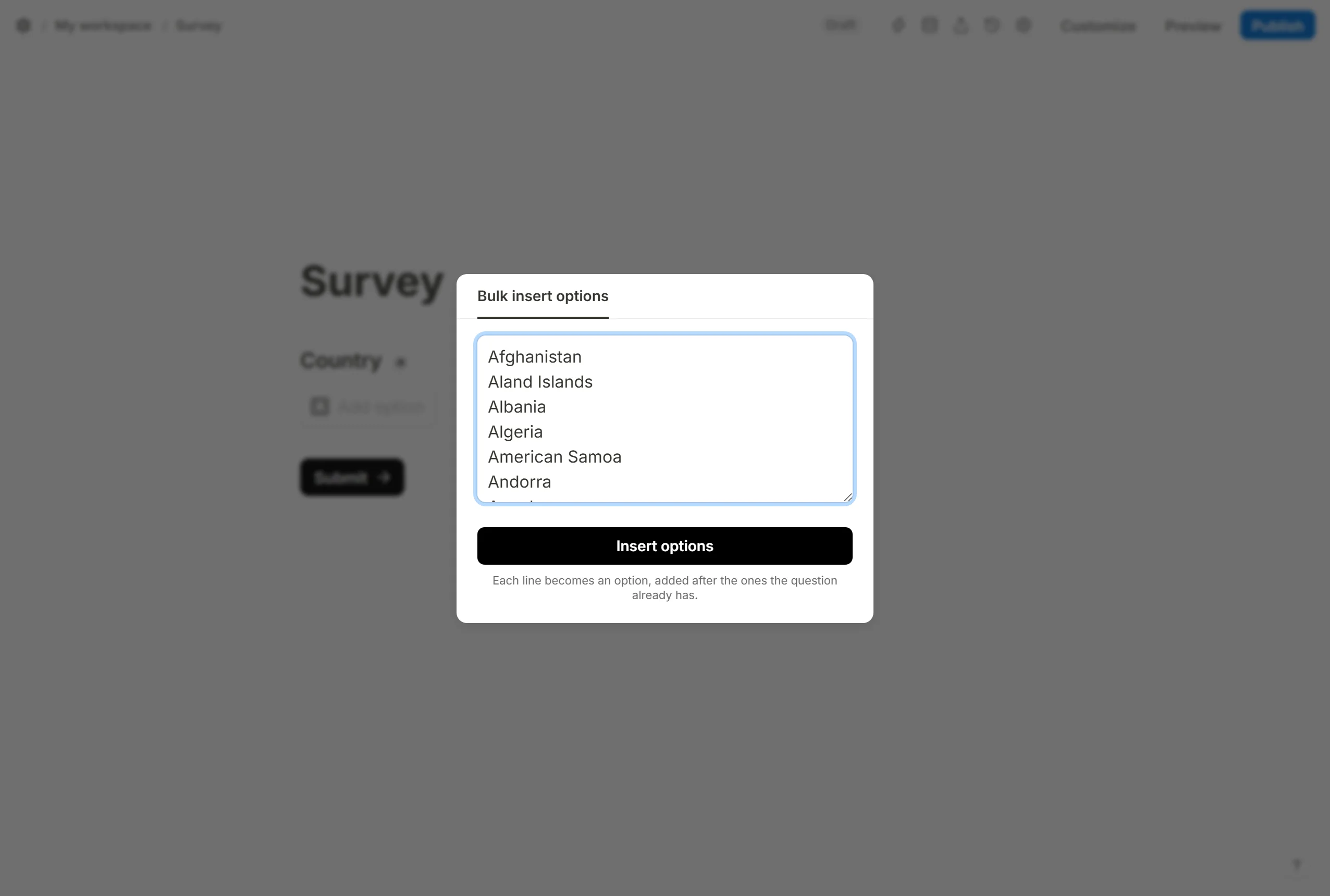
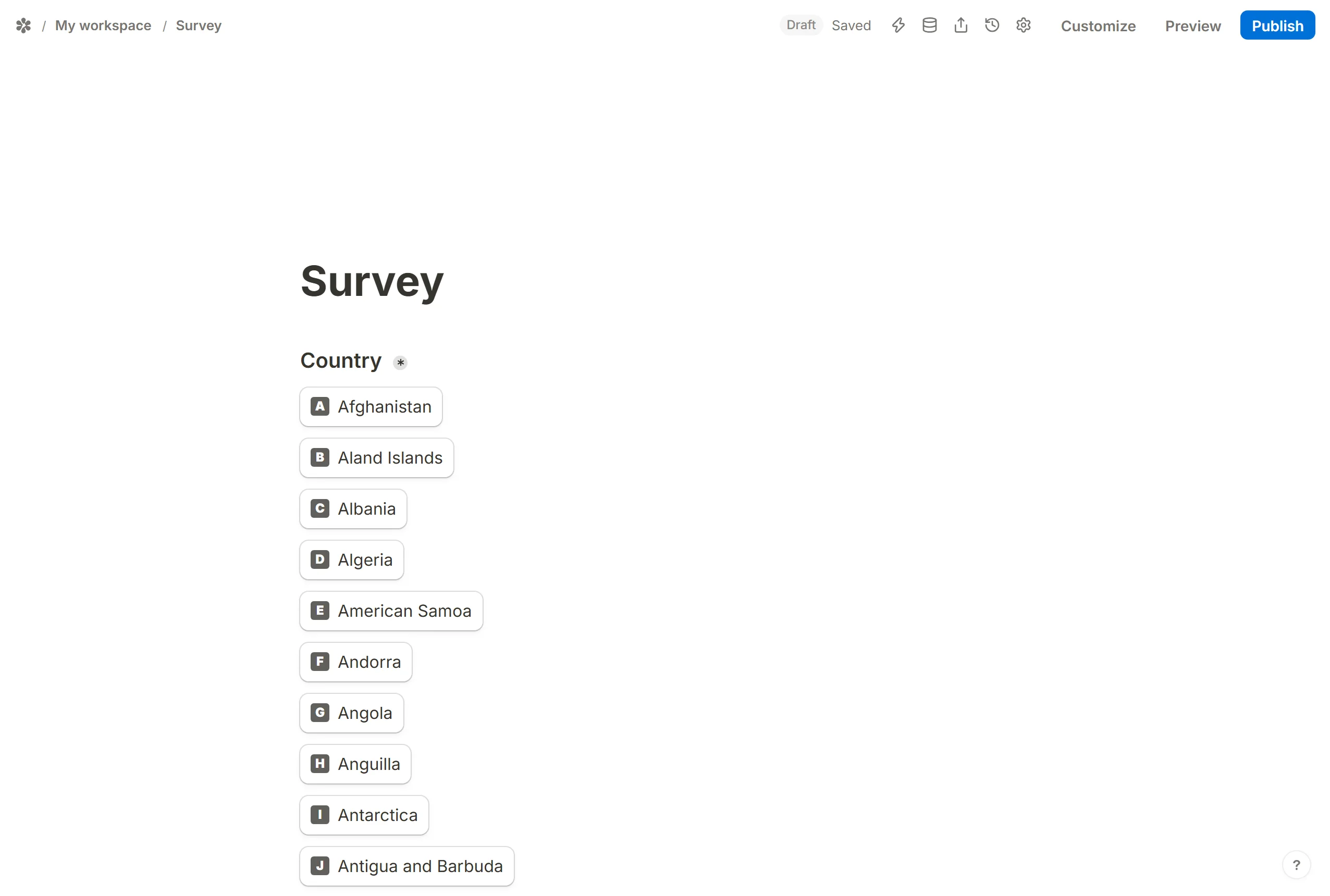
Each line becomes an option, added after the ones the question already has. The dialog appends; it never replaces what is there.
How to select and move lists
Every block on the canvas can be dragged to another position: hold the handle in the left margin (the tip reads "Drag to move") and drop it where it should go. The options under a question move with it.
The block menu holds the other edits. Delete removes the block (Del does the same for the selected one), and Duplicate (Ctrl D) makes a copy directly below it, options included, so a second question with the same list is one shortcut away.
Long lists on the canvas

Option lists do not fold in Tinyform: a dropdown with two hundred countries is two hundred rows on the canvas. What folds is a page. Click the chevron on a page break and everything on that page collapses to one line showing how many blocks it hides, which is the practical way to keep a long form scrollable while you work on another part of it.